

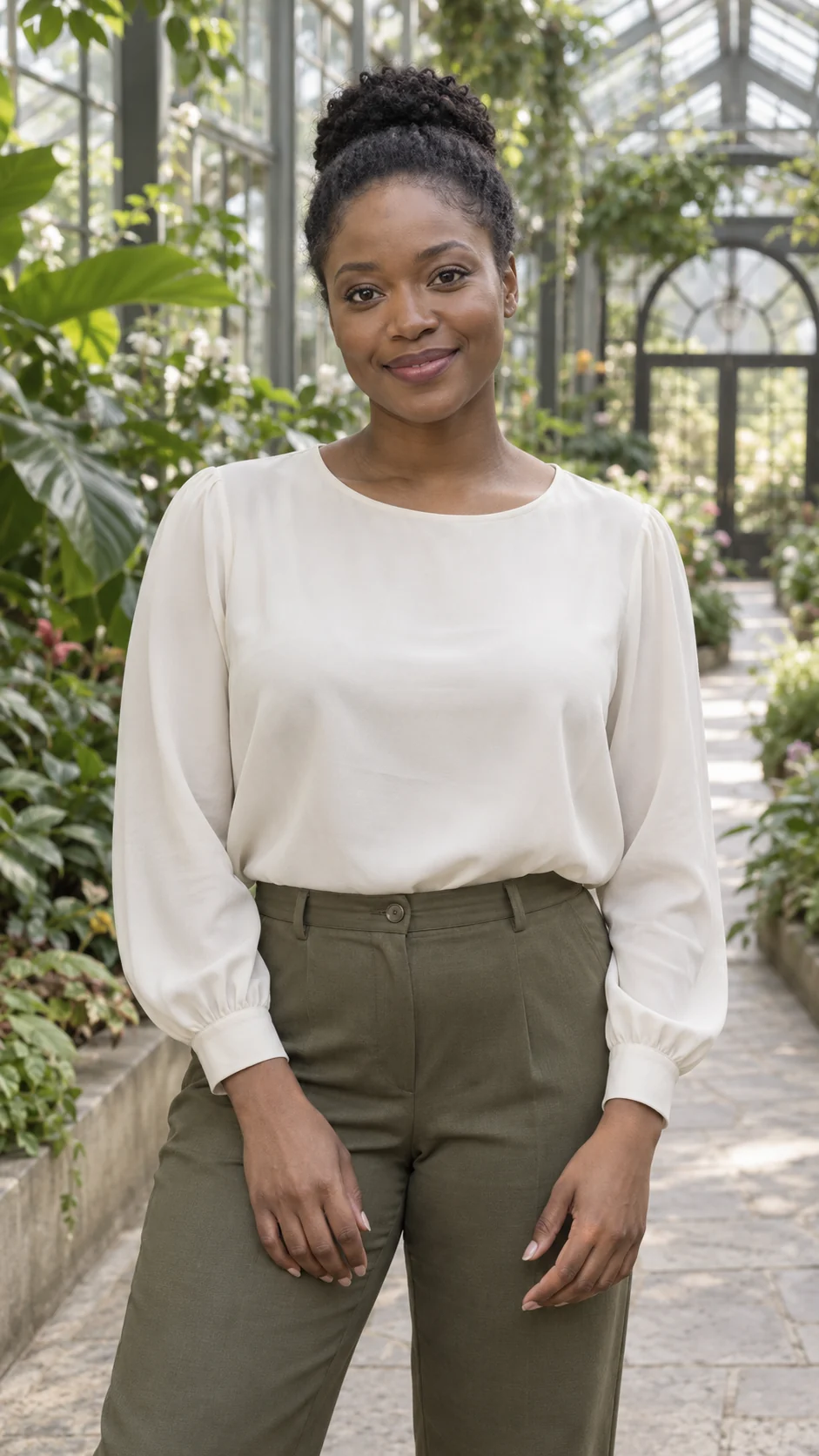
Keep your pose as a gentle camera arc reveals the scene around you.
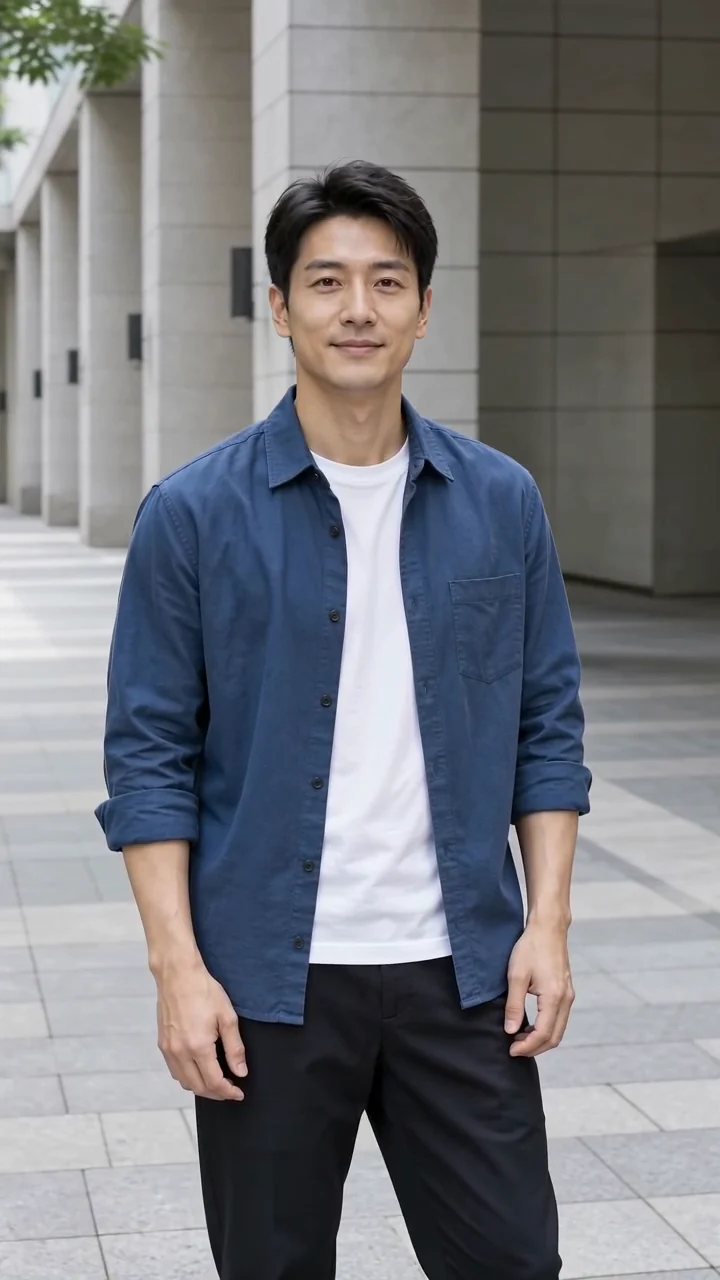 Example video
Use a half-body or full-body adult portrait with some visible background depth.
JPG, PNG or WebP · up to 10 MB · at least 128 × 128 px
5 seconds · 720p · Silent video
Example generated with this recipe from an AI-created fictional adult portrait. Your result will depend on your photo.

Effect
Cinematic Orbit
Example generated with this recipe from an AI-created fictional adult portrait. Your result will depend on your photo.
A shallow camera arc brings depth to a still portrait. The recipe asks the person to hold their pose while the viewpoint moves, without trying to make a full turn.
A gentle camera arc gives a still portrait depth, which suits portfolio and travel moments.
Add depth to a standing portrait so the background feels like a place rather than a flat backdrop.
Bring a favourite location photo to life with a short camera move around you.
Open a short video with a smooth viewpoint shift, then continue in your editor with titles and sound.
Choose the photo for this effect. The template prepares the model and motion so you can focus on your version.
Steps
Use a half-body or full-body adult portrait with space around the subject and a background that shows depth.
The Cinematic Orbit template prepares the motion and model. Choose a supported format, add your photo and check the current credit quote before generating.
Check the face, pose and background as the viewpoint moves. This preset asks for a shallow arc, not a full turn. Download the finished clip for your greeting, post or edit.
Play a related effect, then open it to use your own photo.
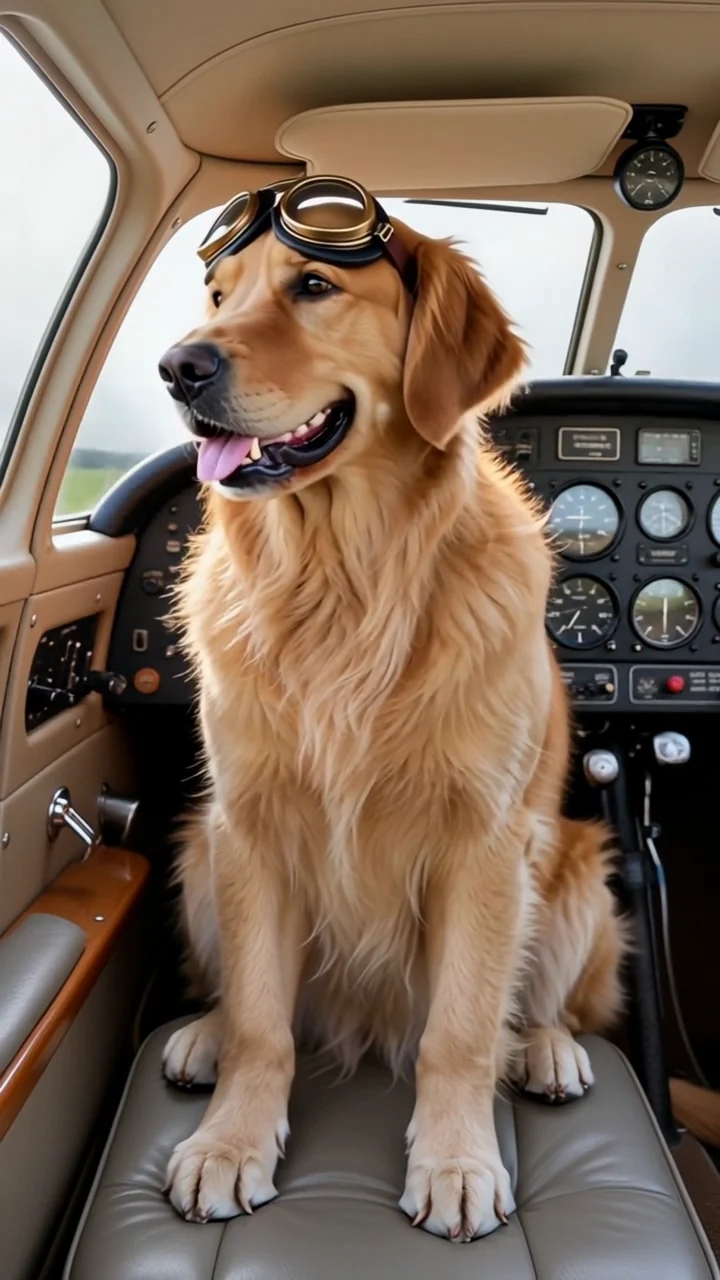



Choose an input and know what to expect.
The credit quote for your own version appears before you generate. Choose a monthly plan, annual credits or a one-time pack that fits how often you create.
Starter
500 credits
For occasional short videos
Pro
1,000 credits
For regular video creation
Max
2,000 credits
For higher video volume
Starter
4,800 credits
For occasional short videos
Pro
9,600 credits
For regular video creation
Max
20,000 credits
For higher video volume
500 credit pack
500 credits
One-time payment. No subscription required.
1,000 credit pack
1,000 credits
One-time payment. No subscription required.
2,500 credit pack
2,500 credits
One-time payment. No subscription required.
Your version is next
Add a clear photo, check the credit quote and create a short video you can preview and download.
Add your photo