
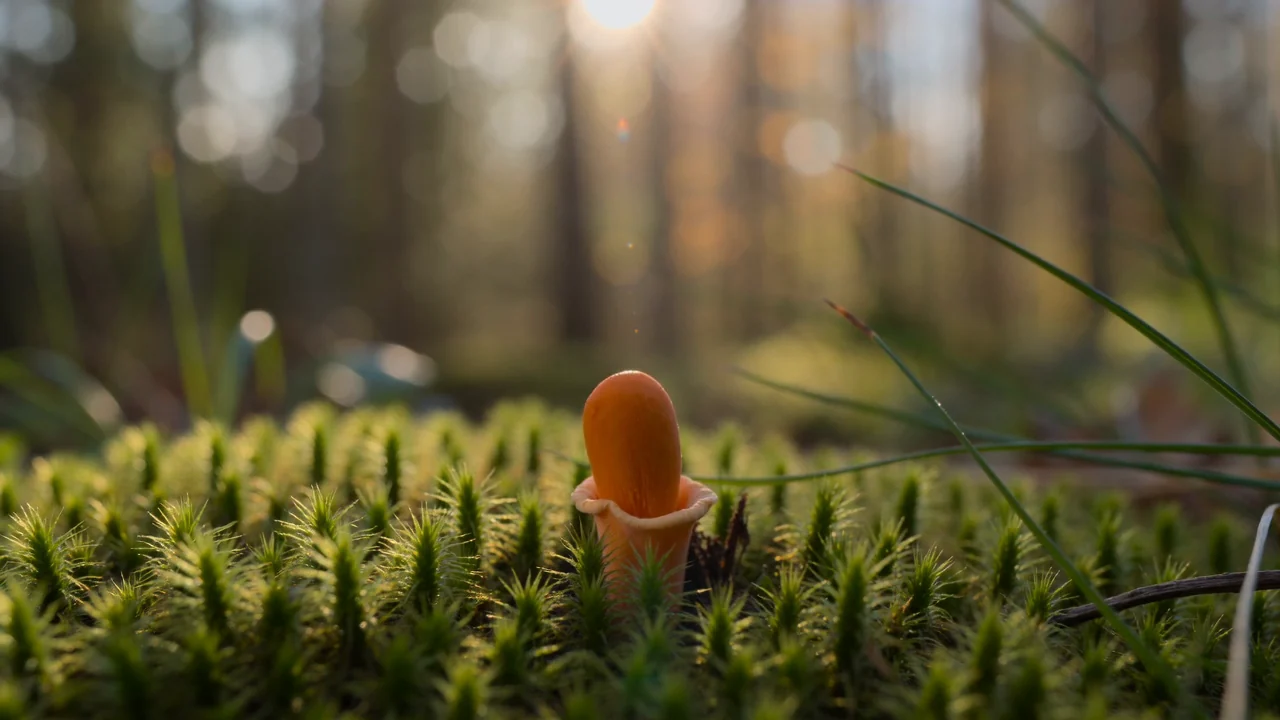
Mushroom growth: Fast model
The recorded mushroom prompt with Seedance 2.0 Fast.
SceneWish turns a written scene into a short video. Describe one action in the text to video generator, or start from an example you can watch first.
Add your idea and any required inputs.
Watch a SceneWish example and use its recorded recipe. External inspiration is listed separately with its source and an unverified starting prompt.
The recorded mushroom prompt with Seedance 2.0 Fast.
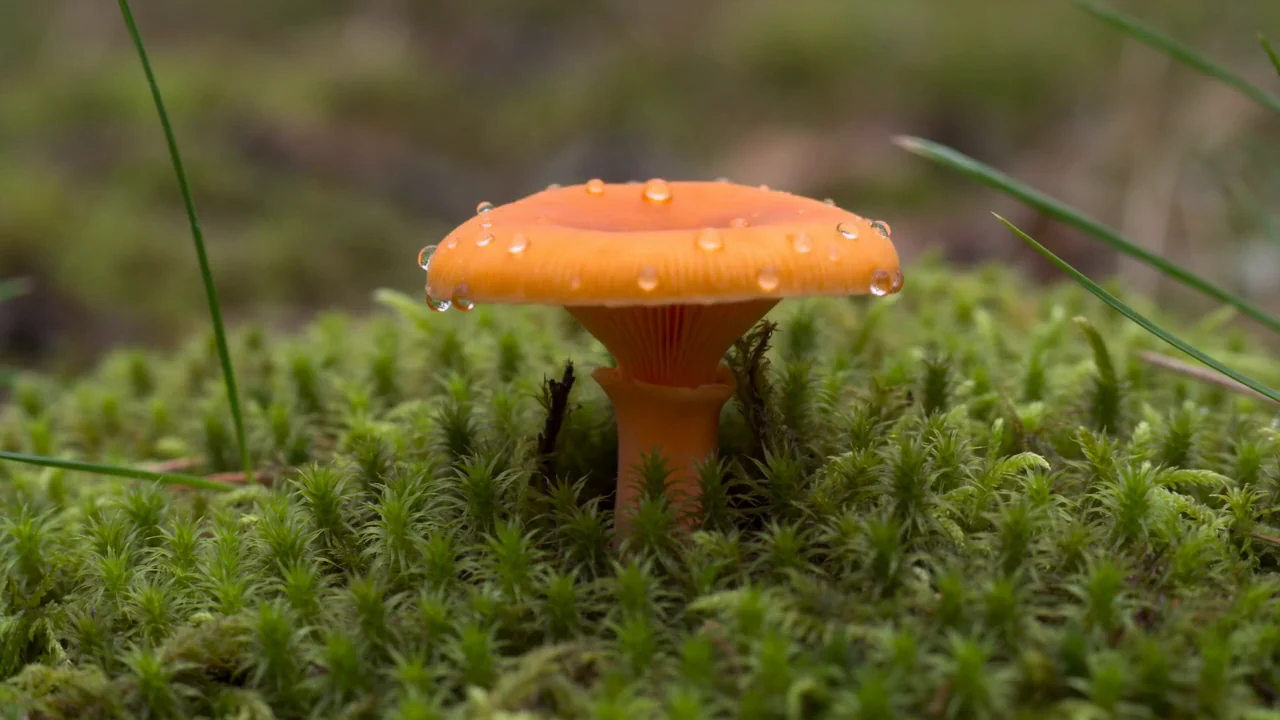
A single mushroom unfolds in a miniature forest.
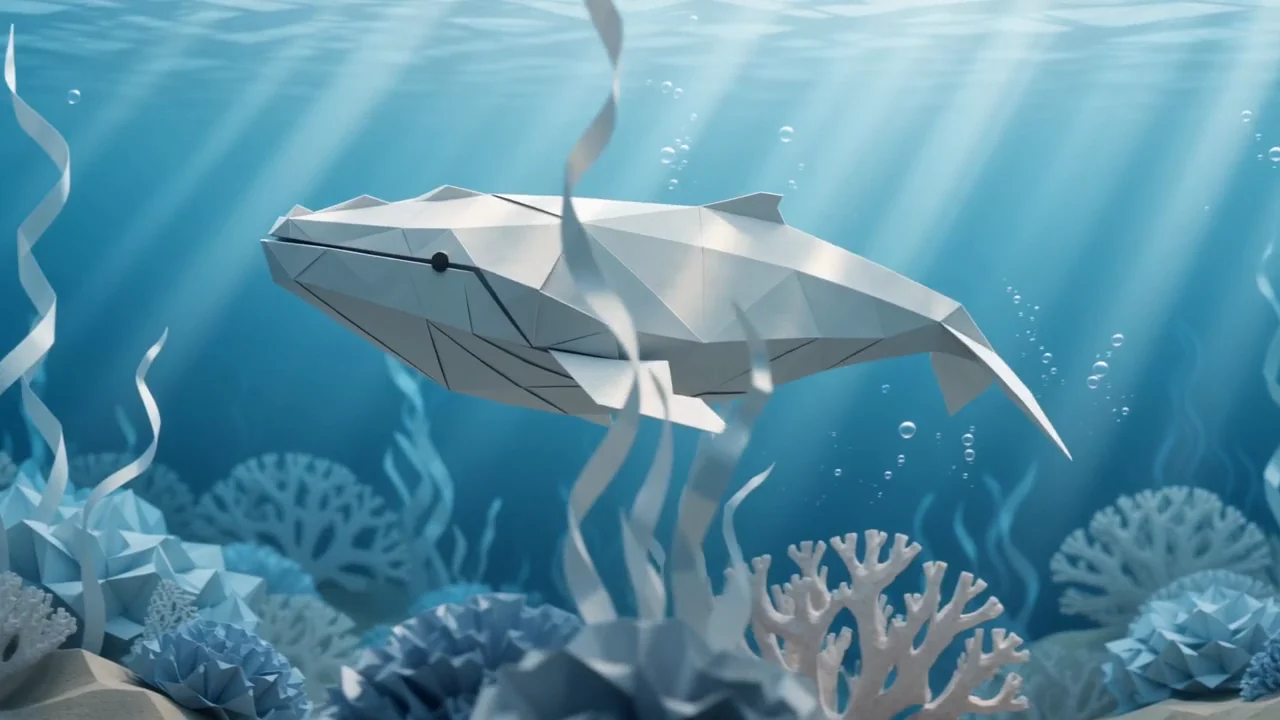
Send an origami whale through folded coral.
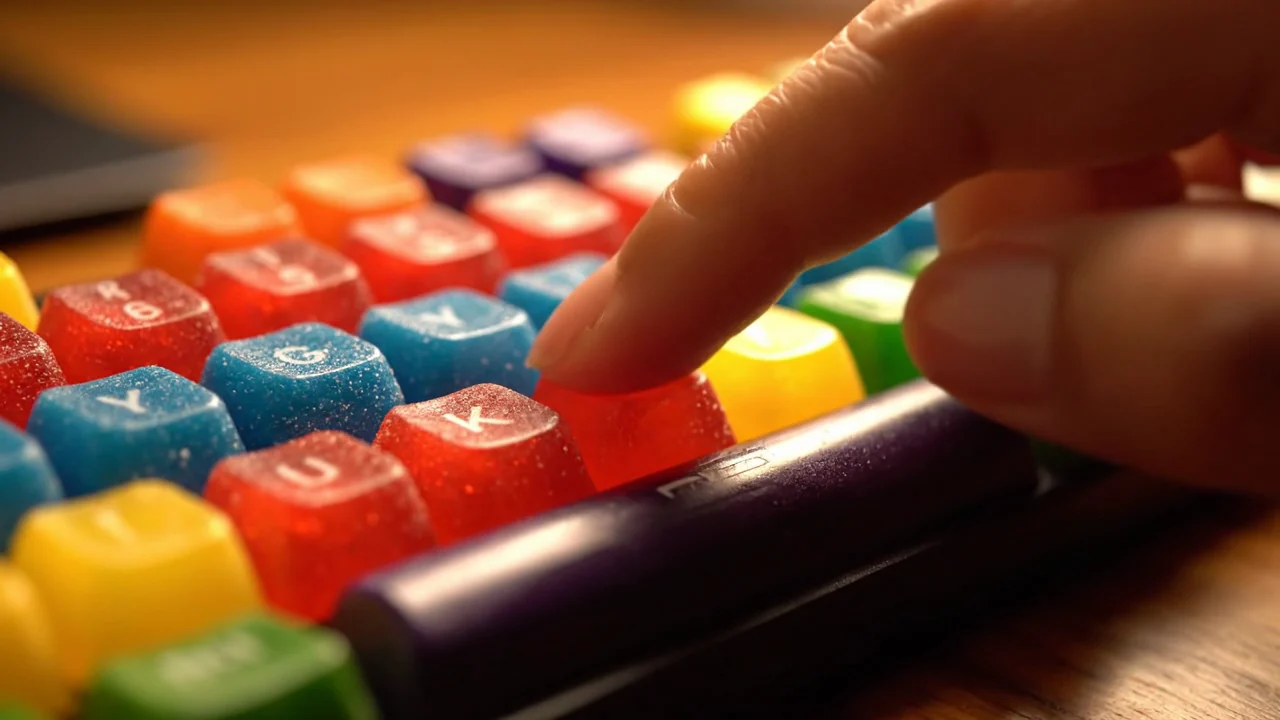
A colorful keyboard scene with model-generated audio.
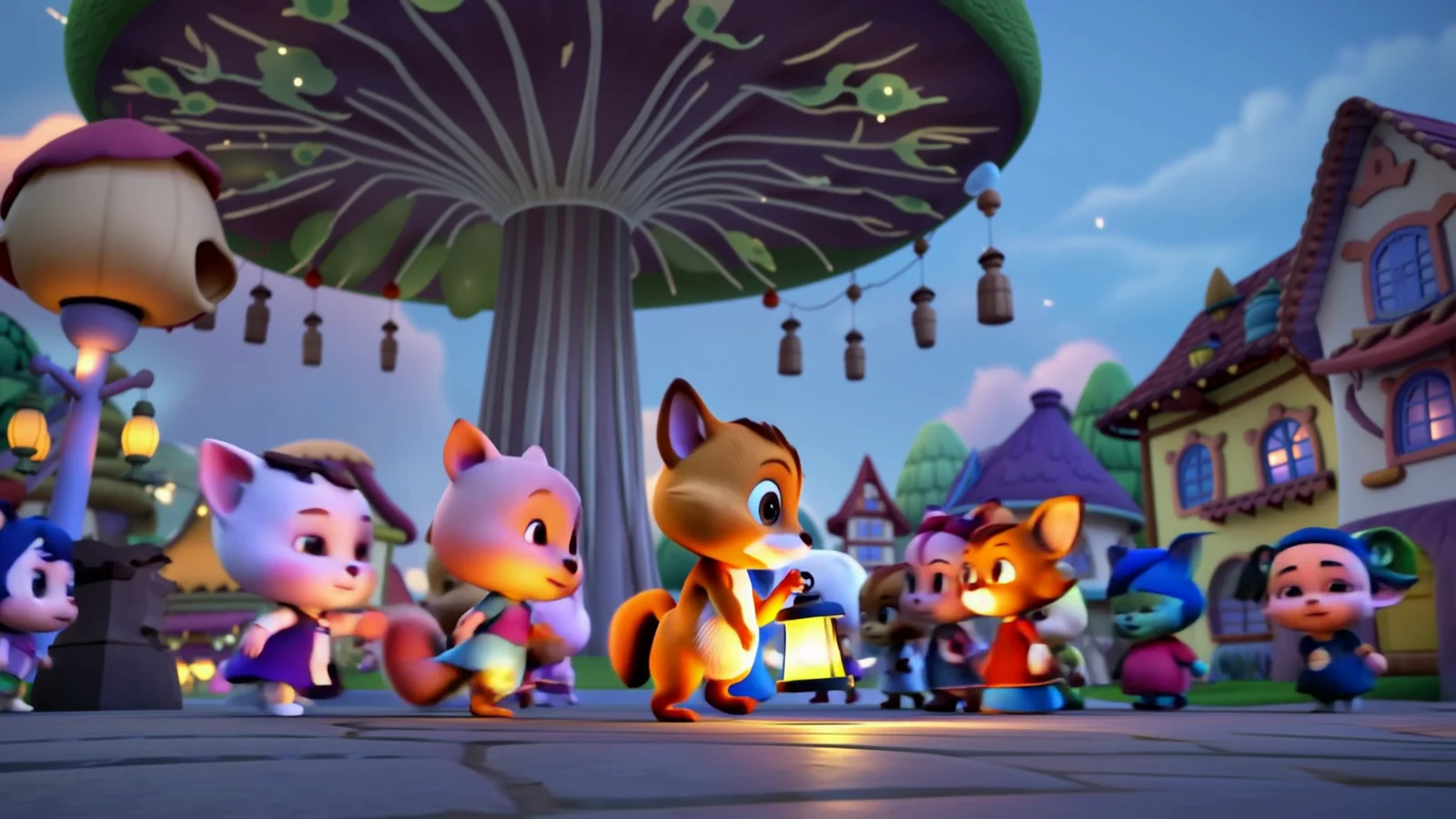
Dream up a playful world of your own.

A handmade clay cat pours tea in warm morning light.
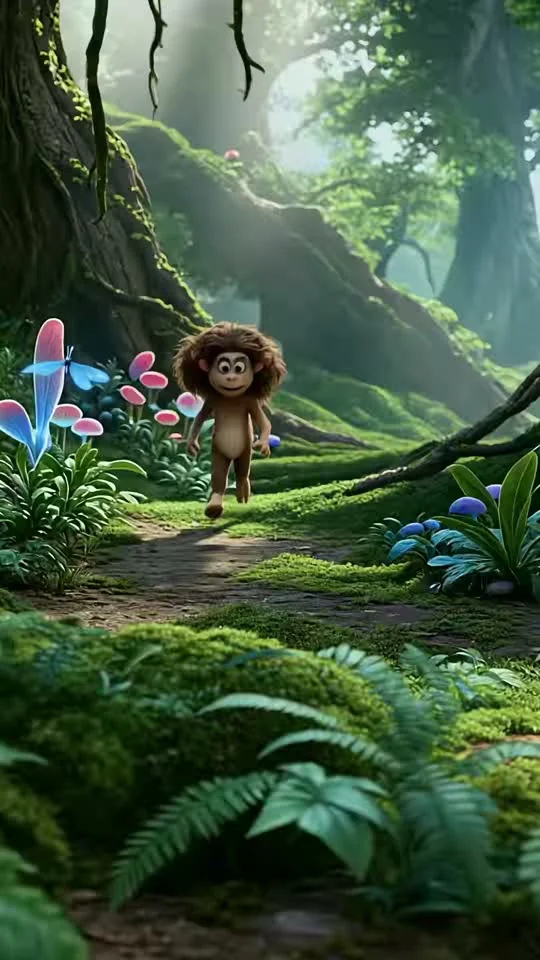
A tiny furry creature reaches for a blue butterfly.
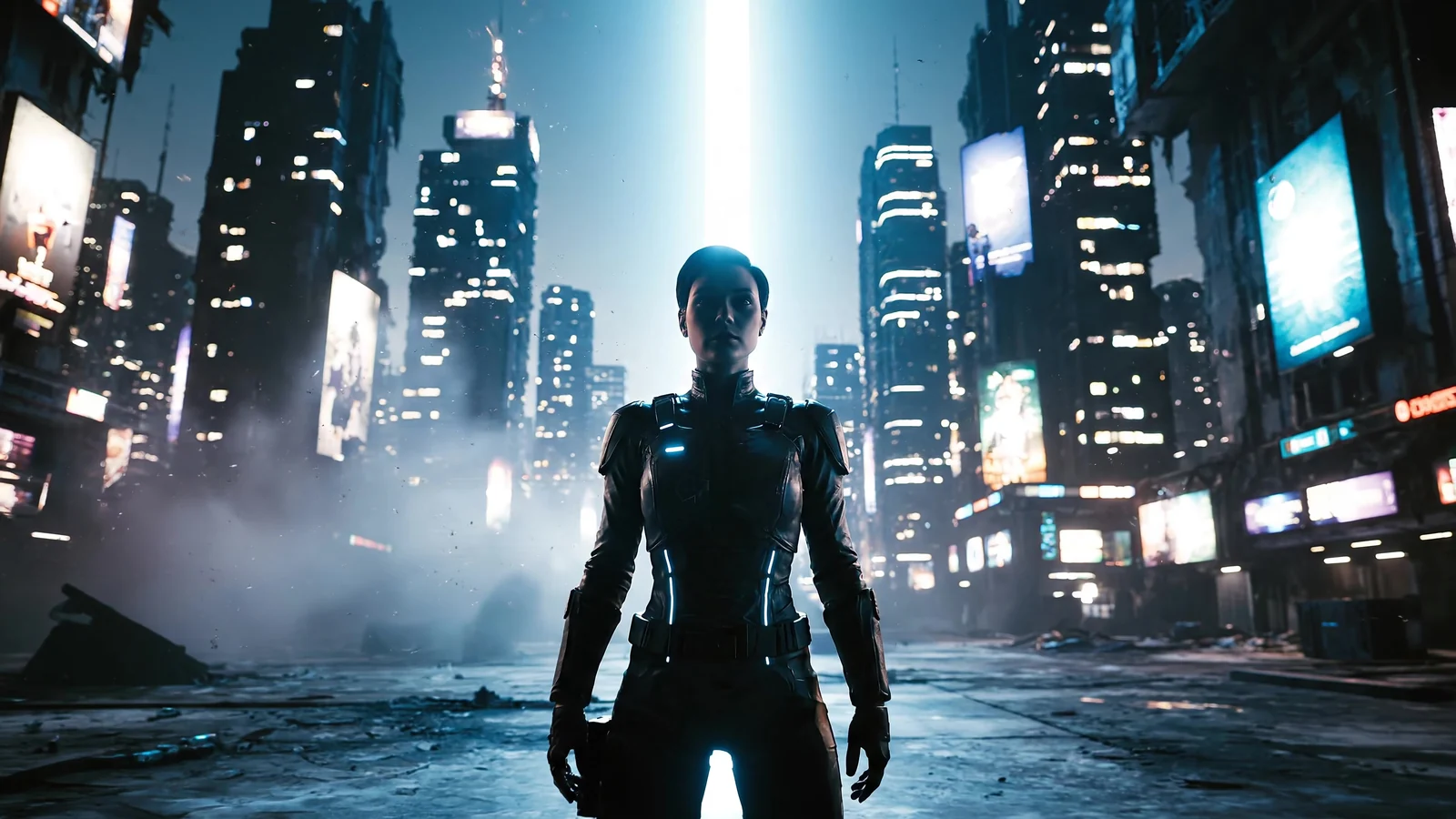
One brief, four visual directions.
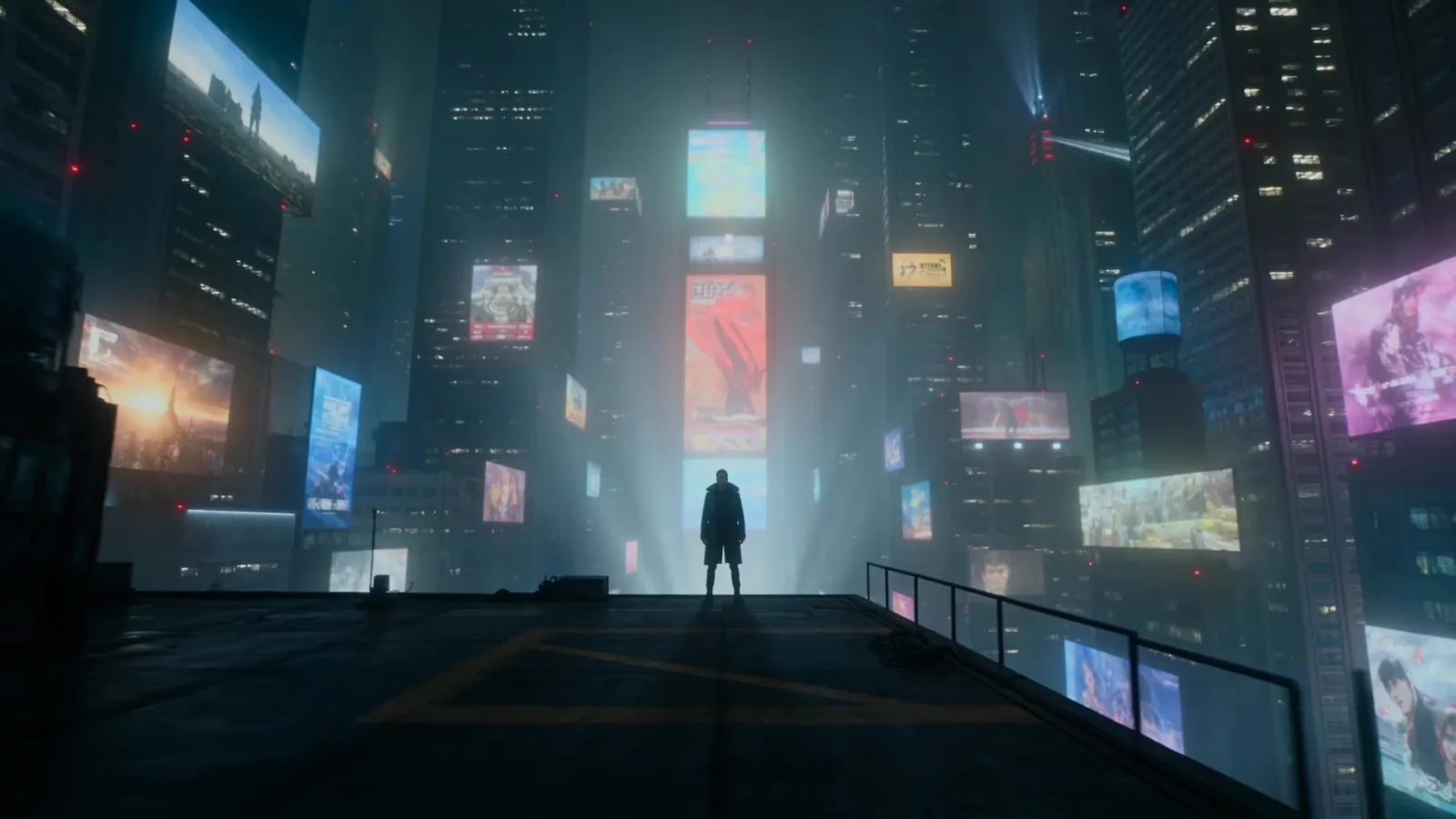
One brief, four visual directions.
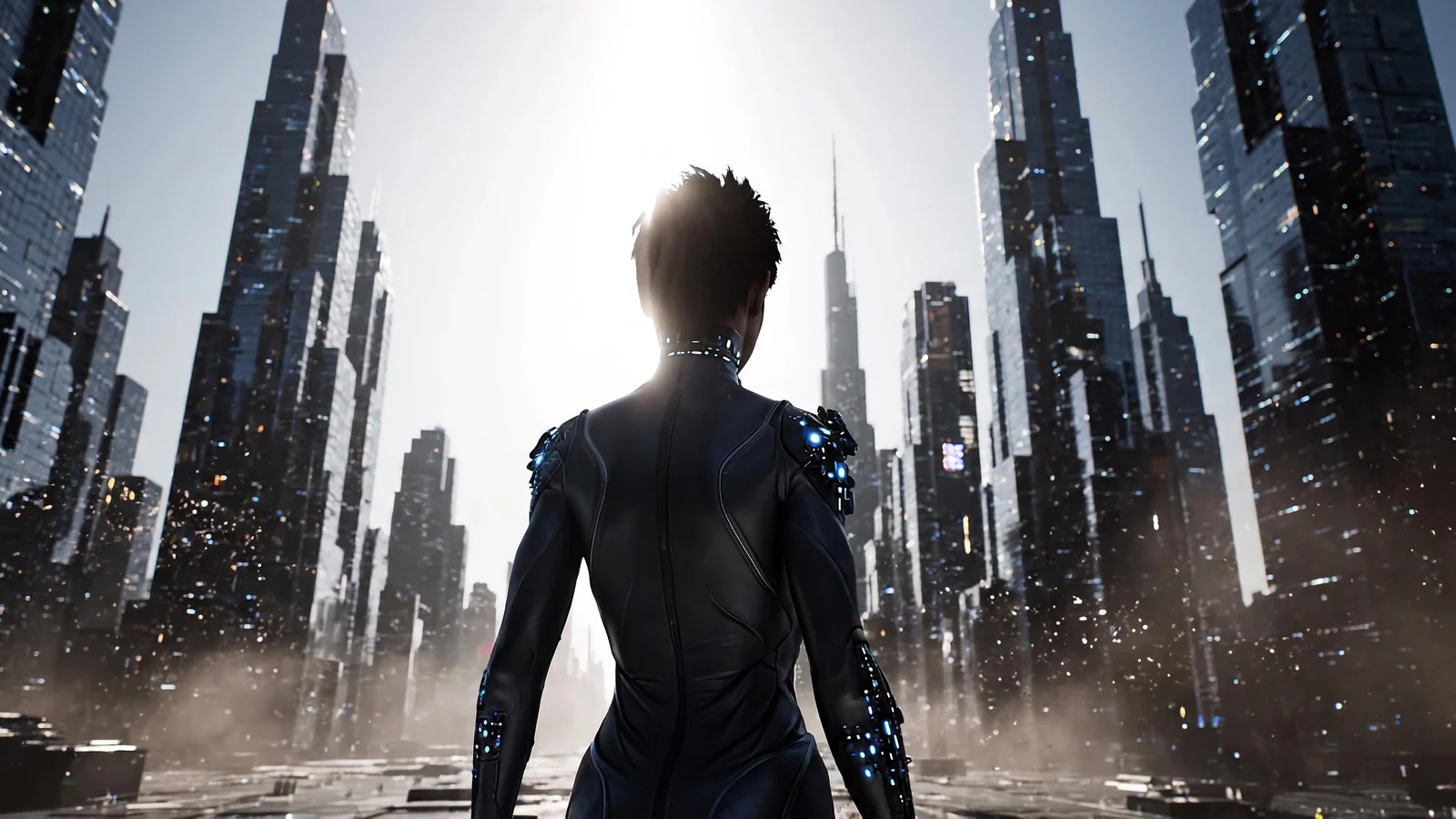
One brief, four visual directions.
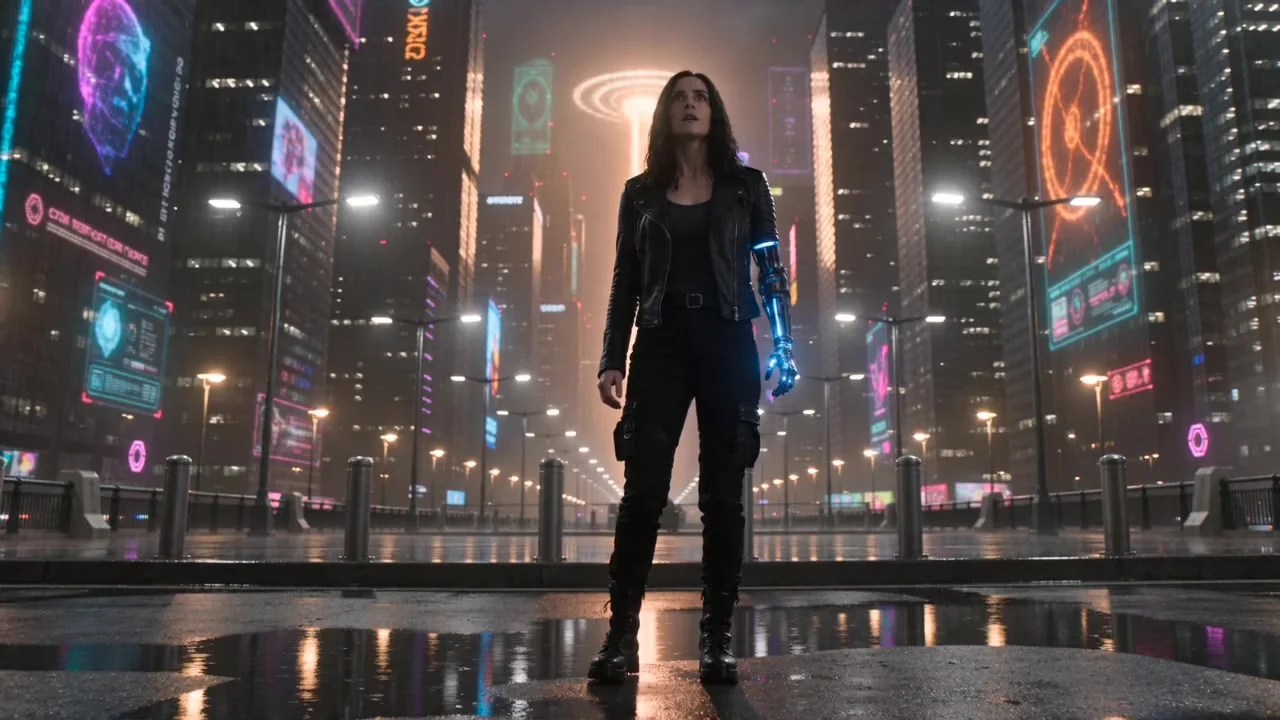
One brief, four visual directions.

A dewy mushroom grows in spring grass.
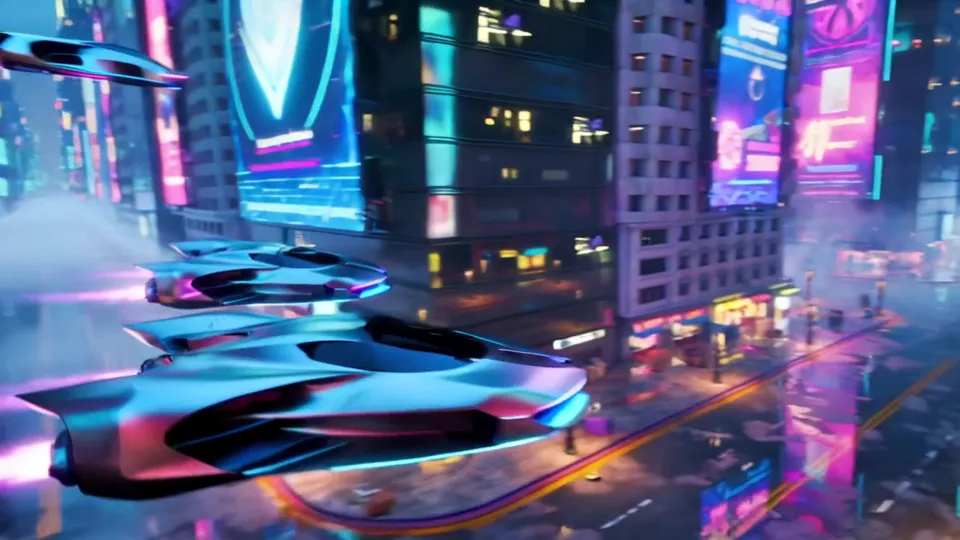
Hover cars race through a neon cityscape.
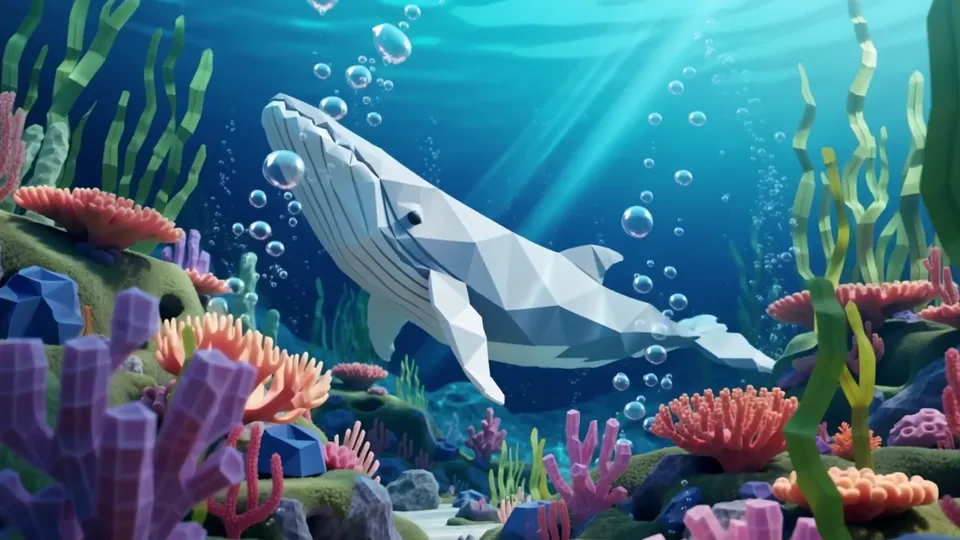
A faceted whale glides over a coral reef.
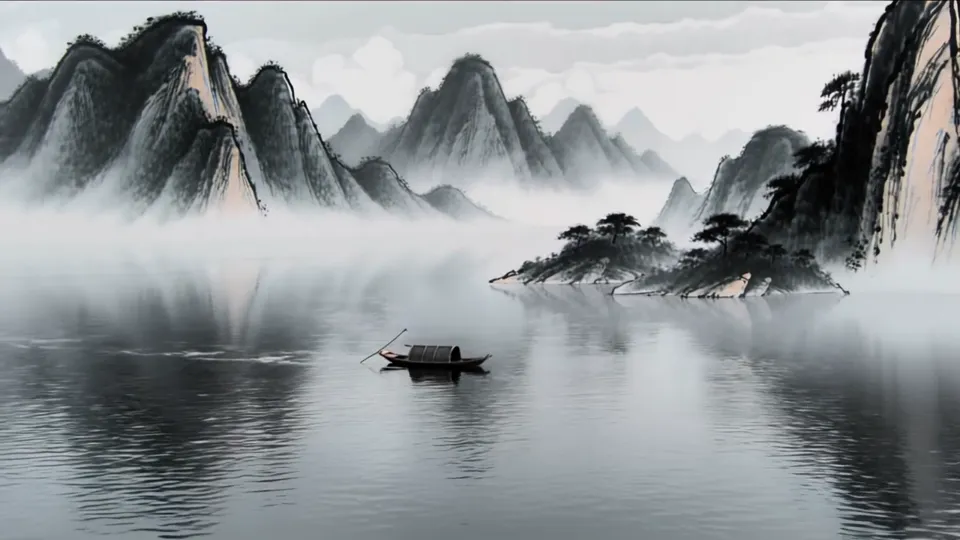
A tiny boat crosses a misty ink-wash lake.
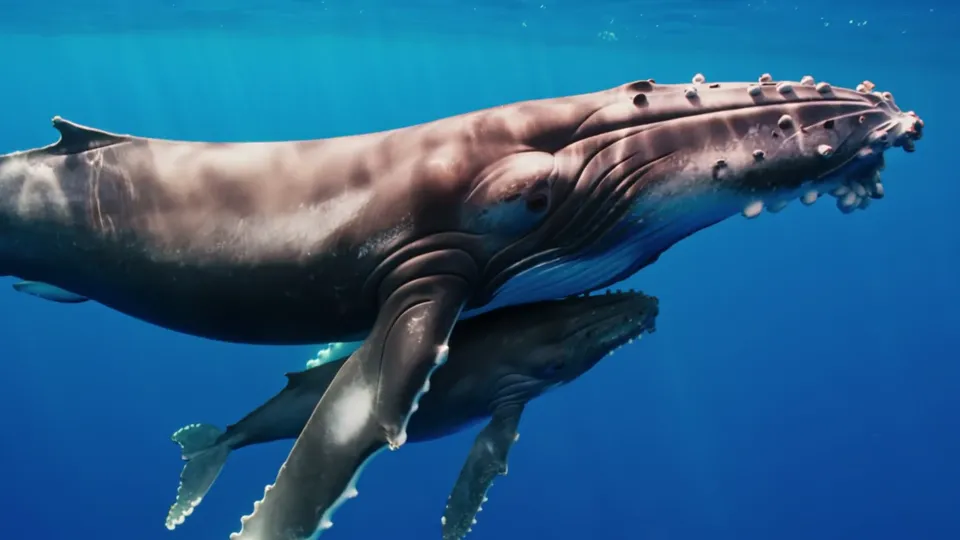
A whale mother swims with her calf.
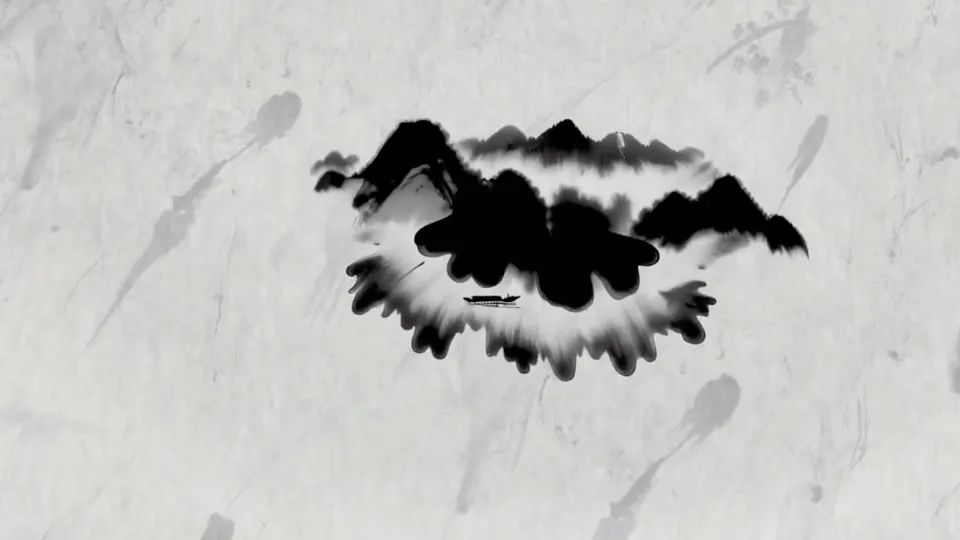
Ink drops bloom into a mountain scene.
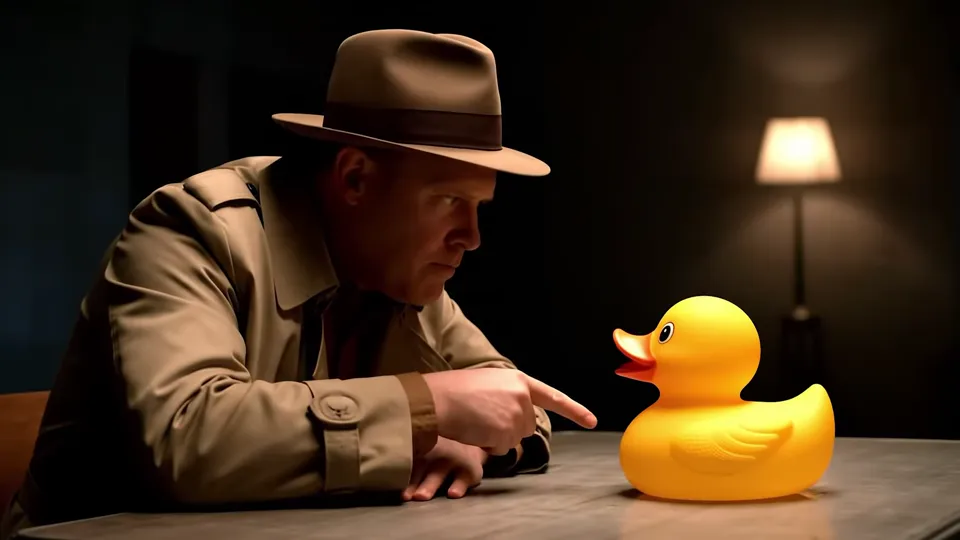
A trench-coated detective questions a rubber duck.
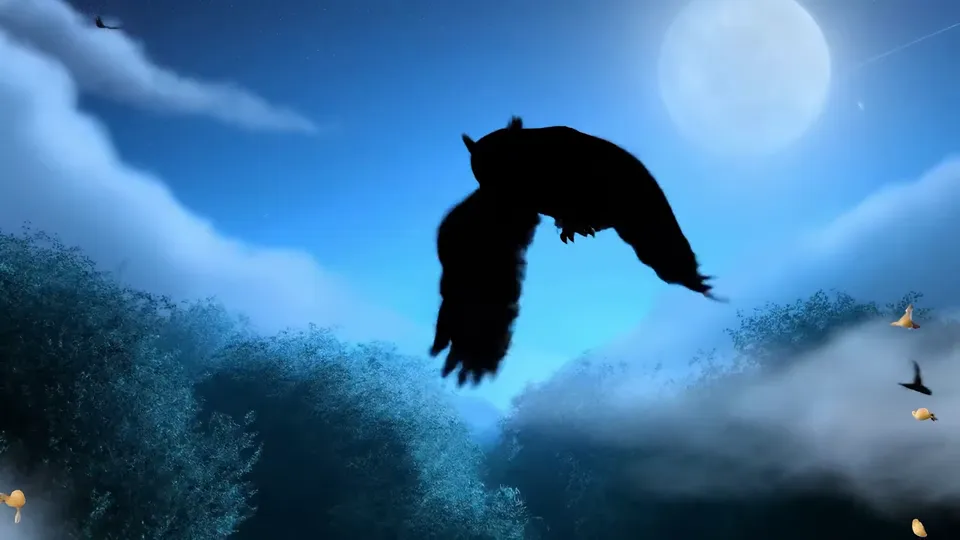
An owl glides over a blue night forest.
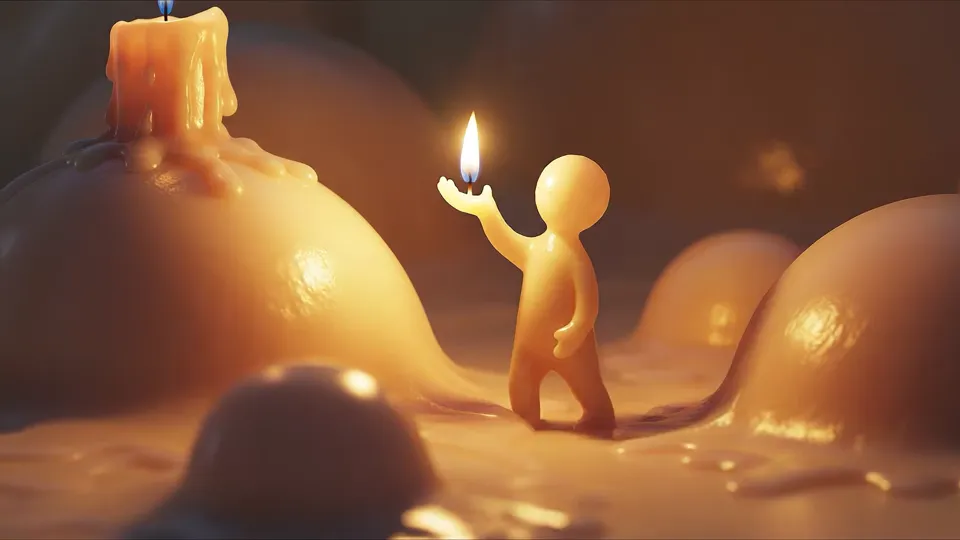
A small wax figure warms itself by a flame.
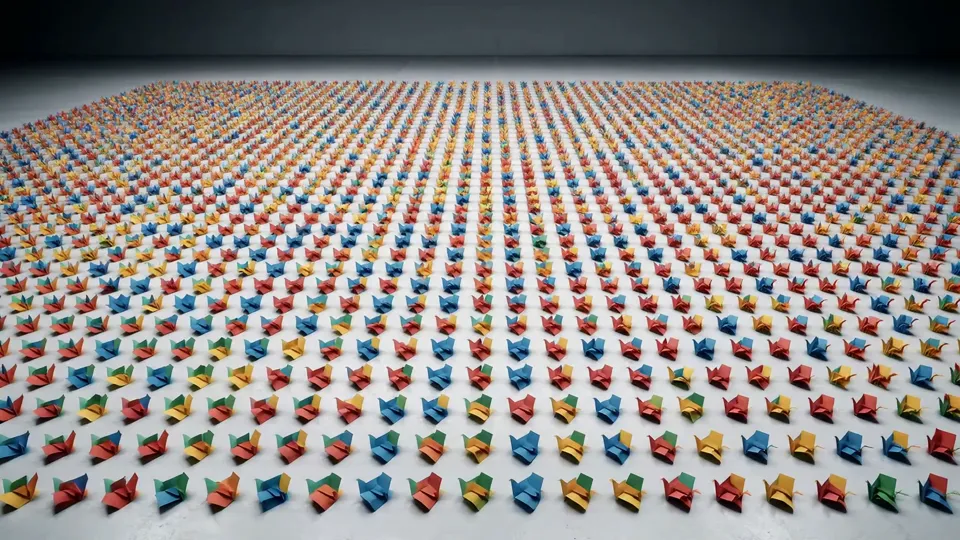
Thousands of paper squares ripple across a white floor.
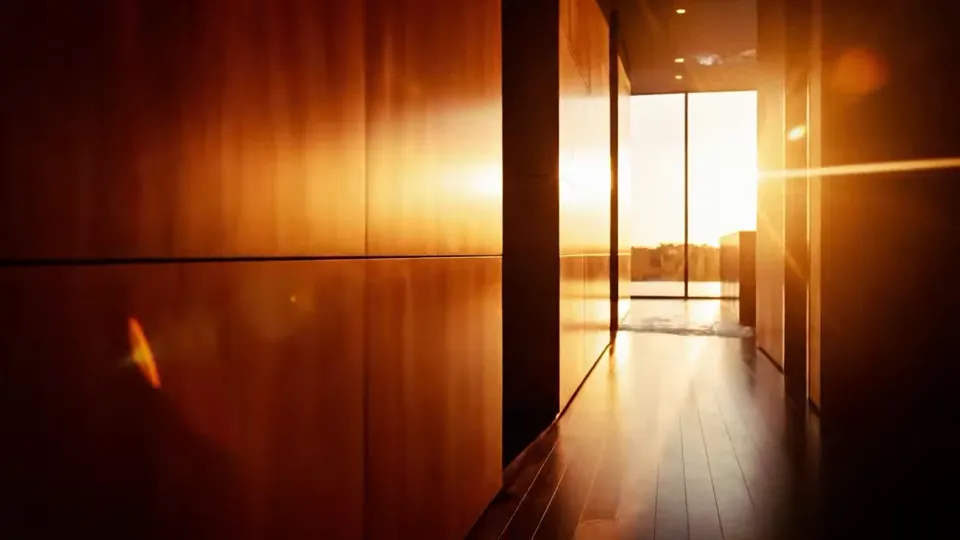
A polar bear steps out of an ice cave into daylight.
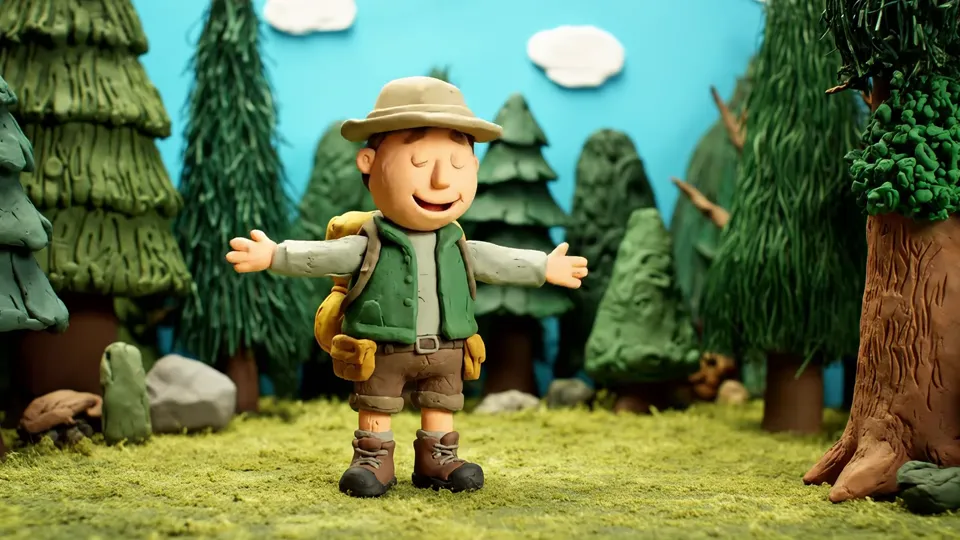
A clay explorer greets a friendly bear in the woods.
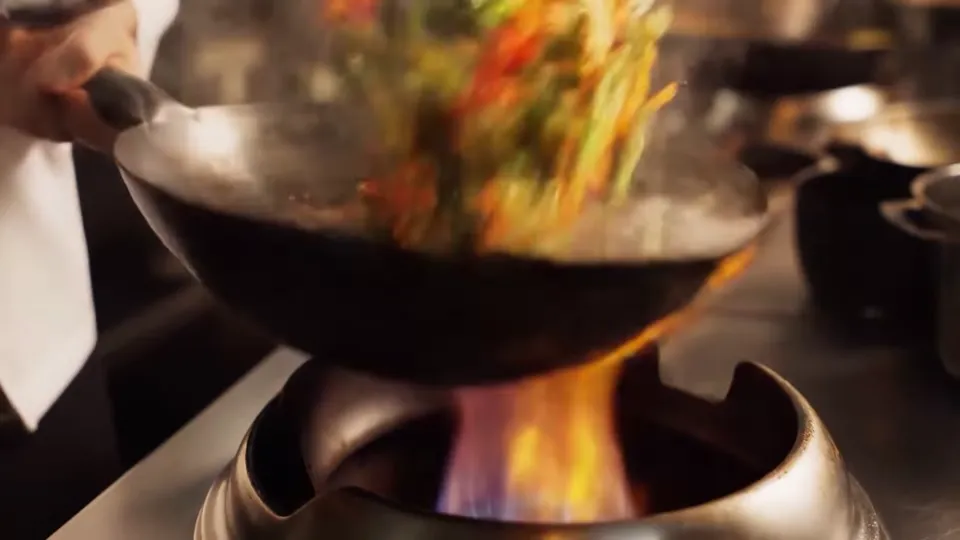
Flames lick a wok of tossed vegetables.
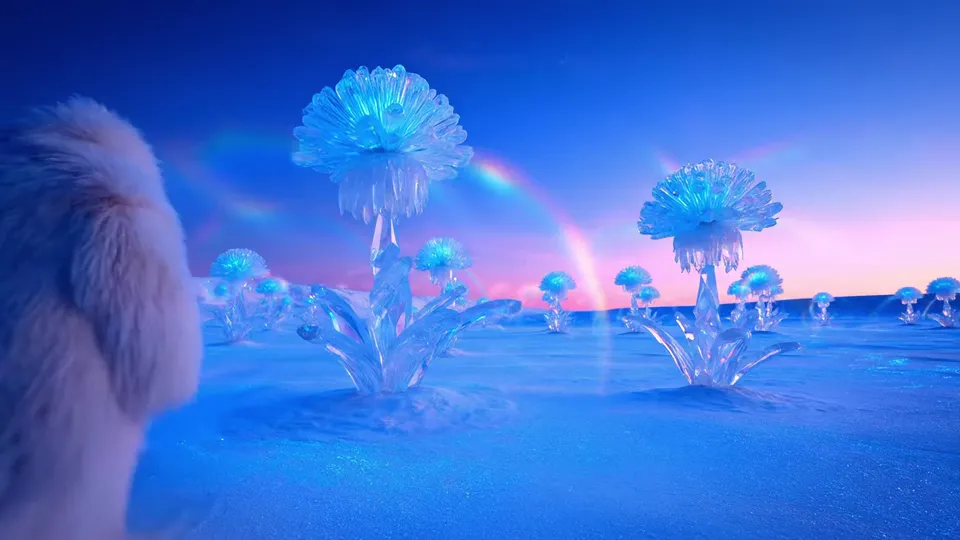
Glowing crystal flowers rise from lunar dust.
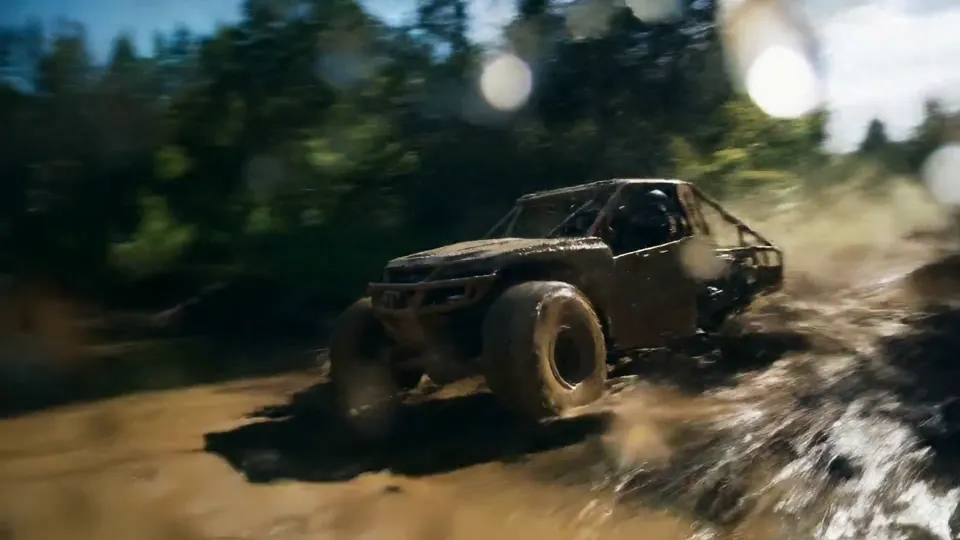
An off-road truck bursts through a muddy stream.
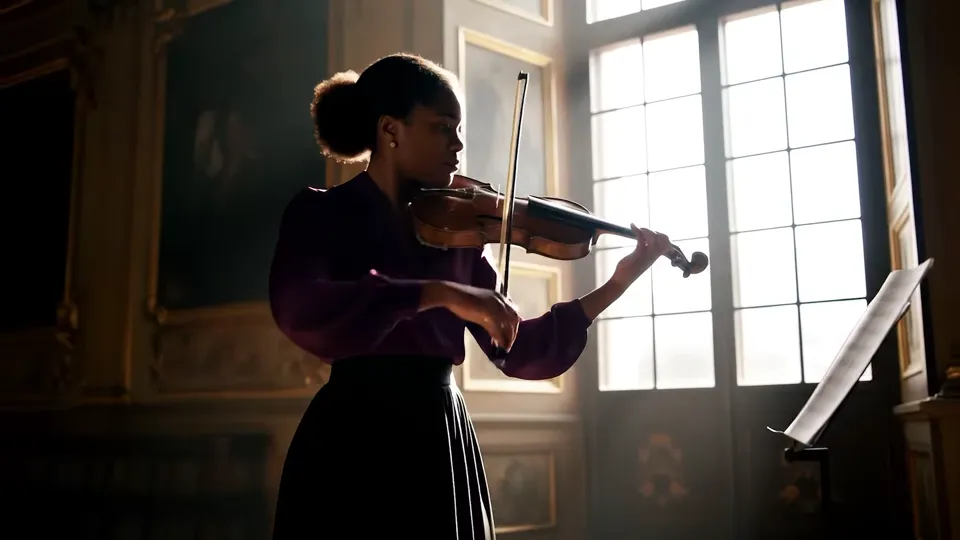
A violinist plays beside a sunlit window.
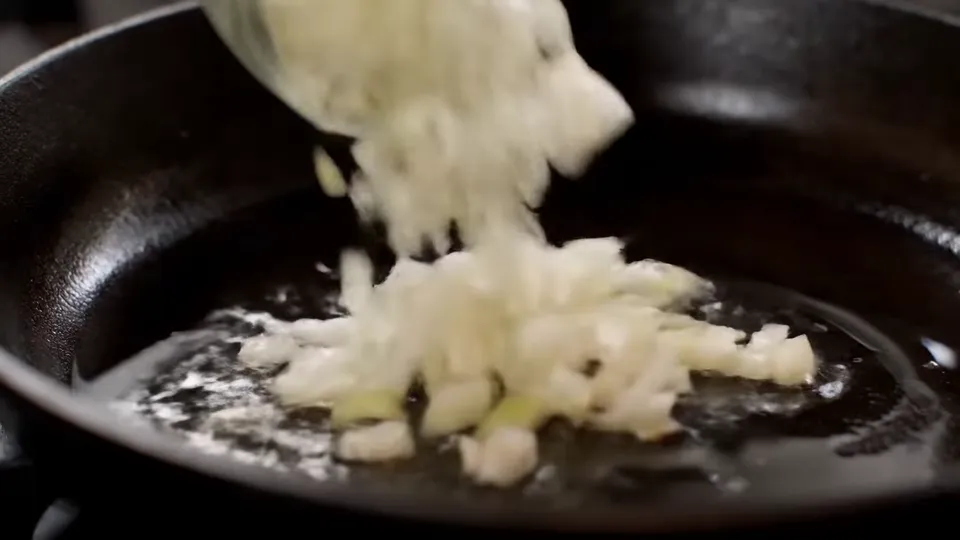
Chopped onions turn golden in a hot pan.
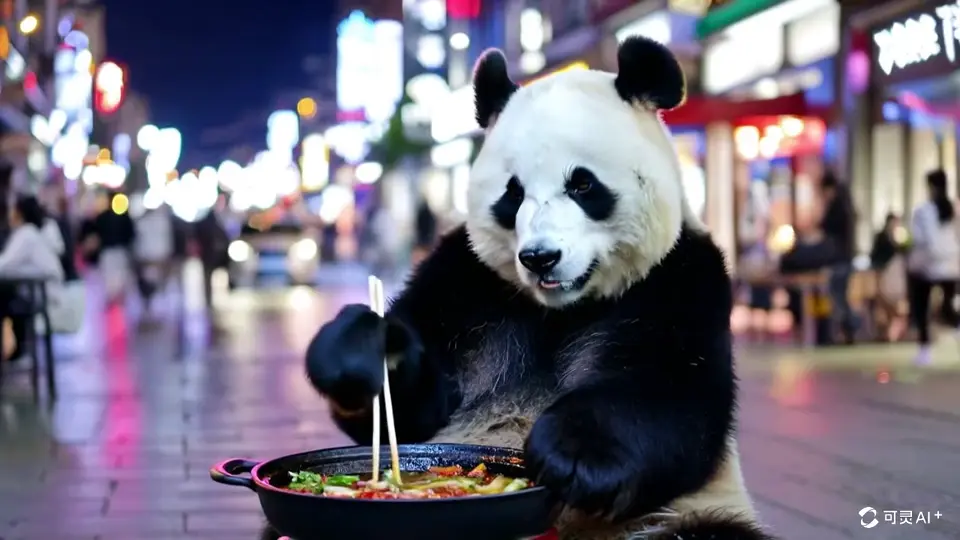
A playful food scene generated from a text description.
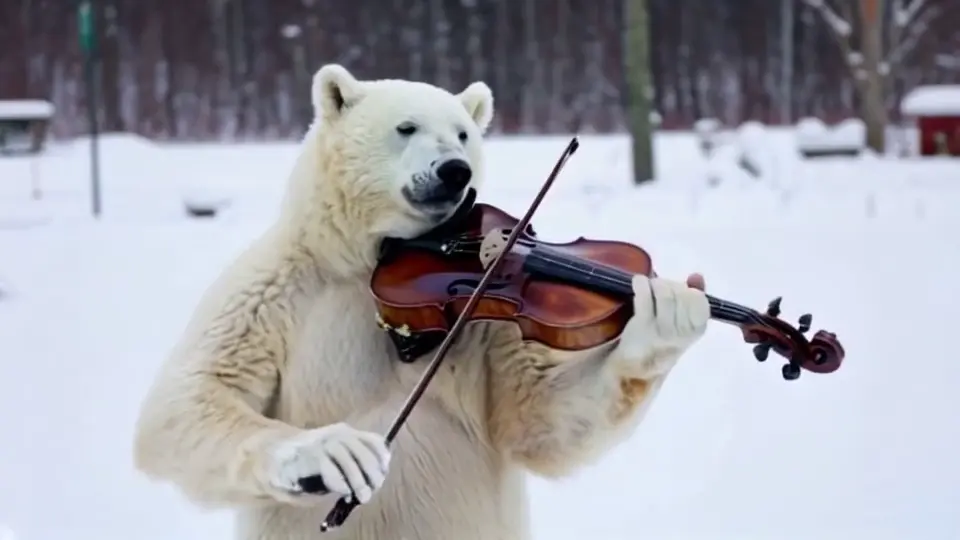
A wintry performance built from a short prompt.
Both SceneWish examples use the same mushroom prompt at 5 seconds, 720p and 16:9. Compare the shape, camera and unfolding movement.
Shared input and prompt
A single orange mushroom rises from moss and unfolds its cap in a miniature forest clearing.
SceneWish-recorded text to video comparison. These are individual attempts, not a general model ranking. View source
Use this setupChoose your visual idea
A material, an action and a viewpoint are enough to begin. Open an idea to load its starting prompt into the text to video generator.
Frame from the SceneWish Tiny Growth example.
Idea first, prompt second
A blank text box makes text to video hard to start. SceneWish begins with finished examples: watch one, open its recorded prompt, and edit the subject, action or camera into your own version. The model and settings come prepared.
Write what moves and what sounds
For a sound-led scene, name what happens and the sound you want to accompany it. Loading this example prepares the audio-capable model as well as the prompt.
Write one clear shot
In Tiny Growth, a mushroom rises from moss while the camera stays still. Start with a subject, an action and a camera direction; add mood or lighting when you need it.
Build a short scene around one idea, then refine what you see.
Name the subject, its action and the setting. Add a camera direction or mood when it matters to the scene.
Choose the supported duration and aspect ratio for your clip. Check the current credit quote before you generate.
Preview the motion and important details. Change one part of your description for another take, or download the clip for your own edit.
A prepared effect or a starting photo can help when you already know the look you want.
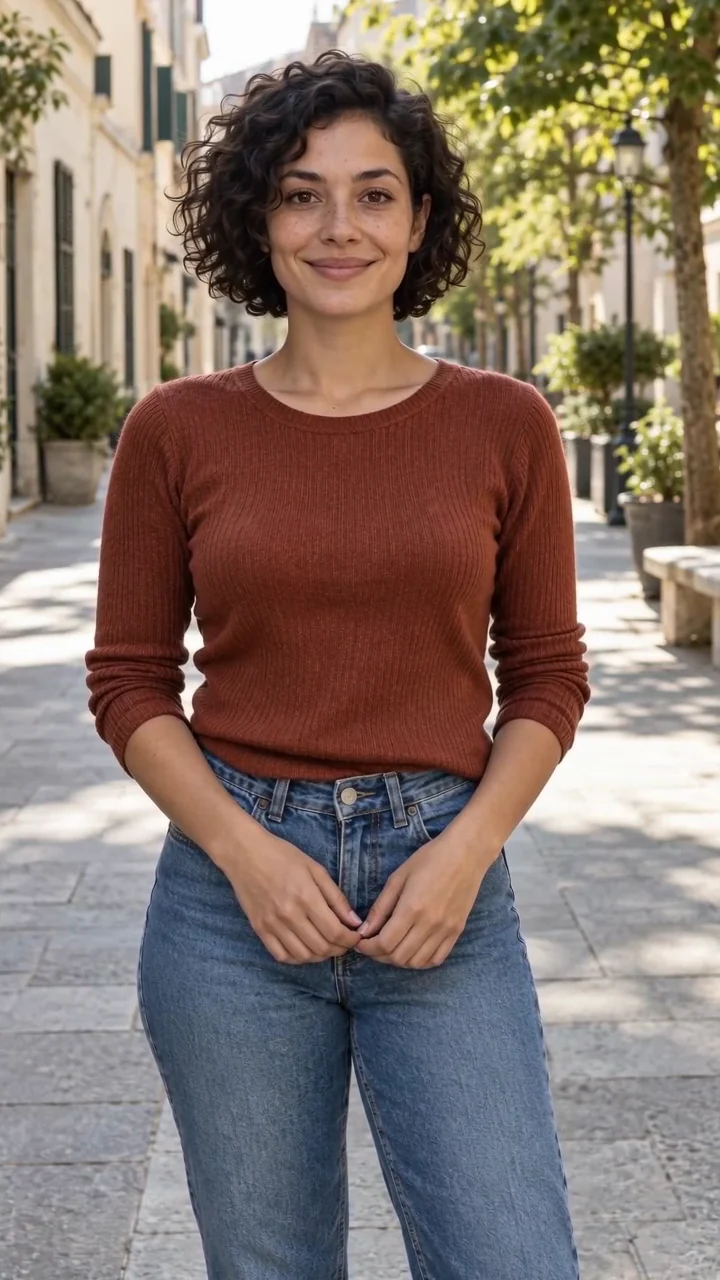
SceneWish example input
Use a portrait, pet photo or illustration as your starting frame, then describe its movement.
Open Image to Video
SceneWish template example
Watch a demonstrated template and use its preset with your own photo.
Browse templatesA text to video clip shows its credit cost for the chosen model and settings before you submit. Pick a plan or a one-time pack that suits how often you create.
Starter
500 credits
For occasional short videos
Pro
1,000 credits
For regular video creation
Max
2,000 credits
For higher video volume
Starter
4,800 credits
For occasional short videos
Pro
9,600 credits
For regular video creation
Max
20,000 credits
For higher video volume
500 credit pack
500 credits
One-time payment. No subscription required.
1,000 credit pack
1,000 credits
One-time payment. No subscription required.
2,500 credit pack
2,500 credits
One-time payment. No subscription required.
A few choices that help turn a scene description into a useful clip.
Your idea is the starting point
Describe a character, a place and one movement. SceneWish turns your text to video idea into a clip you can preview and download.
Create with text to videoSceneWish-generated video example.