
Reference to Video
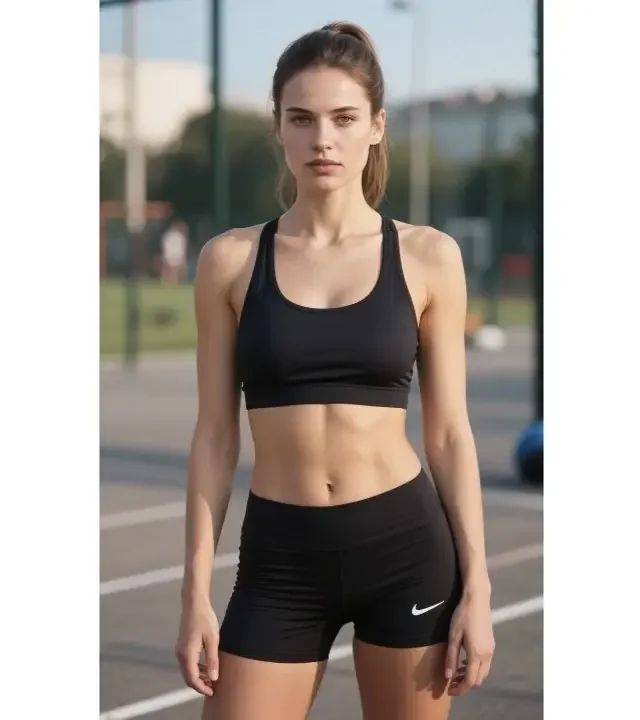
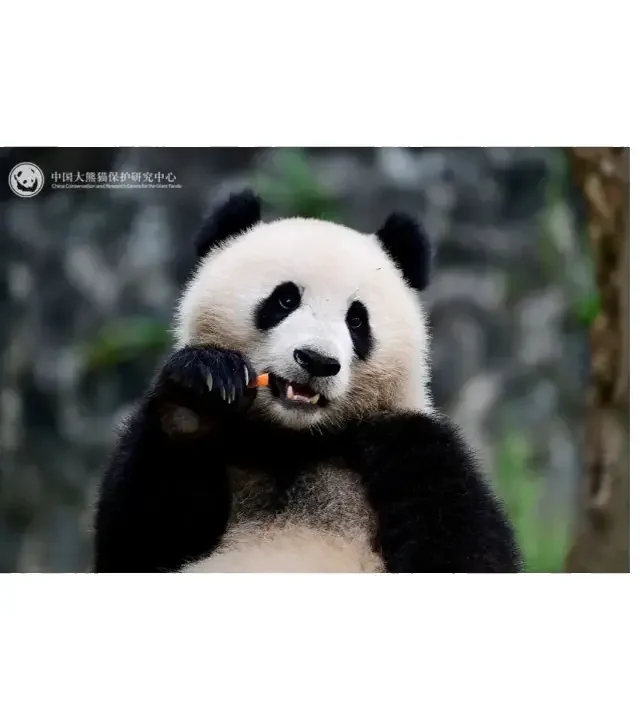
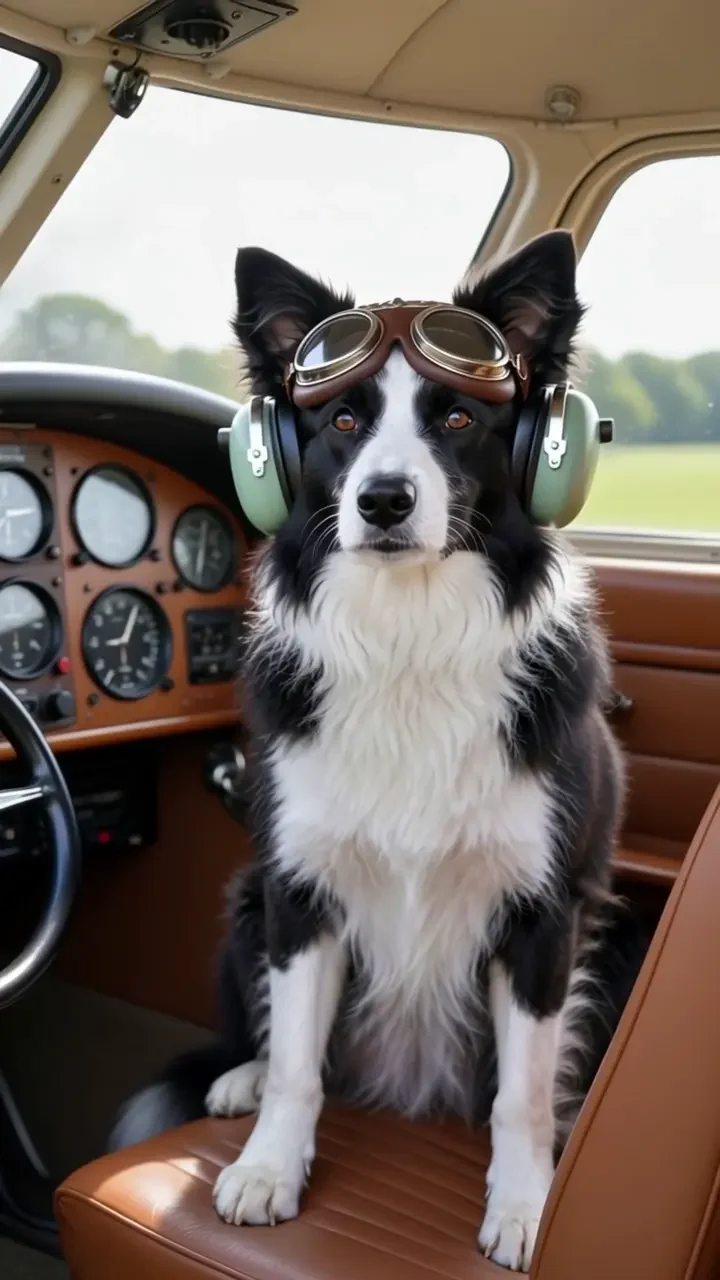
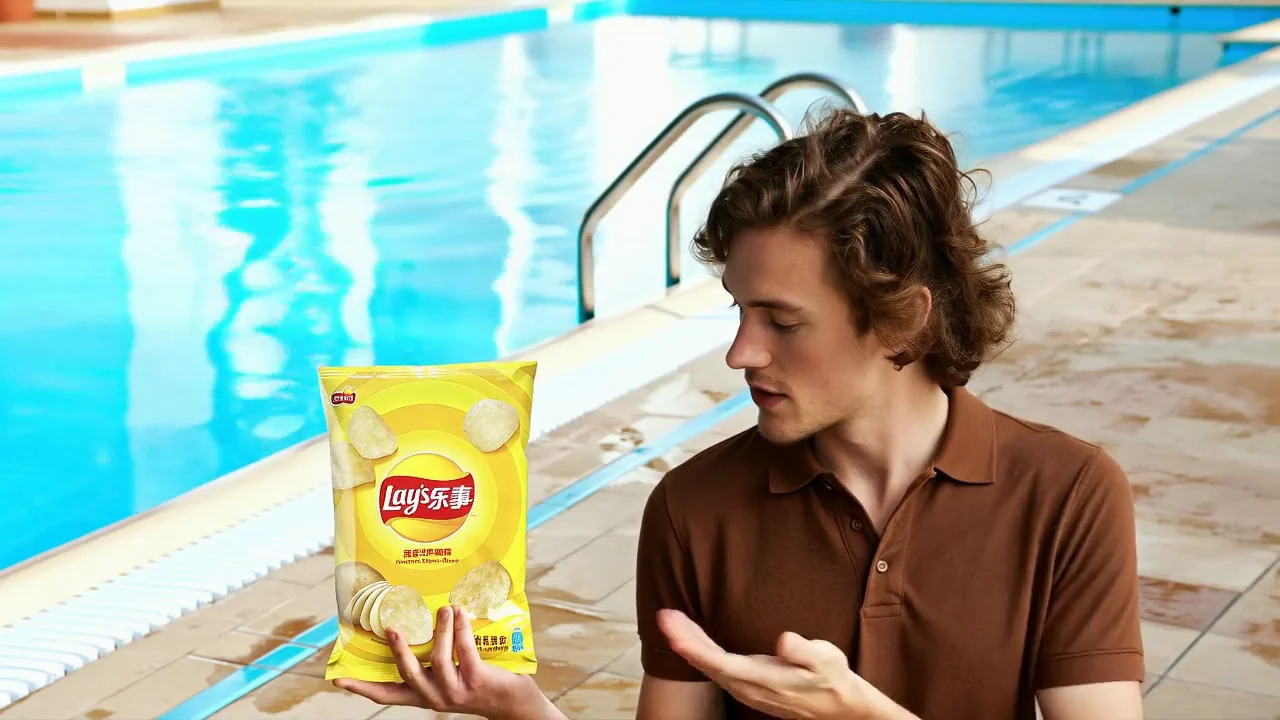
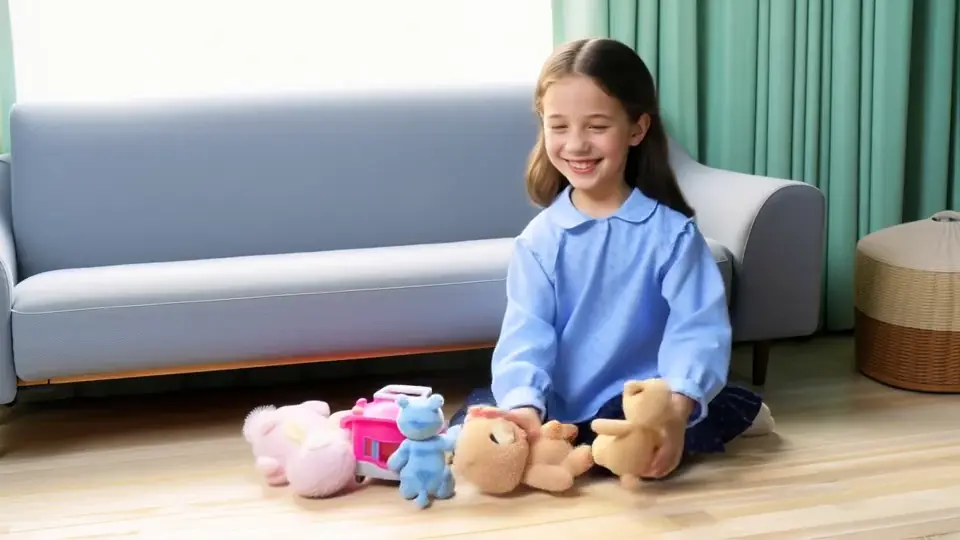
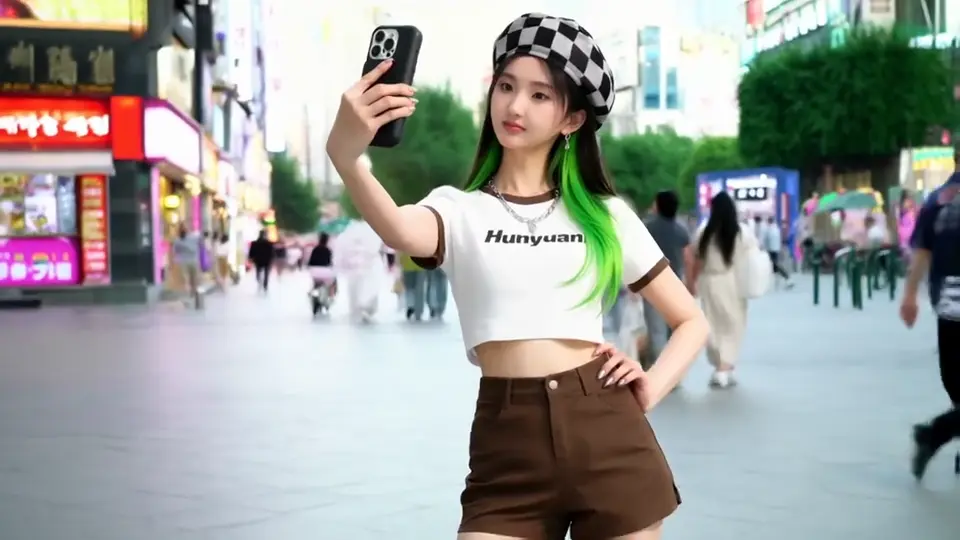
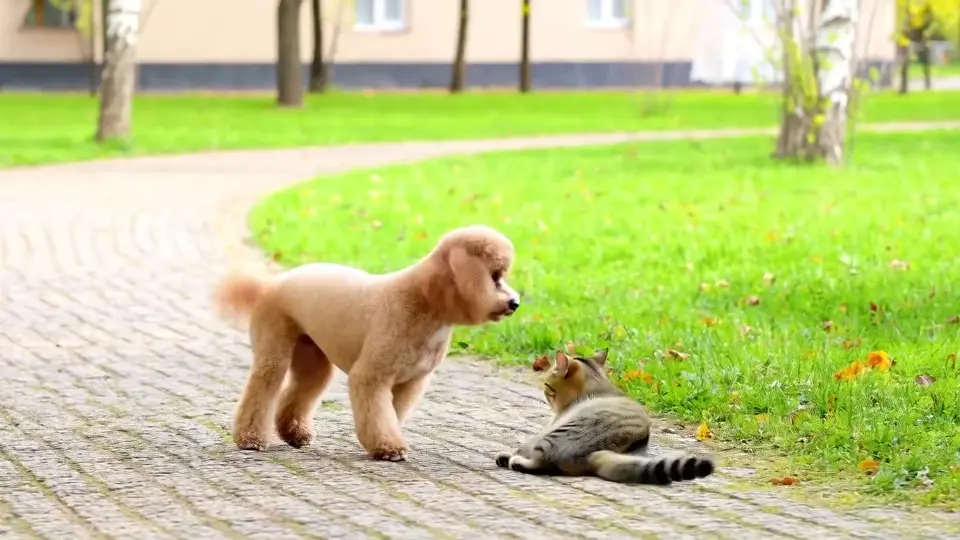
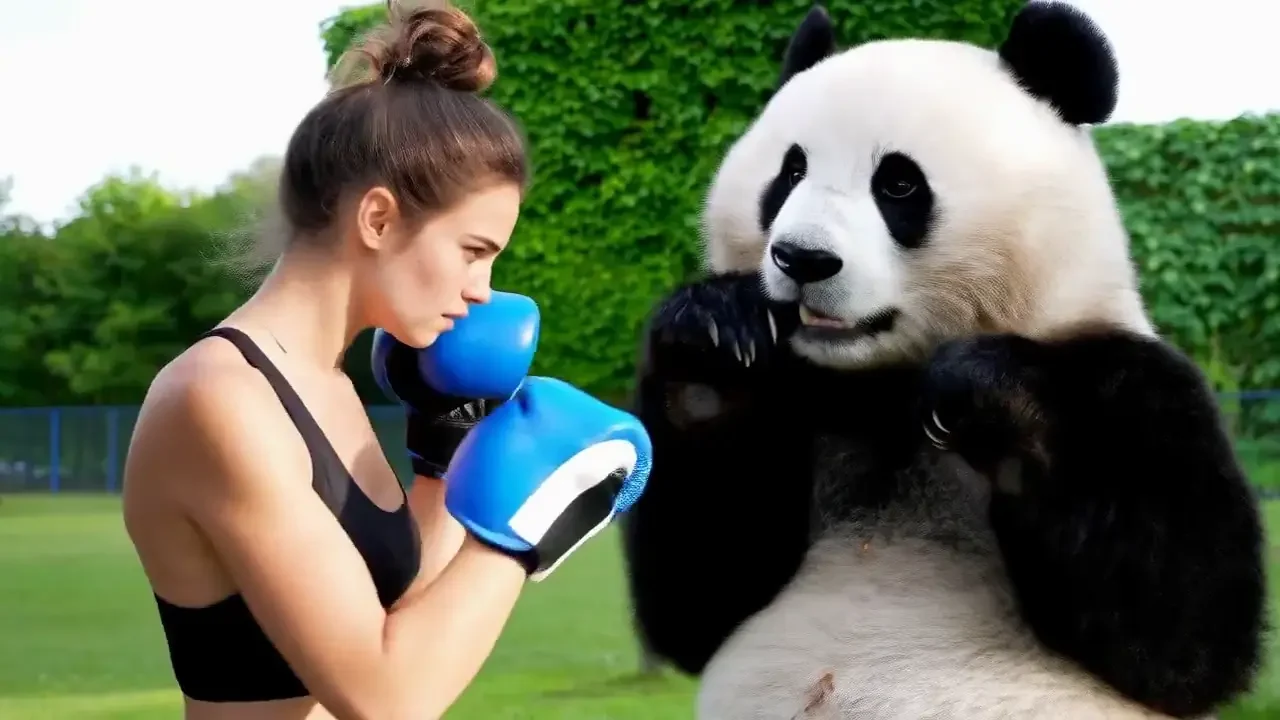
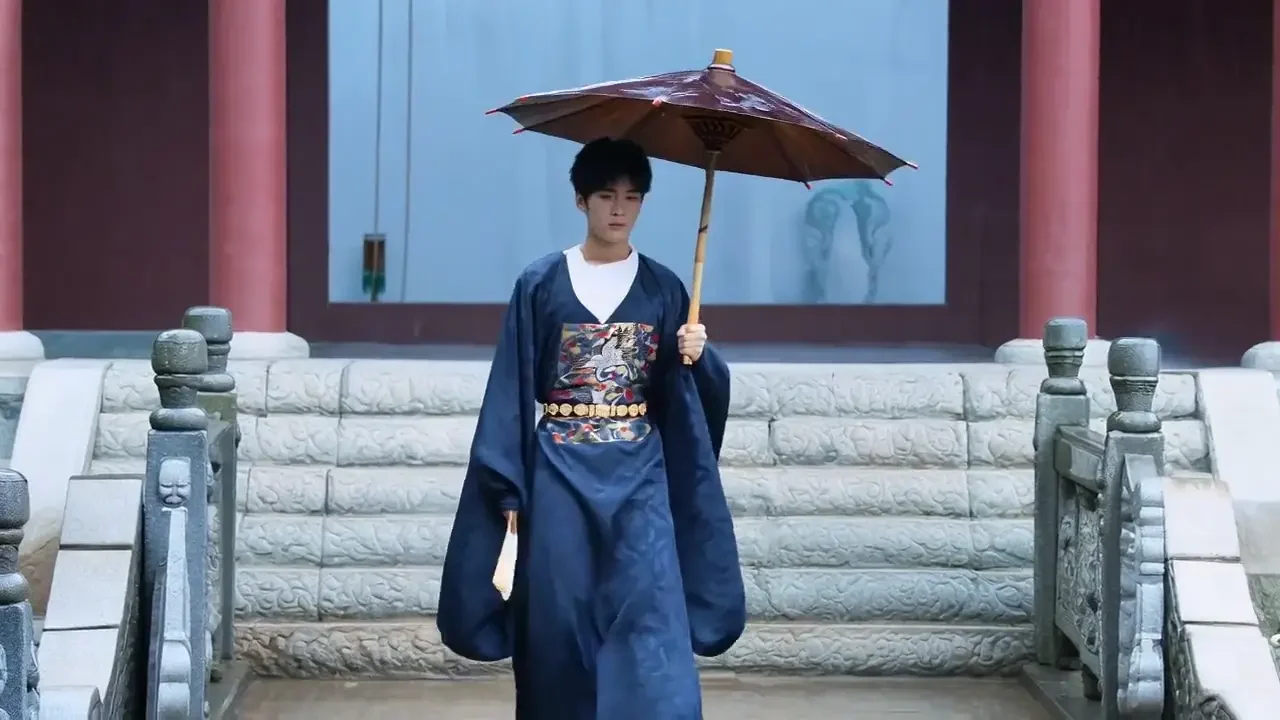
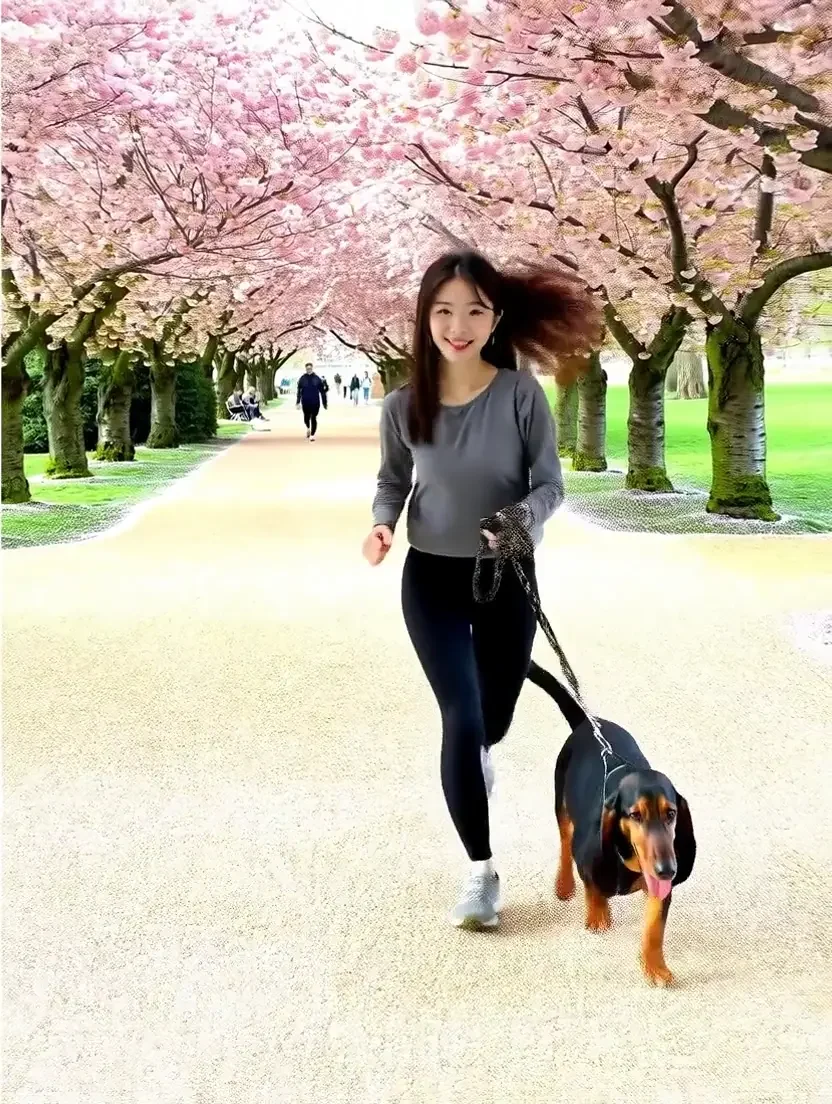
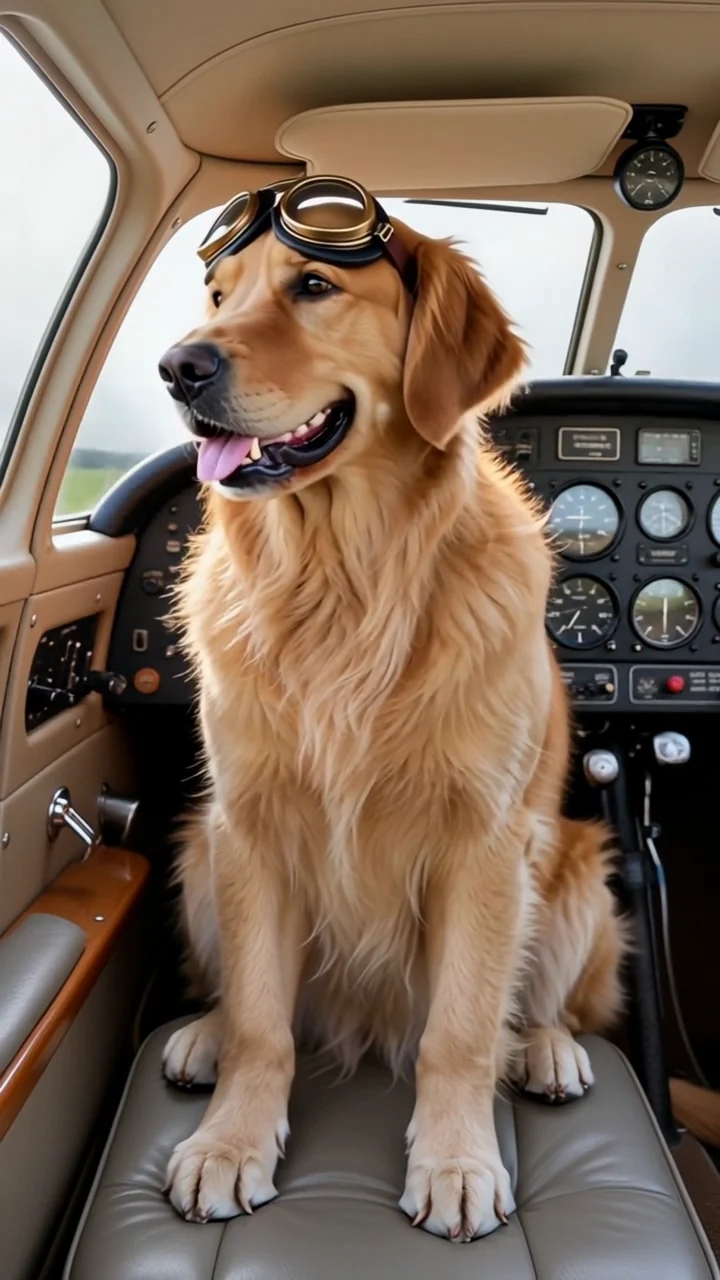
Add reference images of a person, pet, product or style, describe a new scene, and SceneWish generates a video that aims to keep them recognizable.
0 / 7
Add at least one reference and describe the scene.
Reference to video examples
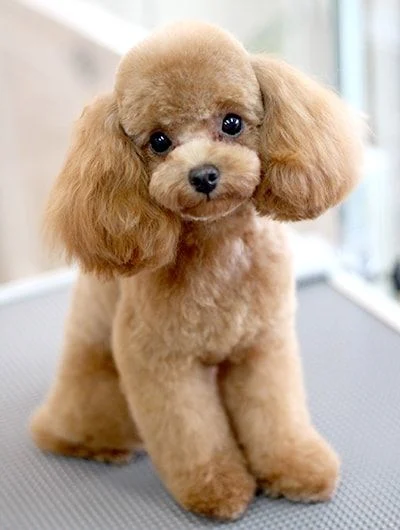
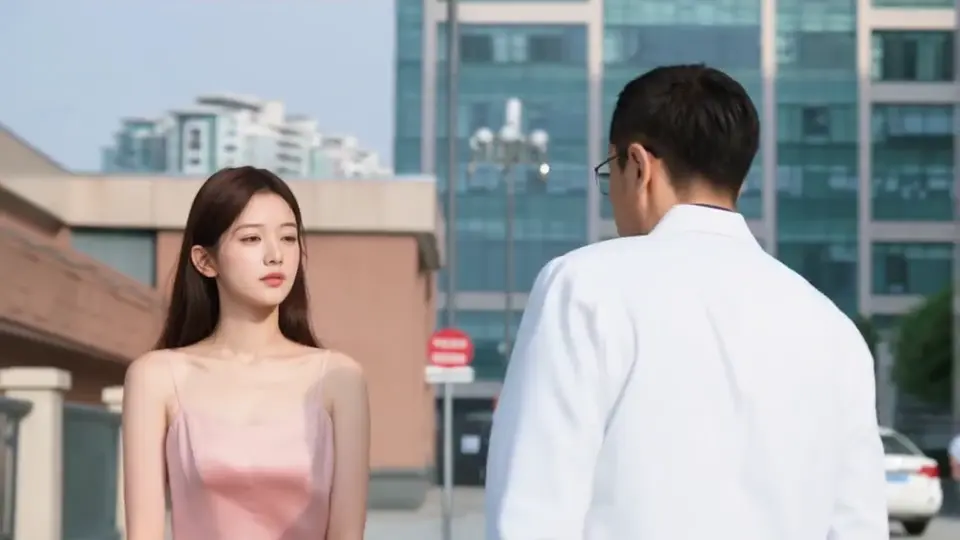
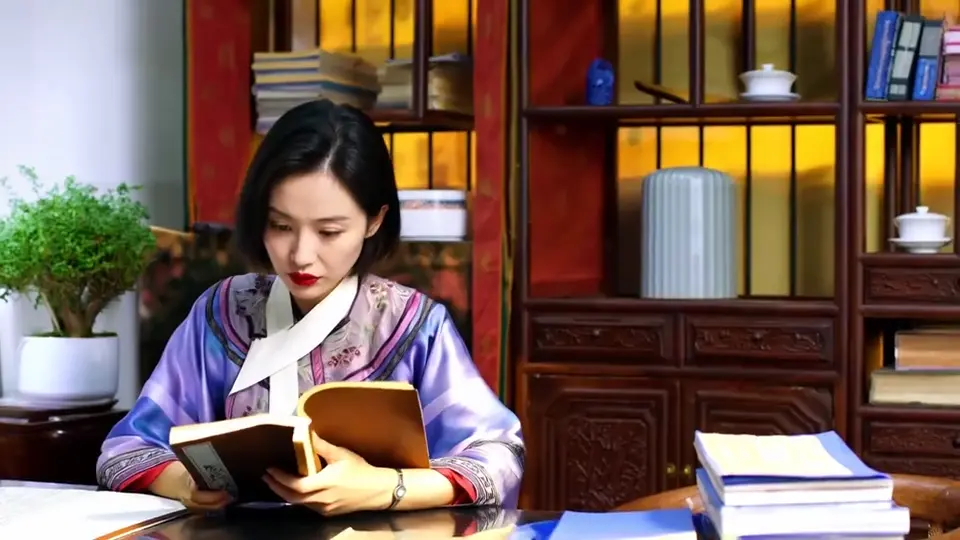
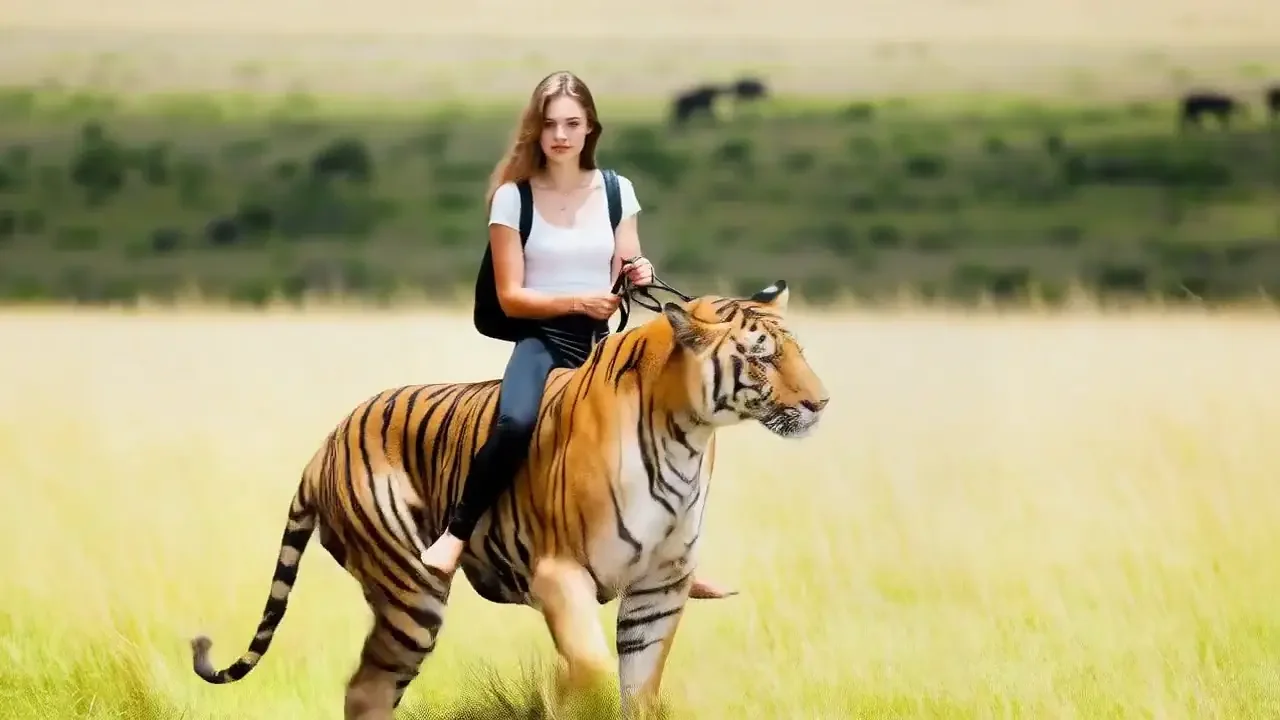
See how reference subjects appear in a new scene. Official external examples and SceneWish recordings keep their source labels.

Video examples
The same reference subjects, different results
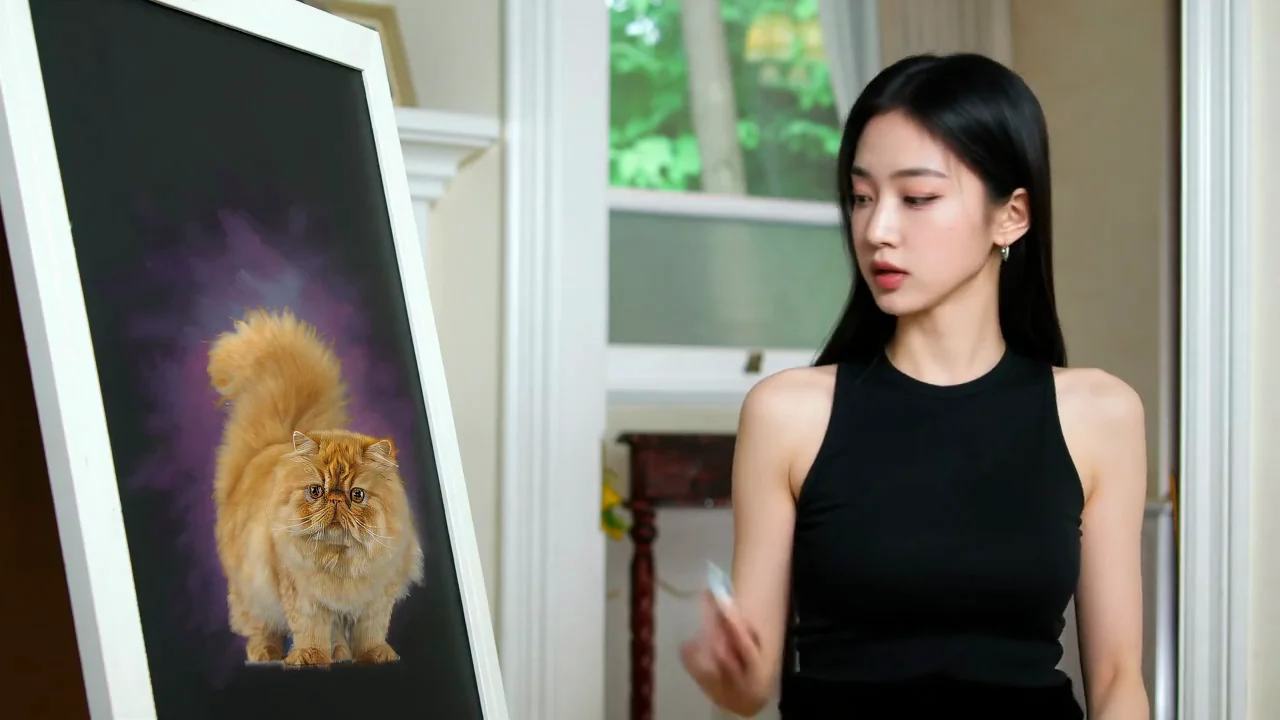
A panel comparison from the HunyuanCustom research page uses the same person, cat and drawing prompt. Model versions and complete settings are not published.
Shared input and prompt
A person uses a paintbrush to work on a cat picture at a drawing board.
External research comparison, cropped into model panels with the original labels retained. “Ours” means HunyuanCustom, not SceneWish. The suggested setup uses Kling v3 Omni and is not an exact reproduction. View source
Use this setupWhich model for reference to video?
Reference limits differ a lot between models, and some also accept reference videos or audio. These are the ones to look at first; the picker lists the rest.
Seedance 2.0 Fast
ByteDance
- You provide
- Images: up to 9Optional videos: up to 3, 2–15s eachUp to 15s in totalOptional audio: up to 3At least one image, video or audio reference
- Length
- 5–15s
- Resolution
- 480p / 720p
- Choose it when
- You want up to 9 references plus optional video or audio at a lower cost.
Seedance 2.5
ByteDance
- You provide
- Images: up to 30Optional videos: up to 10, 2–30s eachUp to 30s in totalOptional audio: up to 10At least one image, video or audio reference
- Length
- 4–30s
- Resolution
- 480p / 720p / 1080p
- Choose it when
- Your scene needs many references, up to 30 images.
Veo 3.1 Fast
Google
- You provide
- Images: 1–3
- Length
- 8s
- Resolution
- 720p / 1080p / 4k
- Choose it when
- You have one to three images and want a fixed 8-second clip.

Kling v3 Omni
Kuaishou
- You provide
- Images: 1–7
- Length
- 3–15s
- Resolution
- 720p / 1080p / 4k
- Choose it when
- You use a few images and want clips up to 4K.
Wan 2.7 Reference
Alibaba
- You provide
- Images: up to 5Optional videos: up to 5, 1–30s eachUp to 150s in totalOptional audio: up to 5At least one image, video or audio reference
- Length
- 2–15s
- Resolution
- 720p / 1080p
- Choose it when
- You want to mix up to 5 images with reference videos.
Vidu Q4 Preview
Vidu
- You provide
- Images: 1–15Optional audio: up to 3
- Length
- 3–16s
- Resolution
- 540p / 720p / 1080p / 2k / 4k
- Choose it when
- You have a large set of images, up to 15.
Gemini Omni Flash Preview
Google
- You provide
- Images: 1–16
- Length
- Chosen by the model
- Resolution
- 720p
- Choose it when
- You want to use up to 16 images and let the model decide the length.
How to make a reference to video clip
Gather clear references for reference to video, then describe a scene that uses them.
Three steps
1. Add clear references
Upload or choose images of the subject. One subject per image, a visible face or label and different angles help the model recognize it.

2. Describe the new scene
Name the subject, the place and one action. Say what must stay the same, such as face, outfit or product shape.

3. Pick a model and check the cost
Models differ in how many references they take. The generator tells you when your set is too large, and the credit cost shows before you generate.

Related ways to create
Reference images guide a subject. These pages cover other starting points.

Example from the linked tool page.
Start from one photo
Use a single image as the opening frame of the clip.
Open Image to Video

Example from the linked tool page.
Control both ends of the clip
Set a first frame and a last frame and describe the move between.
Open First and Last Frame
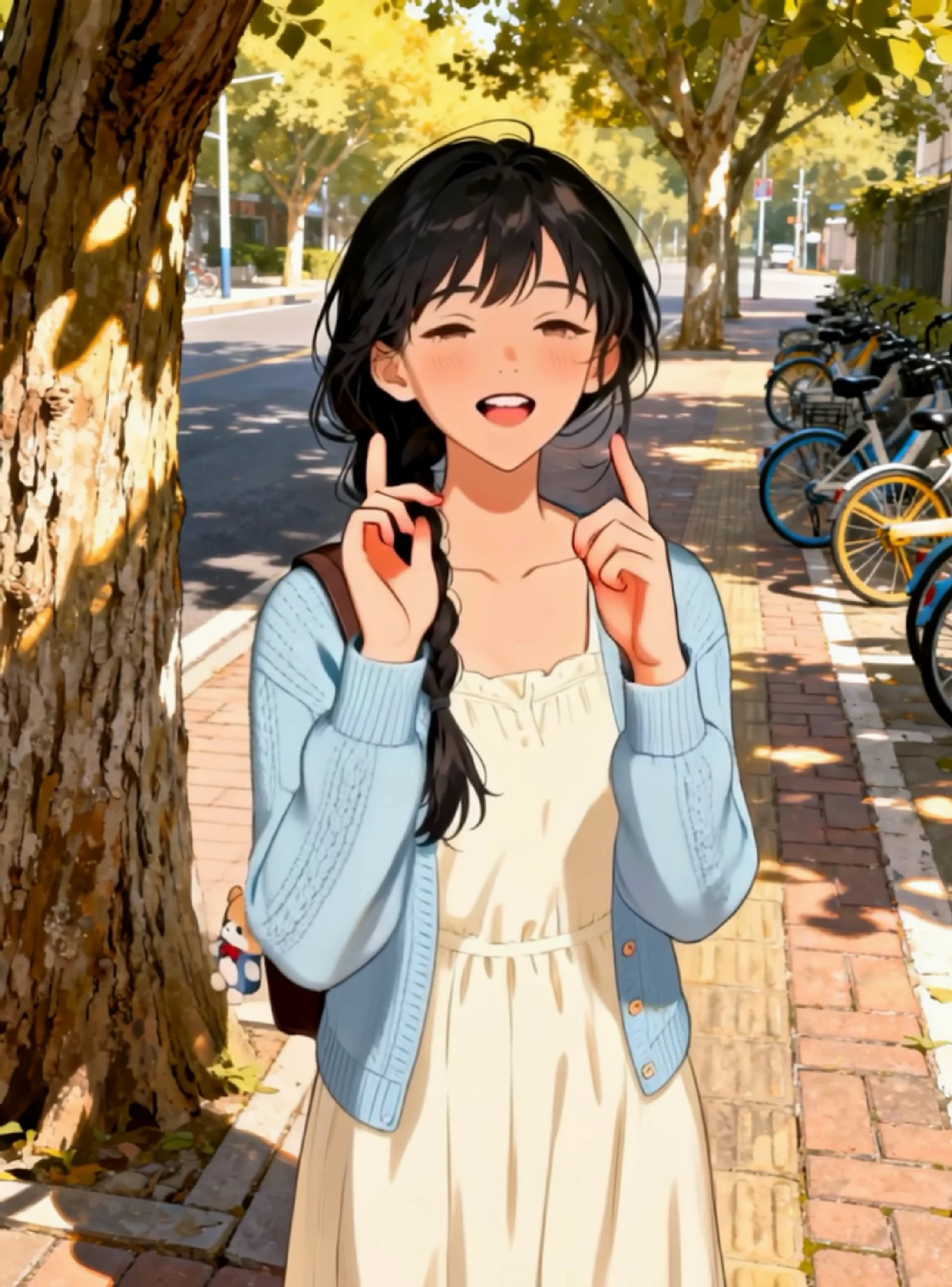
Example from the linked tool page.
Make a character follow a movement
Pair a subject image with a motion video.
Open Motion TransferCredits for reference to video
Cost follows the model, length and resolution, and reference videos can add to the quote. The number shows beside Generate before you submit, so you can trim the reference set first.
Starter
500 credits
For occasional short videos
- 500 credits
- Text and image video creation
- Private video playback and downloads
- Credits returned for failed generations
- Credits arrive after payment and expire at the end of the monthly billing period.
Pro
1,000 credits
For regular video creation
- 1,000 credits
- Text and image video creation
- Private video playback and downloads
- Credits returned for failed generations
- Credits arrive after payment and expire at the end of the monthly billing period.
Max
2,000 credits
For higher video volume
- 2,000 credits
- Text and image video creation
- Private video playback and downloads
- Credits returned for failed generations
- Credits arrive after payment and expire at the end of the monthly billing period.
Starter
4,800 credits
For occasional short videos
- 4,800 credits
- Text and image video creation
- Private video playback and downloads
- Credits returned for failed generations
- All annual credits arrive after payment and expire at the end of the annual billing period.
Pro
9,600 credits
For regular video creation
- 9,600 credits
- Text and image video creation
- Private video playback and downloads
- Credits returned for failed generations
- All annual credits arrive after payment and expire at the end of the annual billing period.
Max
20,000 credits
For higher video volume
- 20,000 credits
- Text and image video creation
- Private video playback and downloads
- Credits returned for failed generations
- All annual credits arrive after payment and expire at the end of the annual billing period.
500 credit pack
500 credits
One-time payment. No subscription required.
- 500 credits
- Text and image video creation
- Private video playback and downloads
- Credits returned for failed generations
- Valid for 365 days. No auto-renewal.
1,000 credit pack
1,000 credits
One-time payment. No subscription required.
- 1,000 credits
- Text and image video creation
- Private video playback and downloads
- Credits returned for failed generations
- Valid for 365 days. No auto-renewal.
2,500 credit pack
2,500 credits
One-time payment. No subscription required.
- 2,500 credits
- Text and image video creation
- Private video playback and downloads
- Credits returned for failed generations
- Valid for 365 days. No auto-renewal.
Reference to video: common questions
How references work, how many to add and what to expect.

Your subject, a new scene
Where should your reference to video subject go next?
Add a few clear references, describe a scene and see the video before you download it.
Make a reference videoSelected examples from this tool page. External clips retain their original source; results vary with model and input.