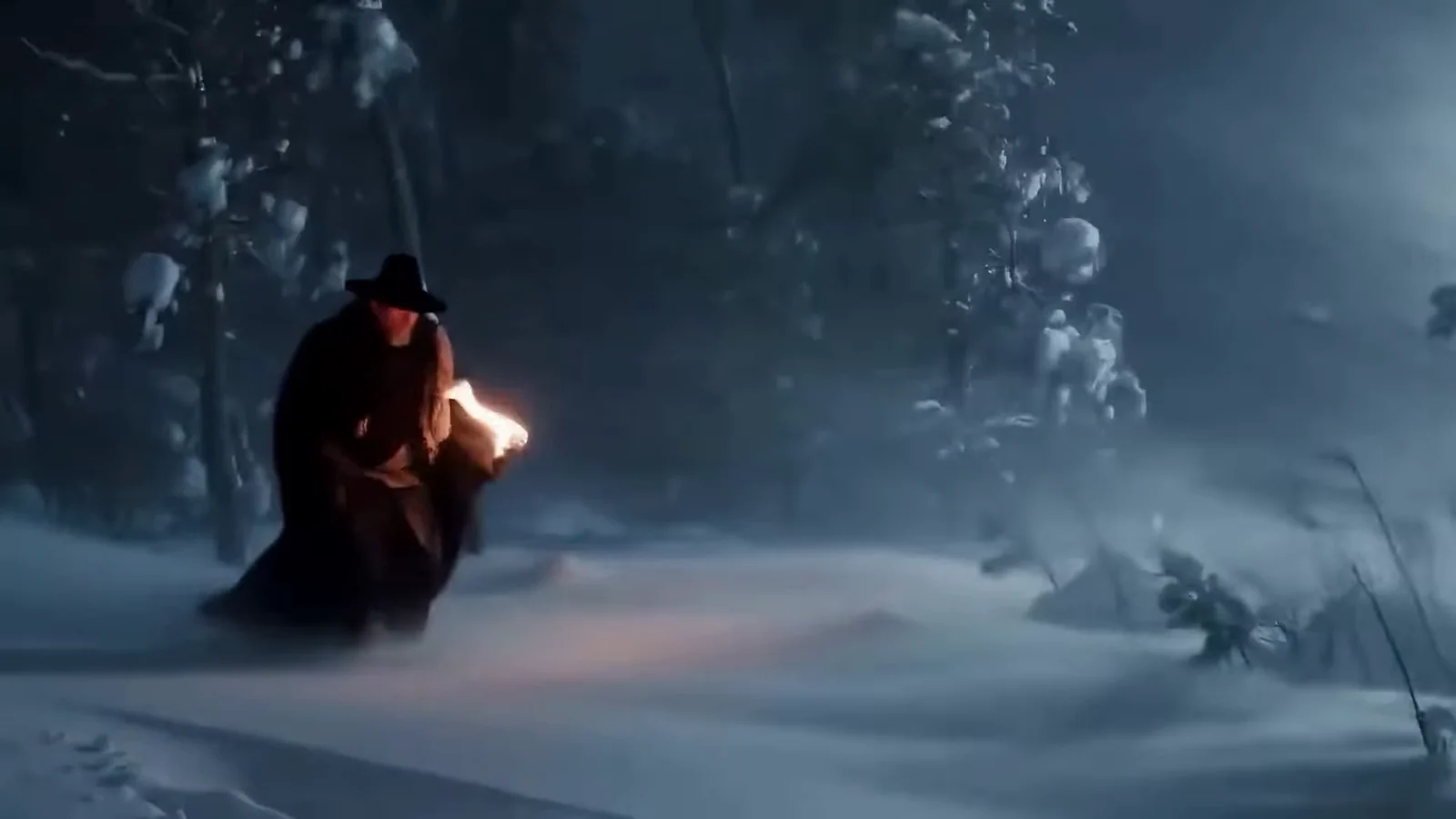
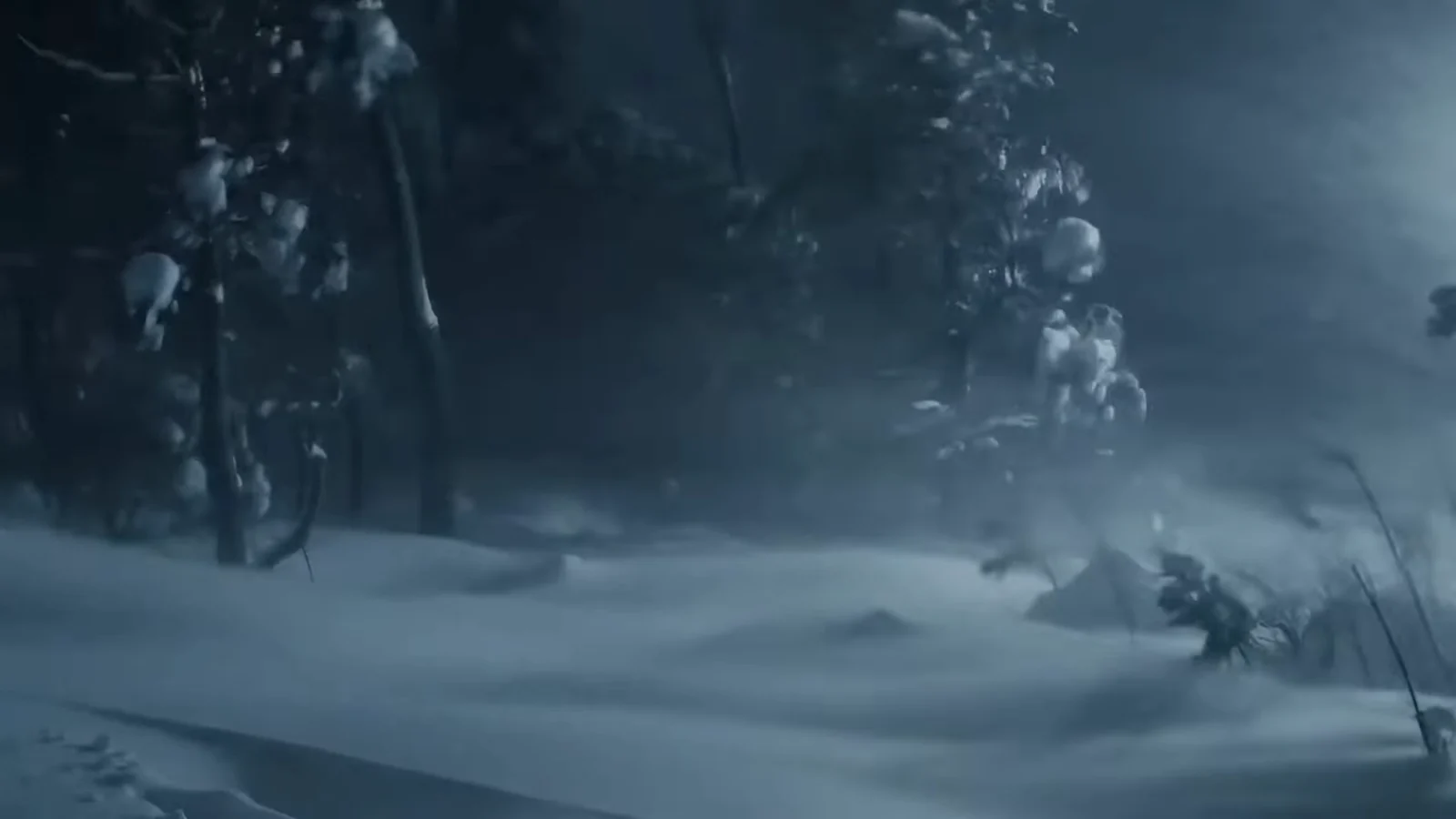
Add a torch-carrying traveler
Compare the snowy forest with the official Veo result that adds a moving person and torchlight.
Upload a clip and describe what to change, such as the style, background or lighting. SceneWish generates an edited version of your video.
Upload the video you want to edit. It must fall inside the length range of the model you picked. Reference images are optional on models that accept them.
0 / 7
Upload the video to edit and describe the change.
Watch the source and result separately to see which objects change. These official external comparisons inspire your own edit.
Compare the snowy forest with the official Veo result that adds a moving person and torchlight.
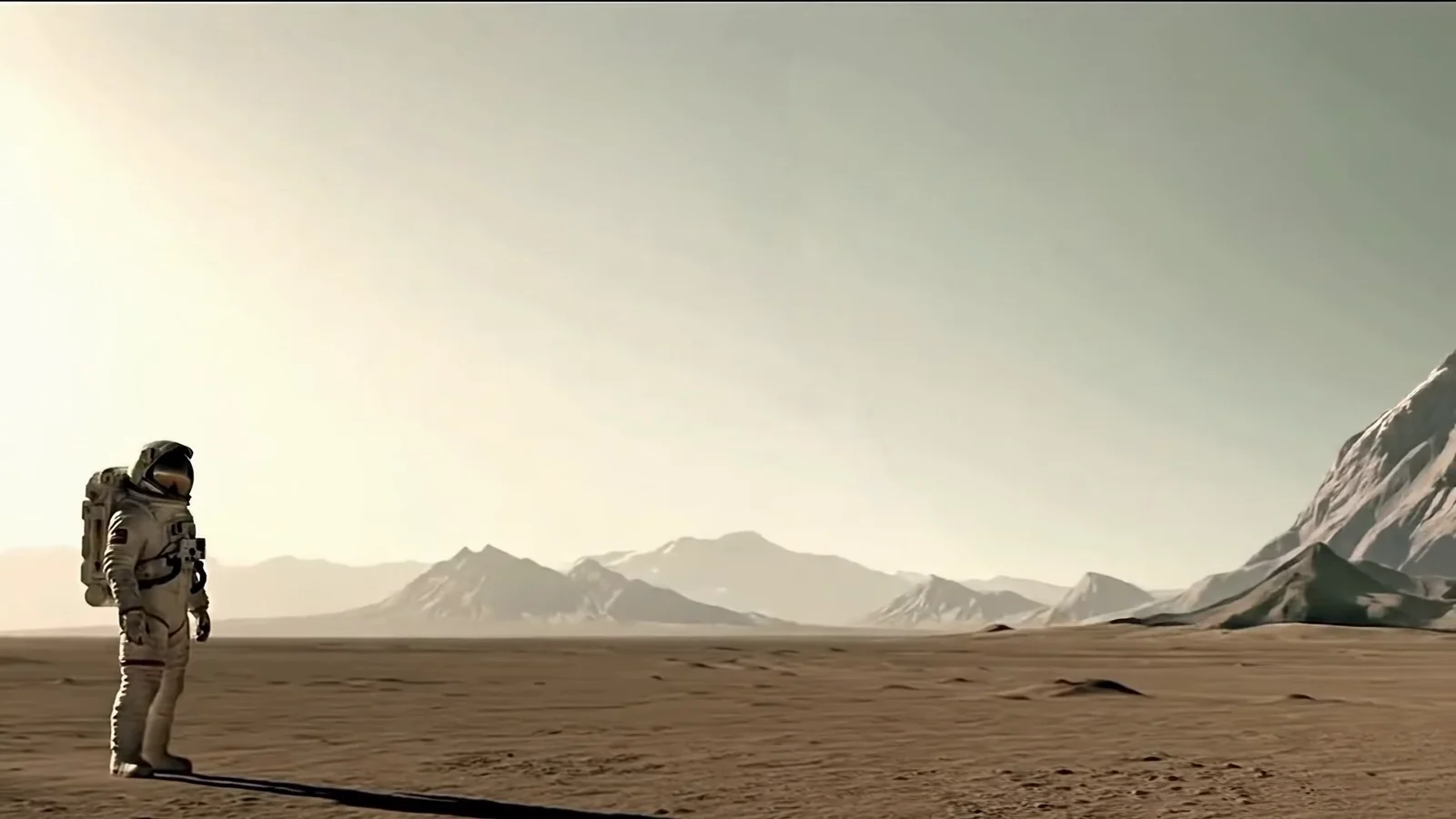
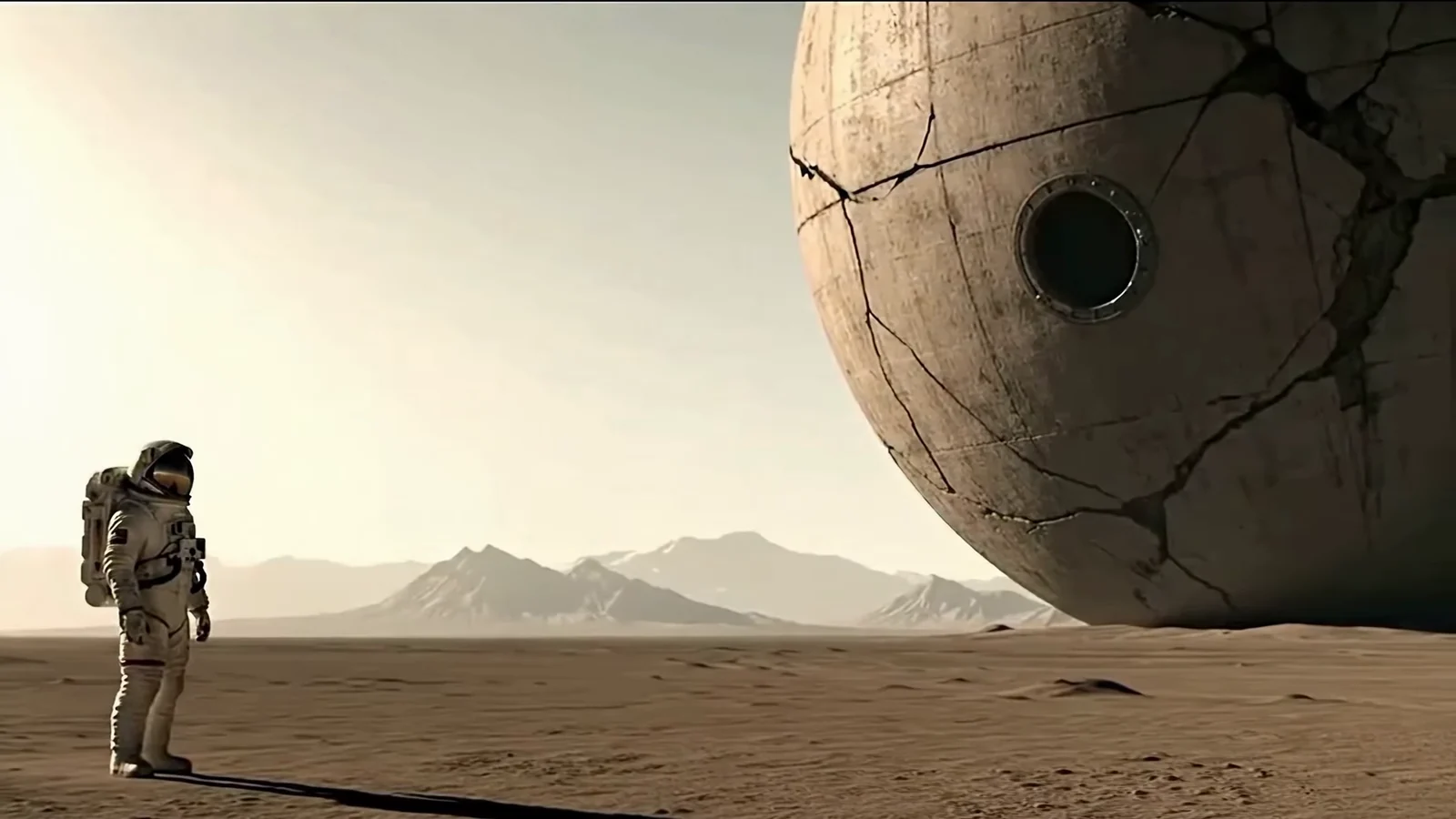
The official Veo comparison removes the spacecraft while the astronaut remains in the landscape.

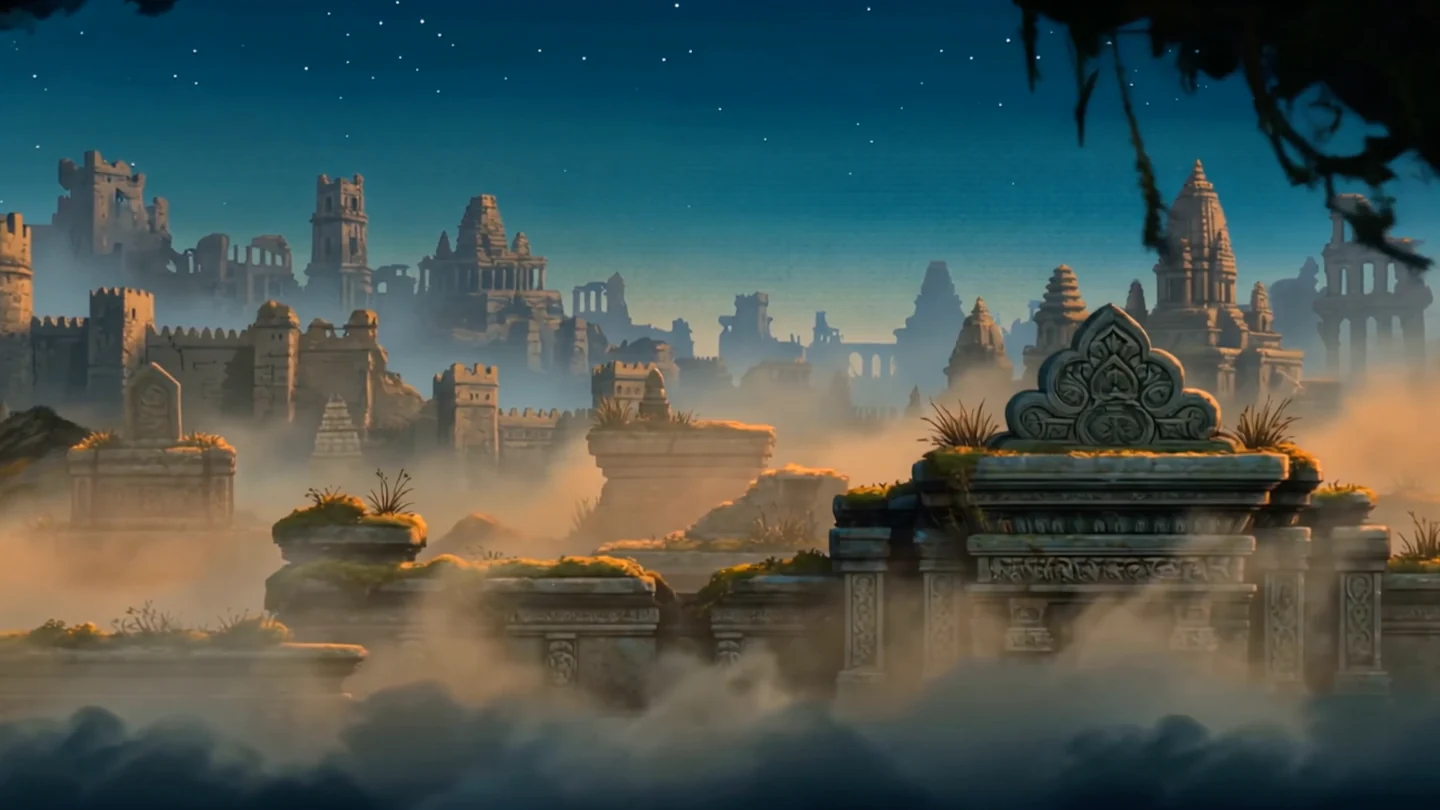
A source clip and edited keyframe guide a new environment.
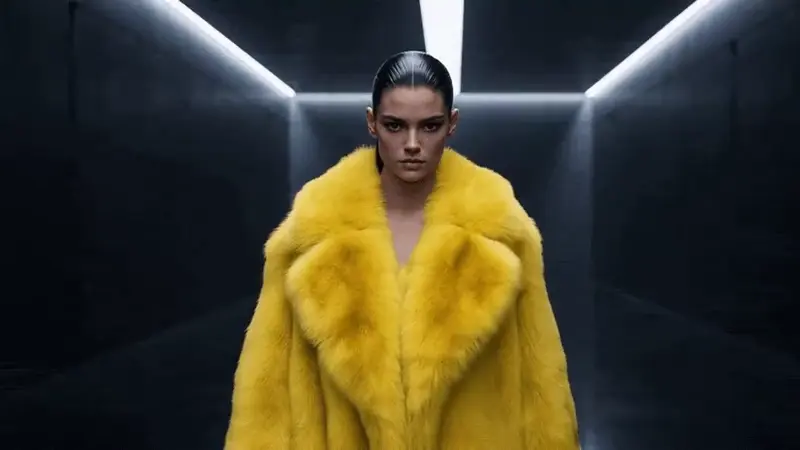
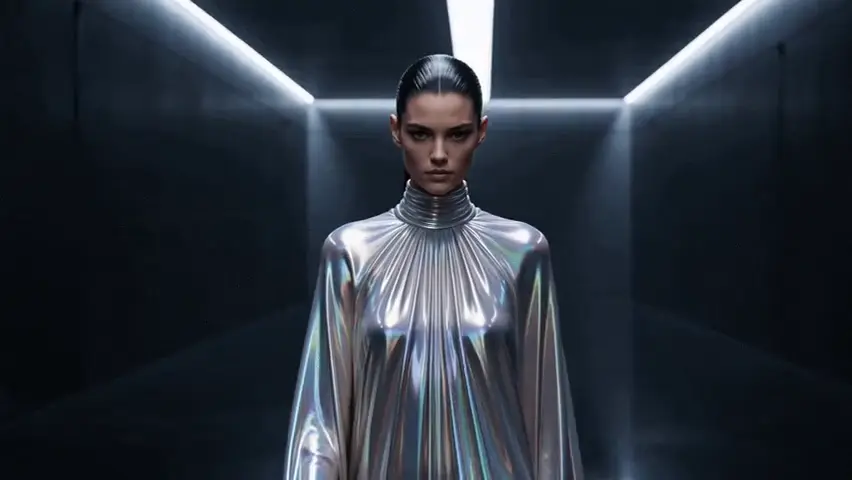
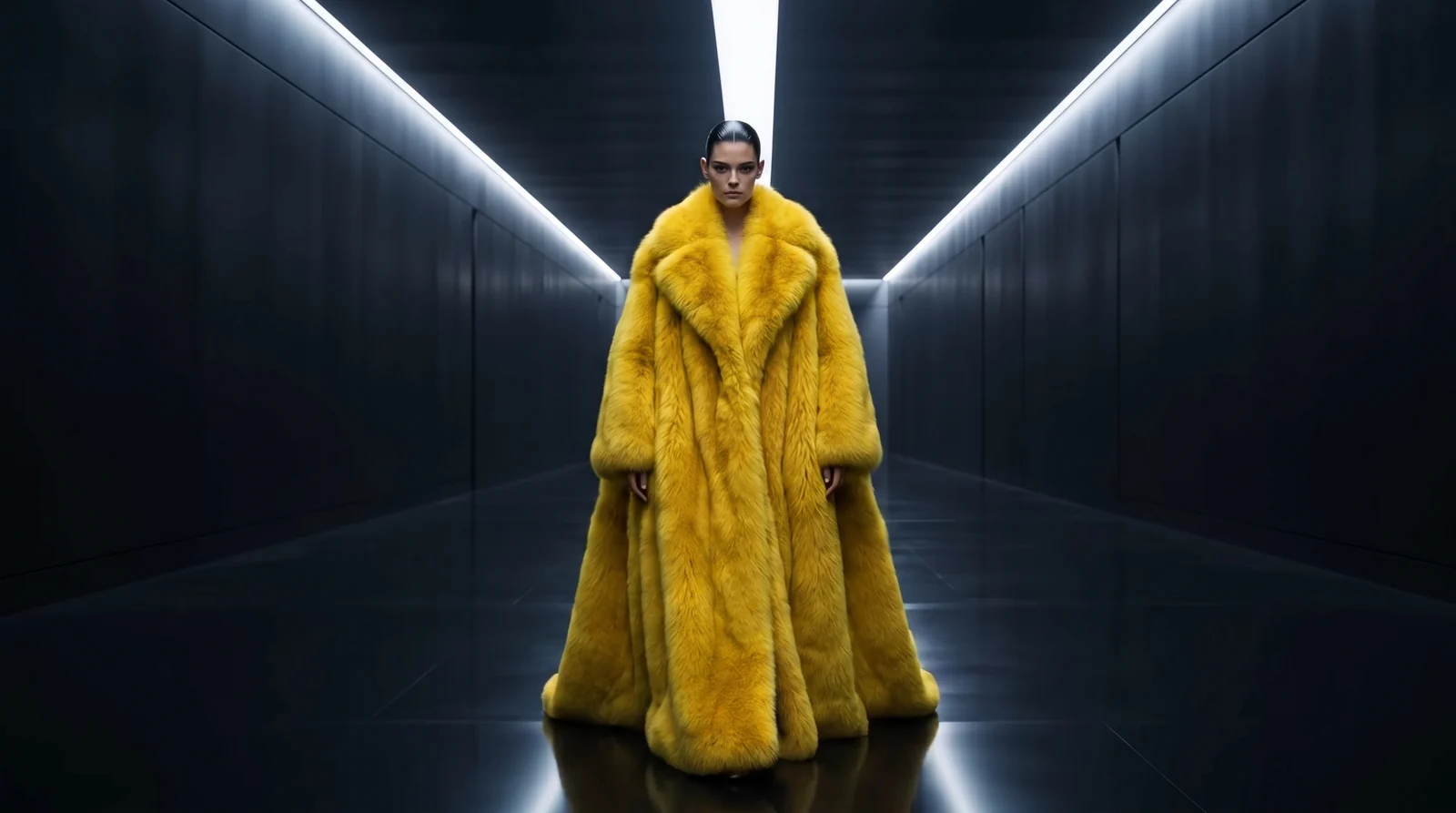
Change clothing while retaining the walking performance.
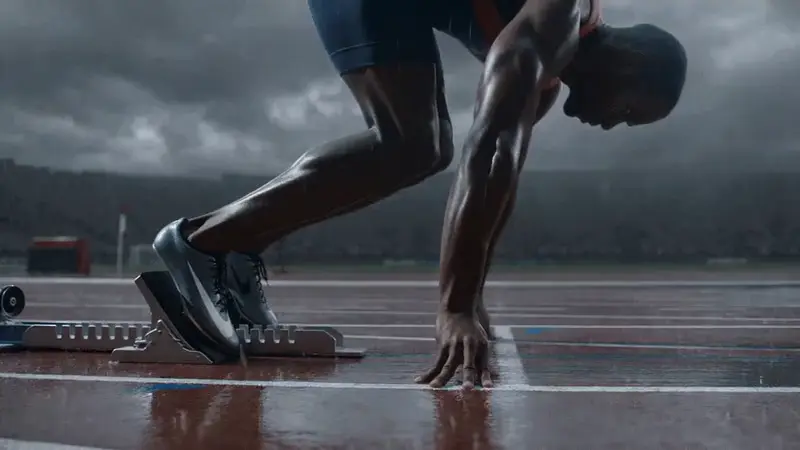
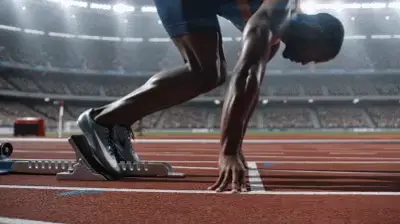
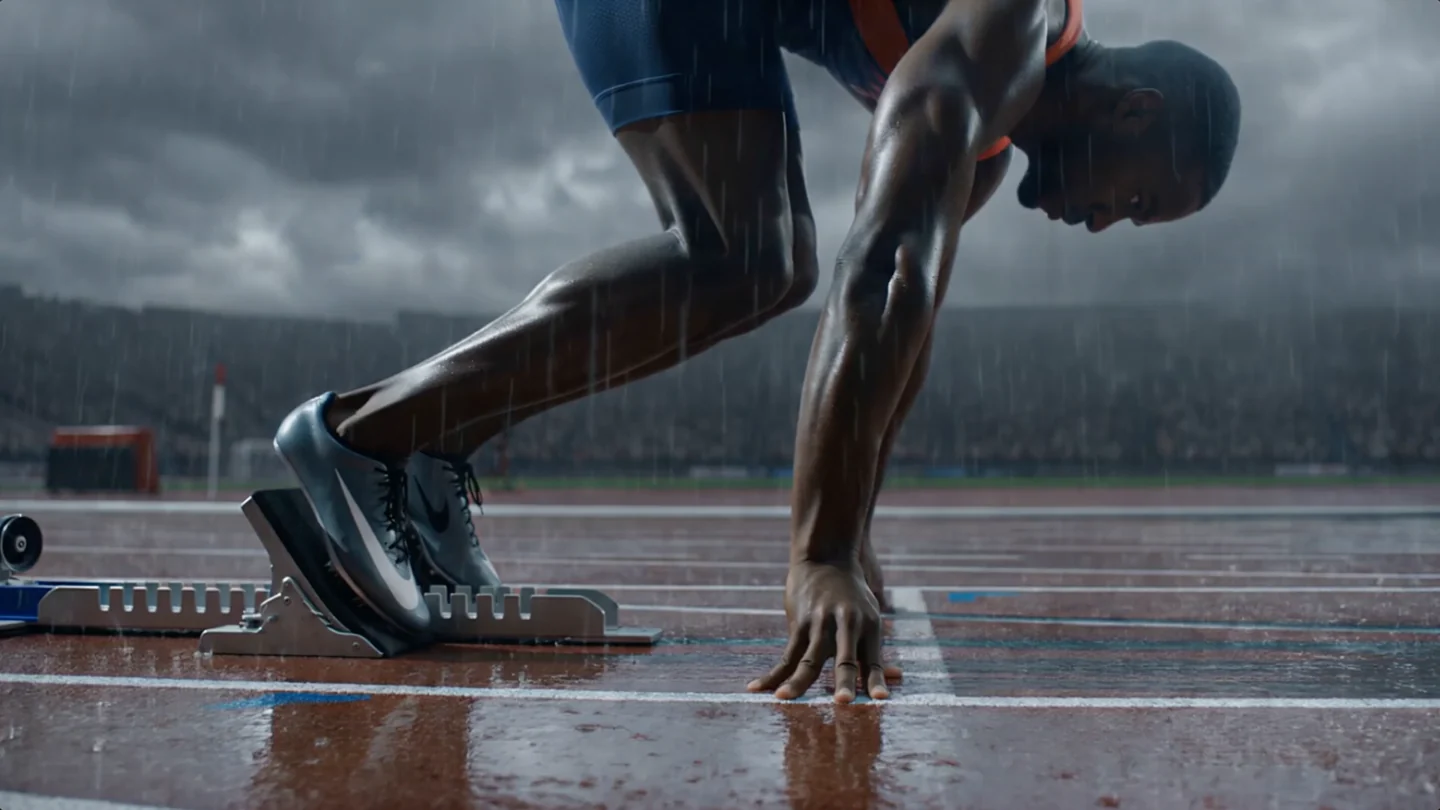
An edited keyframe changes the weather around a runner.
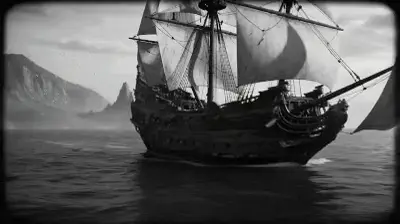
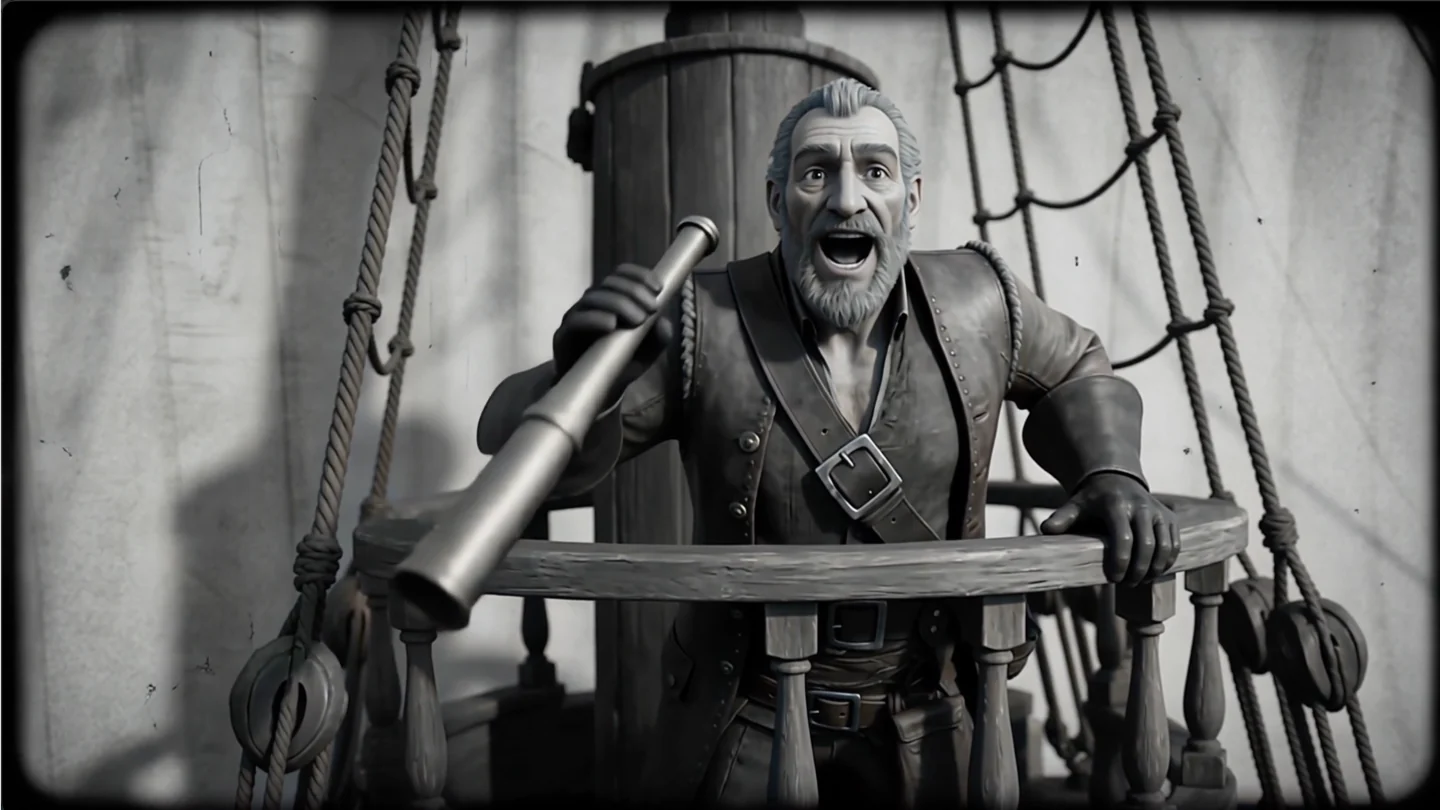
Apply a black-and-white period-film look to a sailing sequence.
Start from a short clip with a clear subject and ask for one change at a time.
Three steps
Add one video within the length range of your model, or choose one from your assets. Optional reference images show a look or an object you want in the result.
Name the edit and the parts to keep, such as the person, the camera move or the sound.
On most models the result follows your source clip's length. The credit cost shows before you submit, and the edited video plays under the generator.
Each model below needs one uploaded video. They differ in the source length they accept, the resolution and whether reference images are allowed.
ByteDance
Kuaishou
xAI
Alibaba
Alibaba
Edit what you filmed, or make new footage from other inputs.
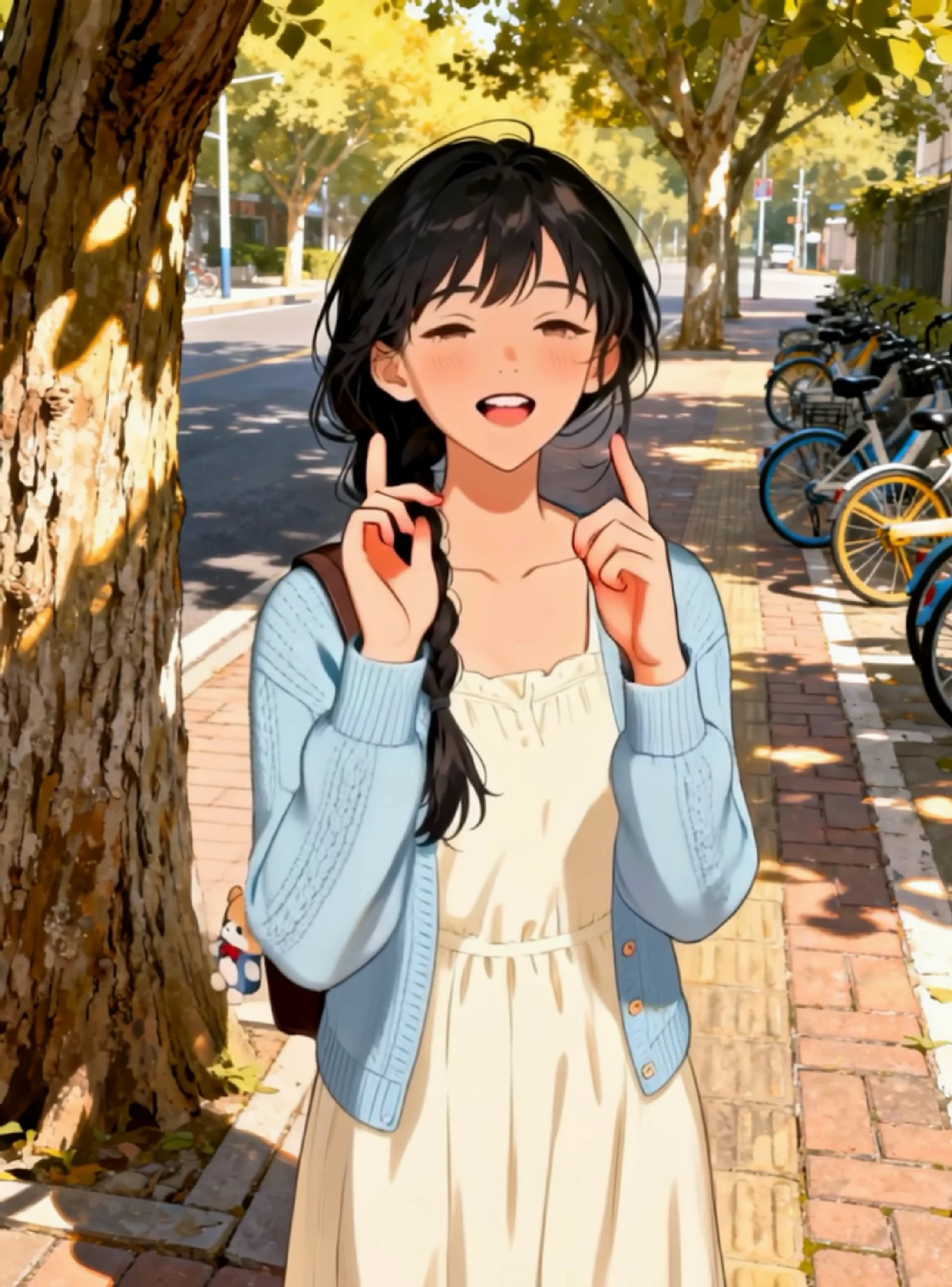
Example from the linked tool page.
Use a subject image and a motion clip instead of editing a whole video.
Open Motion Transfer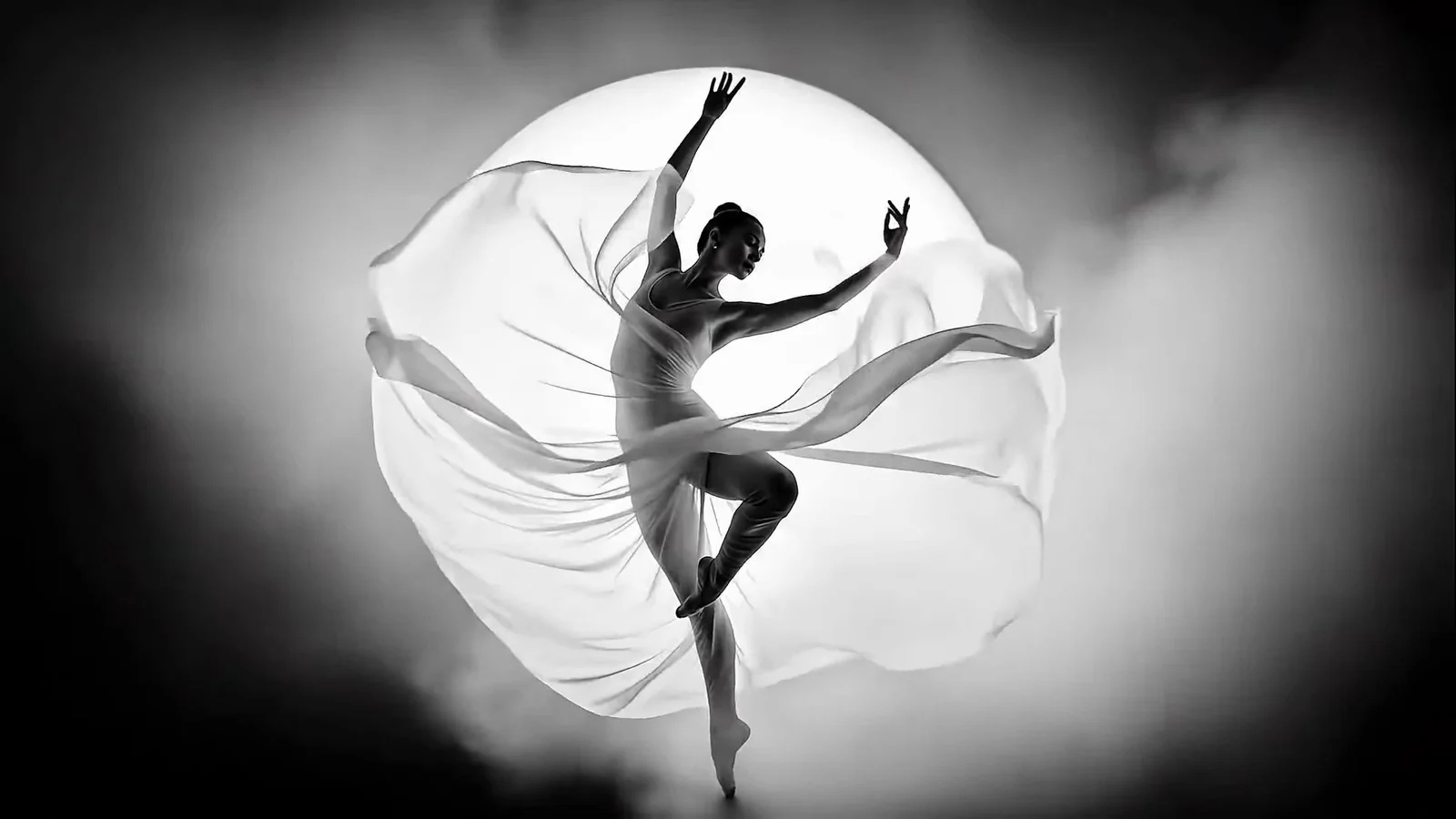
Example from the linked tool page.
Add more seconds after your video.
Open Extend Video
Example from the linked tool page.
Describe a scene when you have no source video.
Open Text to VideoCost follows the model, the resolution and the length of your source video, because the result follows it. The credit cost appears before you generate.
Starter
500 credits
For occasional short videos
Pro
1,000 credits
For regular video creation
Max
2,000 credits
For higher video volume
Starter
4,800 credits
For occasional short videos
Pro
9,600 credits
For regular video creation
Max
20,000 credits
For higher video volume
500 credit pack
500 credits
One-time payment. No subscription required.
1,000 credit pack
1,000 credits
One-time payment. No subscription required.
2,500 credit pack
2,500 credits
One-time payment. No subscription required.
What you can change, what to upload and what to expect from the result.
Footage you already have
Upload a video, describe one change and watch the edited video before you download it.
Edit a videoSelected examples from this tool page. External clips retain their original source; results vary with model and input.