

Discover the Next AI Video Trend. Make It Yours.
See what's new in AI video, then turn the effect you love into your own version with a photo or an idea.
6 credits
Add your idea and any required inputs.
AI video effects & ideas
Watch a SceneWish example and use its recorded recipe. External inspiration is listed separately with its source and an unverified starting prompt.
SceneWish effects & examples

External inspiration
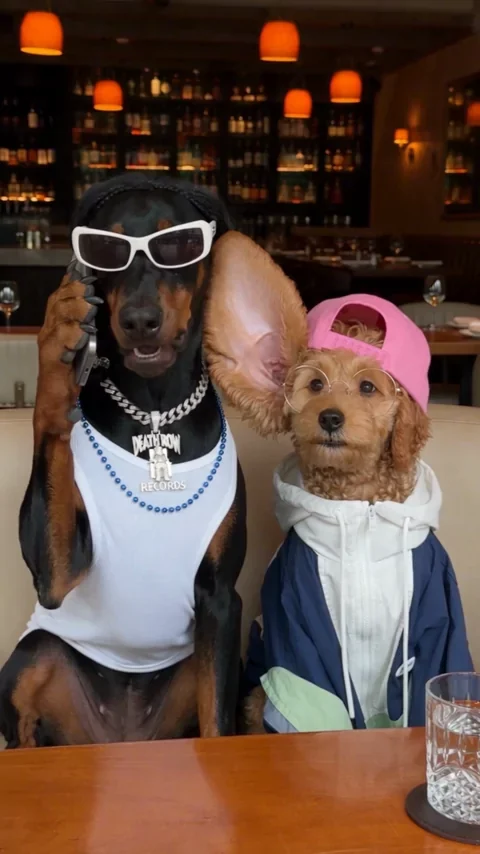
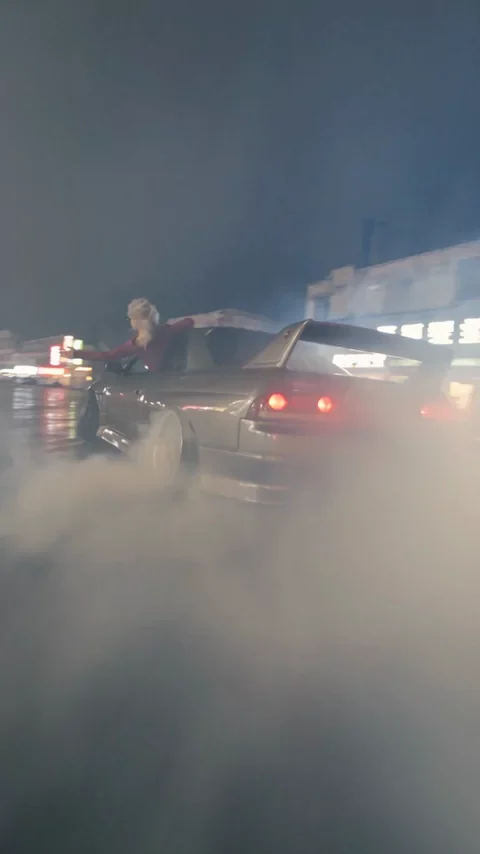
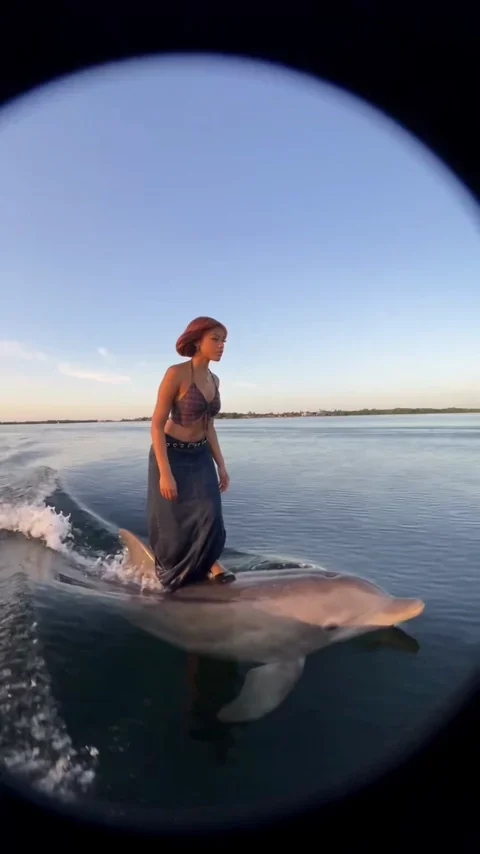
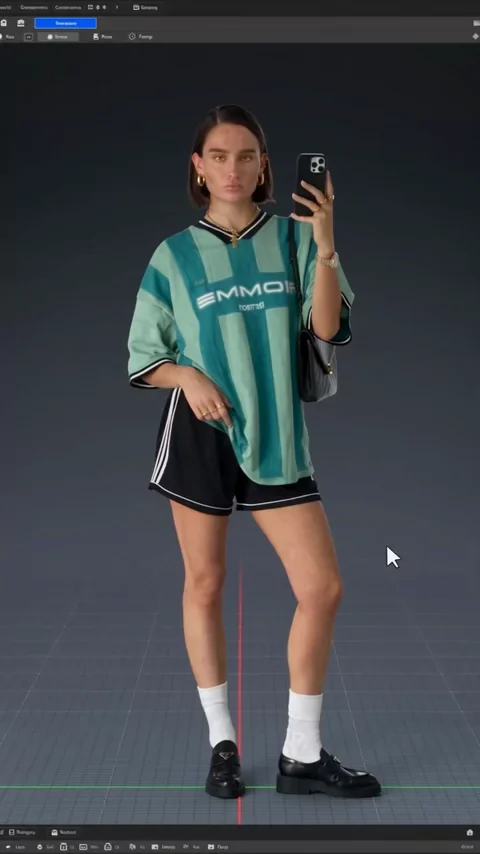
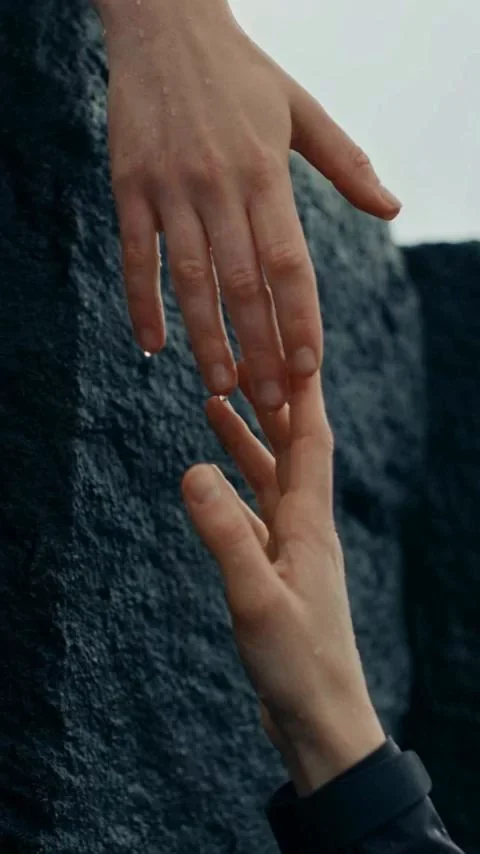
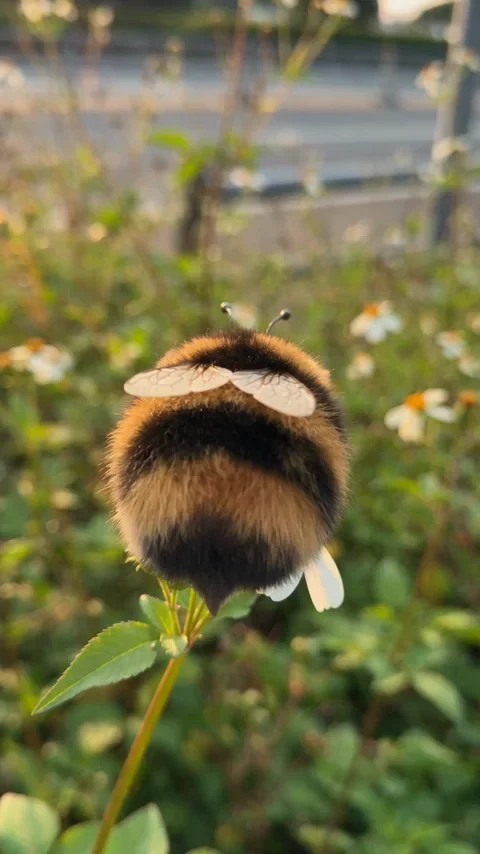
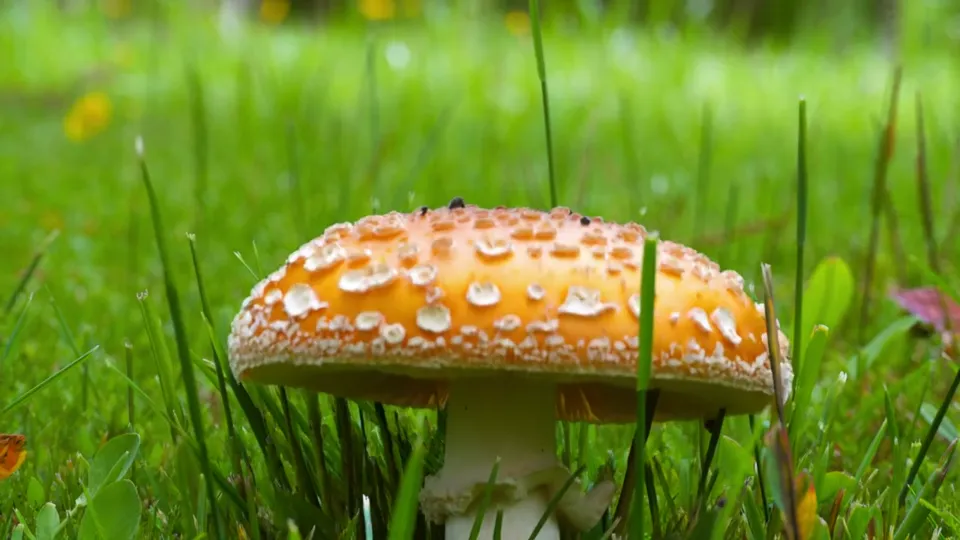
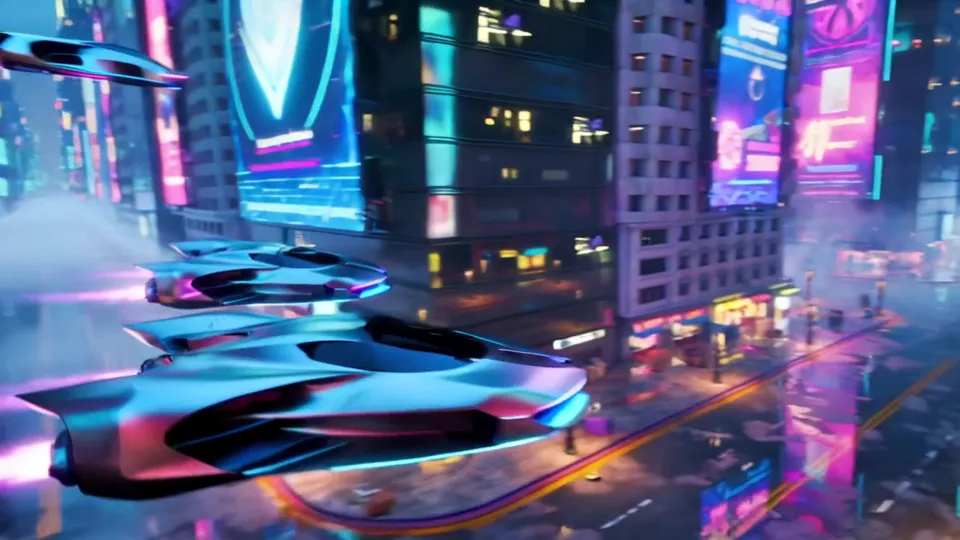
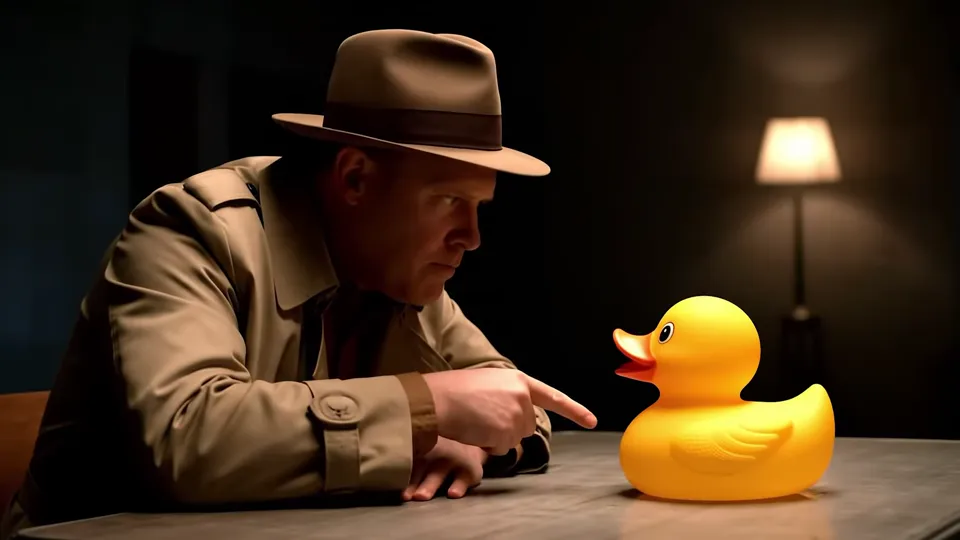
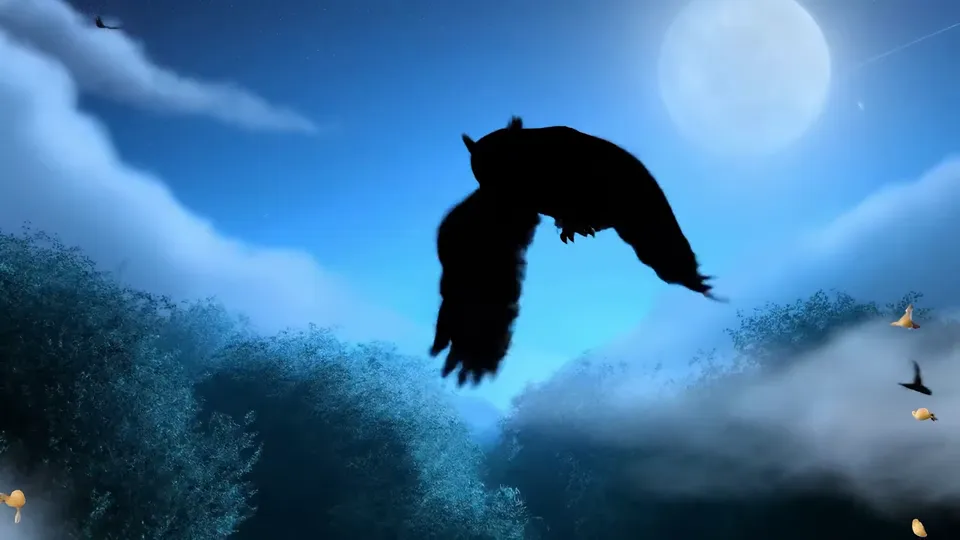
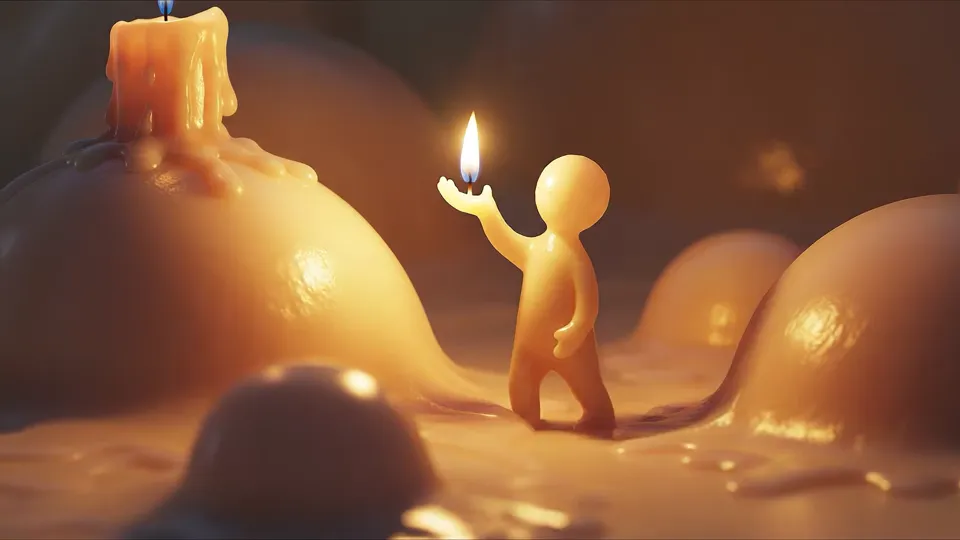
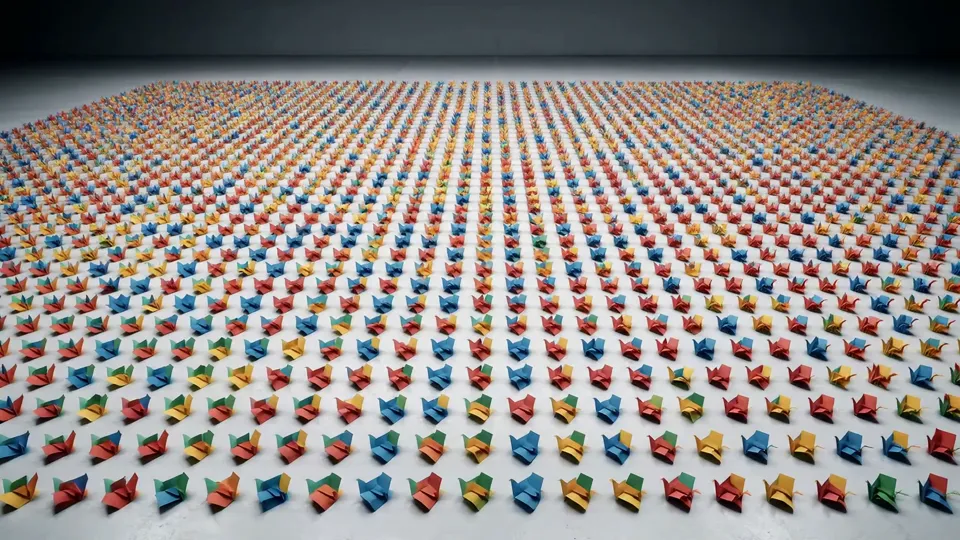
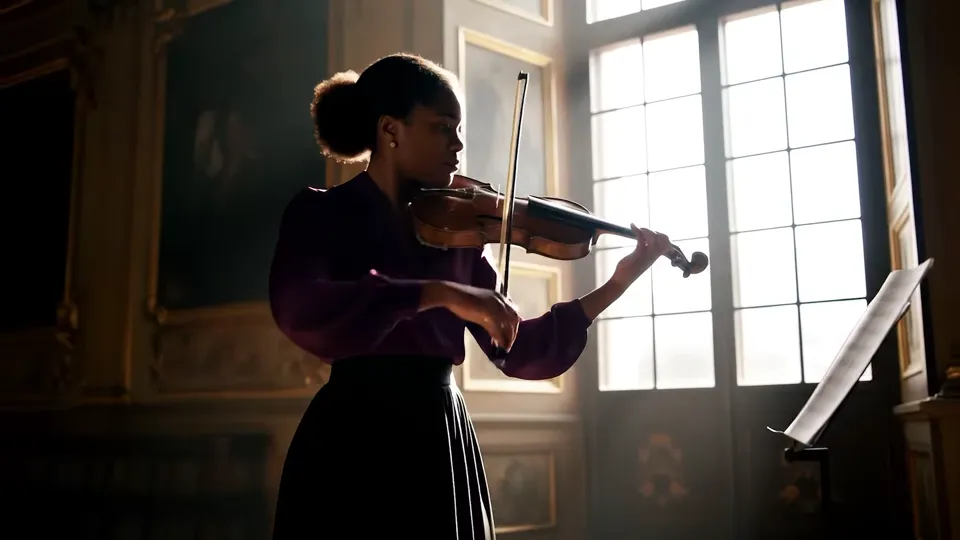
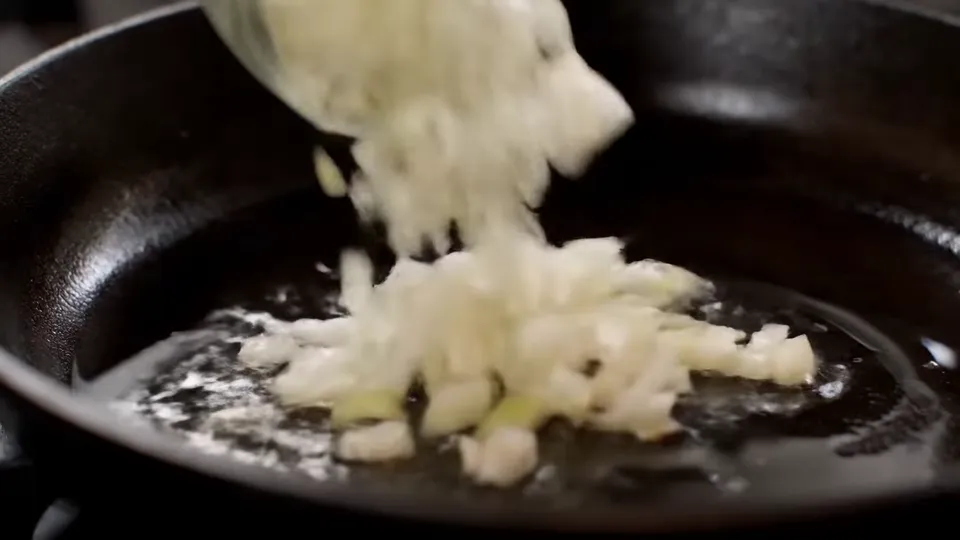

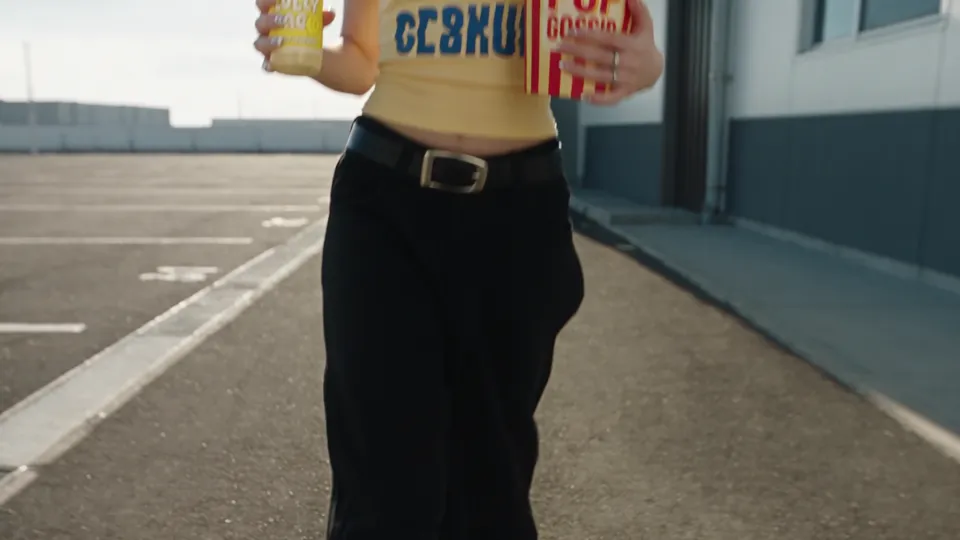
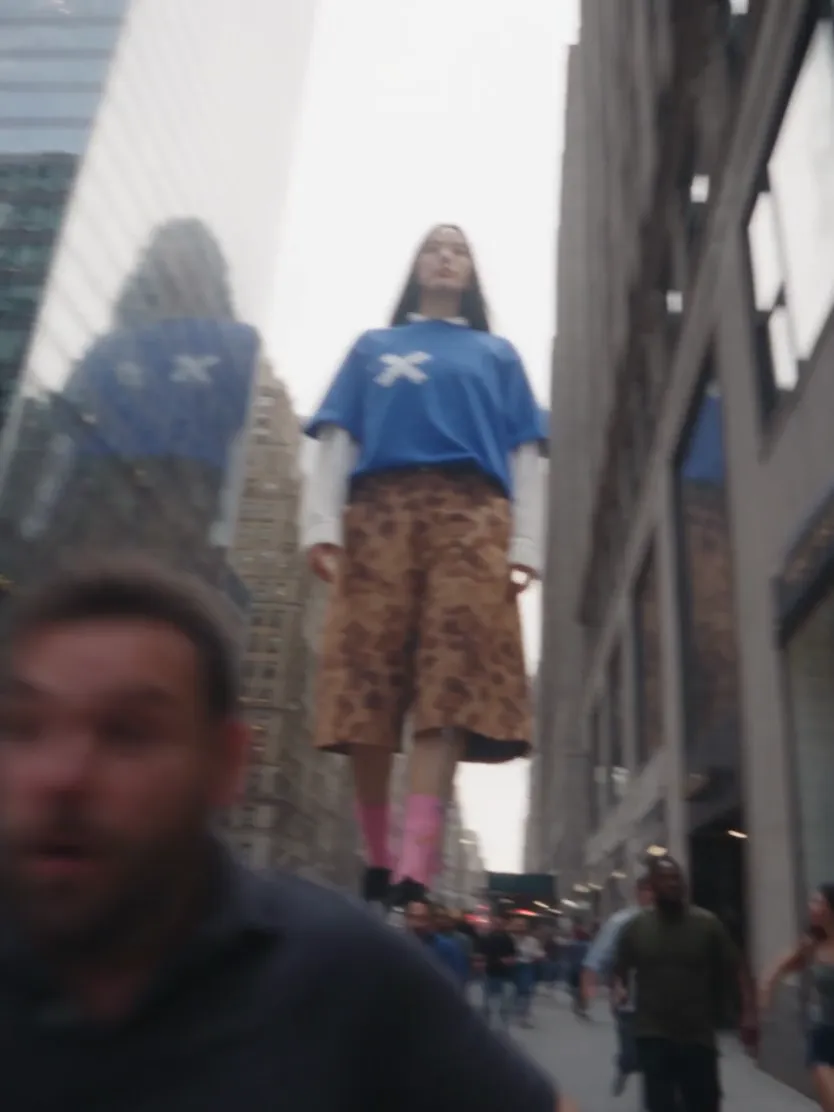
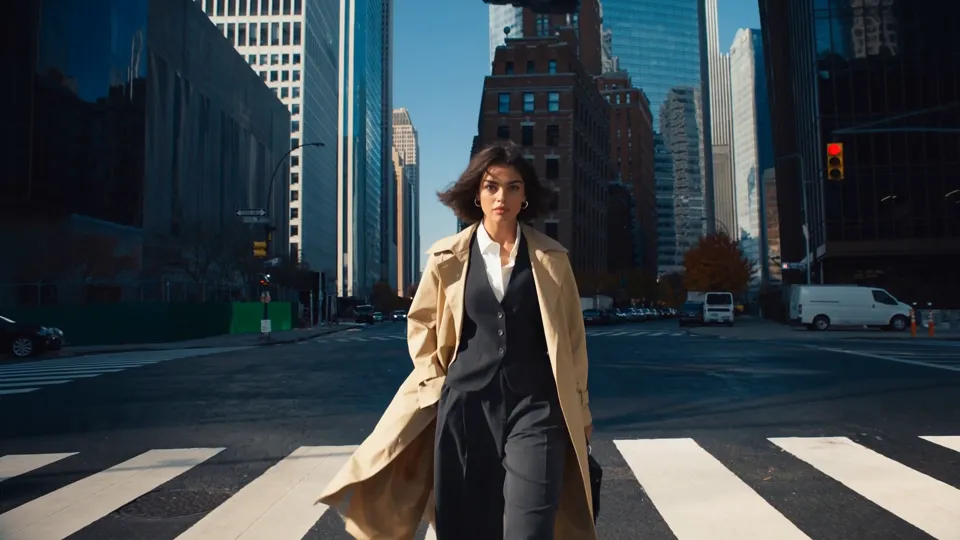
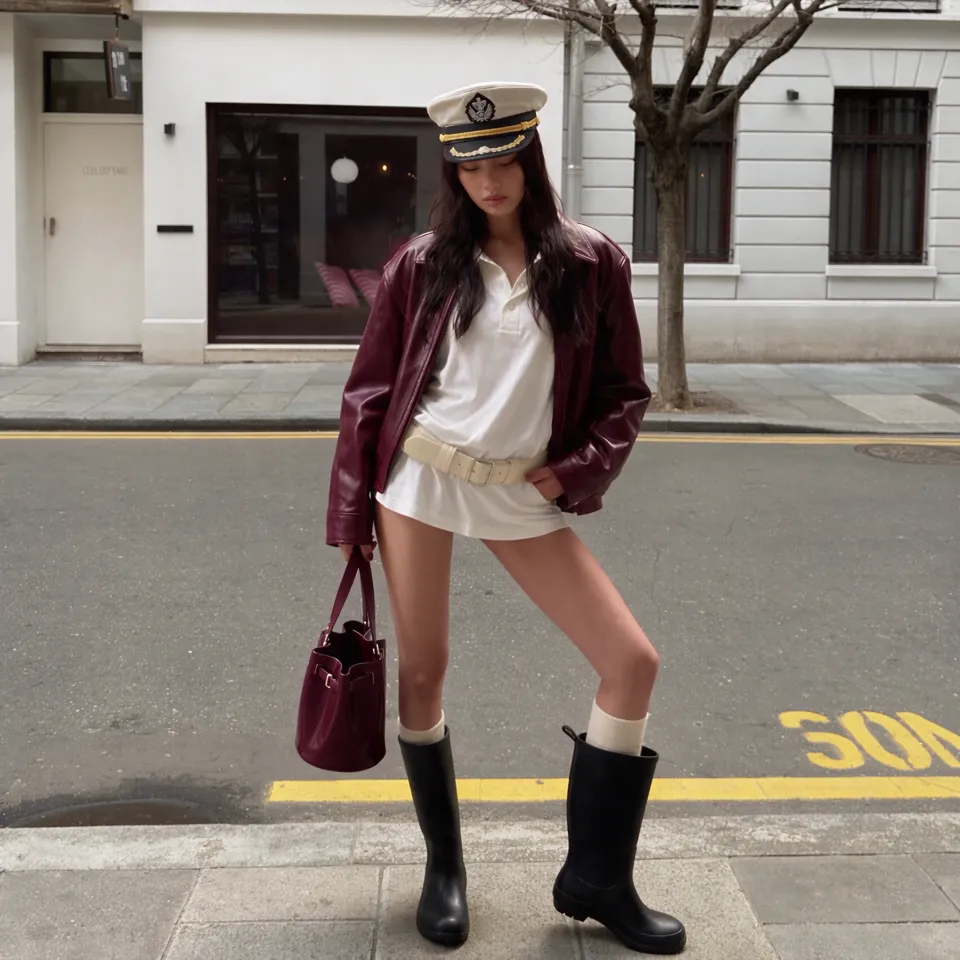
The AI video models behind your effects
Seedance
ByteDance
Veo
Google
Kling
Kuaishou
MiniMax
MiniMax
Wan
Alibaba
Vidu
Vidu
Grok
xAI
HappyHorse
Alibaba
SkyReels
Skywork
FLUX
Black Forest Labs
PixVerse
PixVerse
Gemini
Google





AI video effects to try first
Every effect starts with a scene you wish you were in: a gesture, a pet, a world that doesn't exist yet.
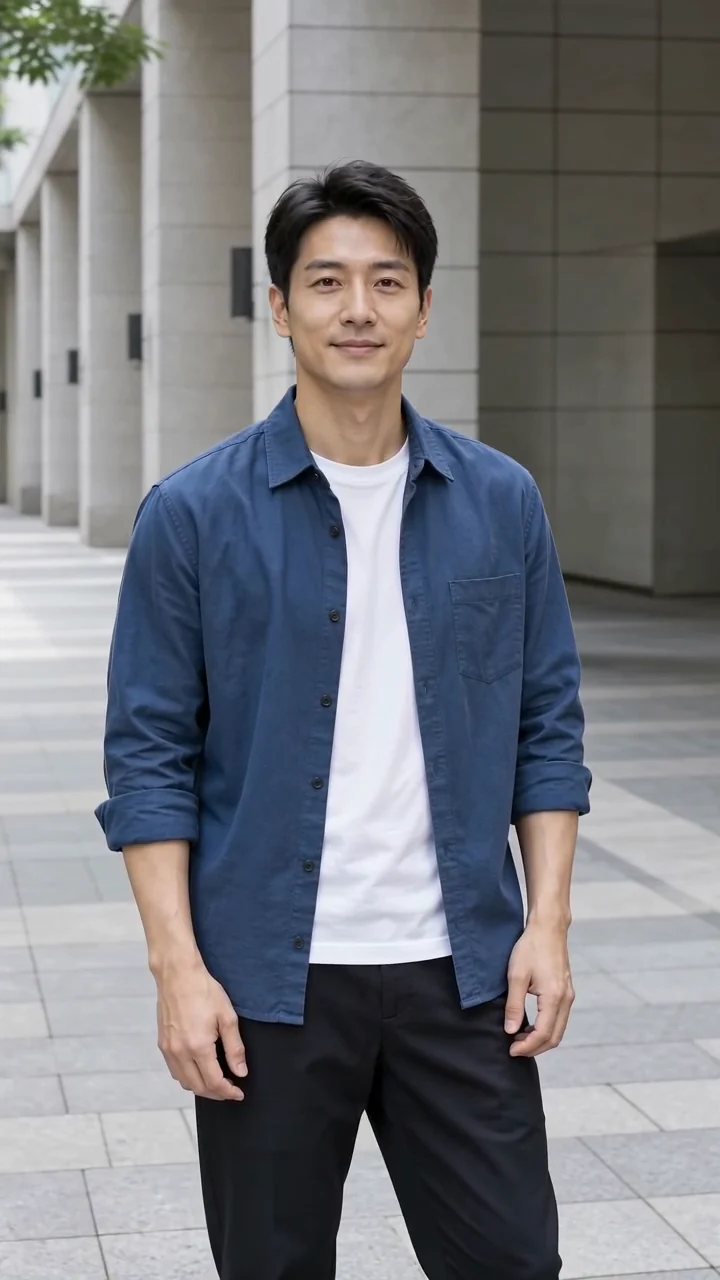
Say it with a finger heart
Bring a clear adult portrait. The prepared recipe guides a small hand gesture and a gentle smile.
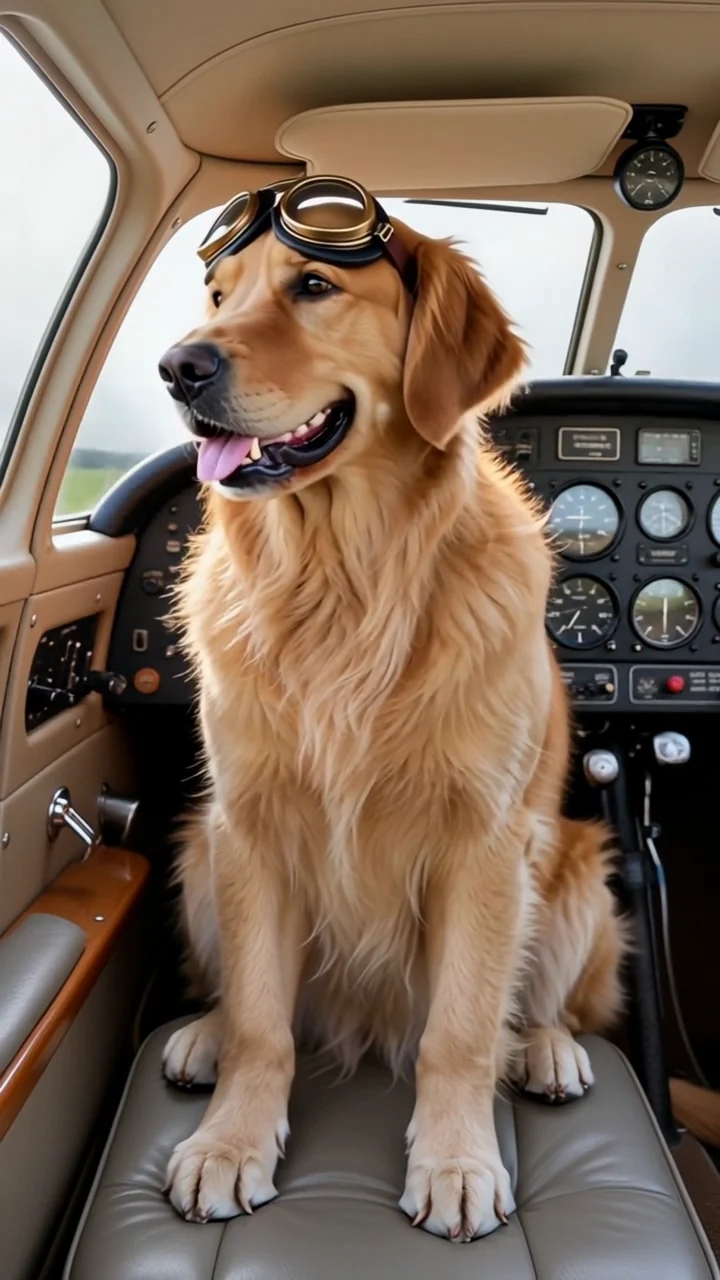
Make my finger heartGive your dog a seat in the cockpit
A dog photo supplies the identity. The recipe imagines the cockpit, goggles and head movement.
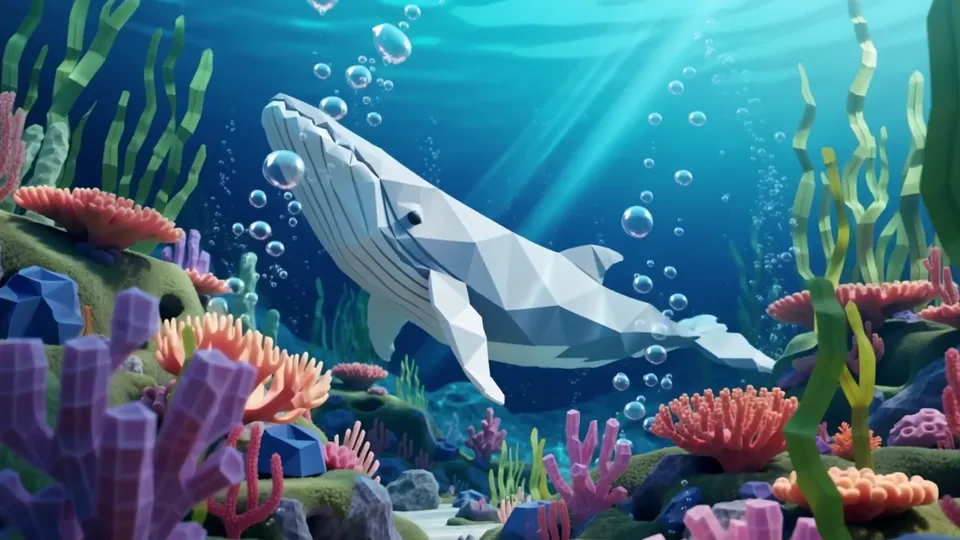
Make my pet a pilotCreate an ocean from paper
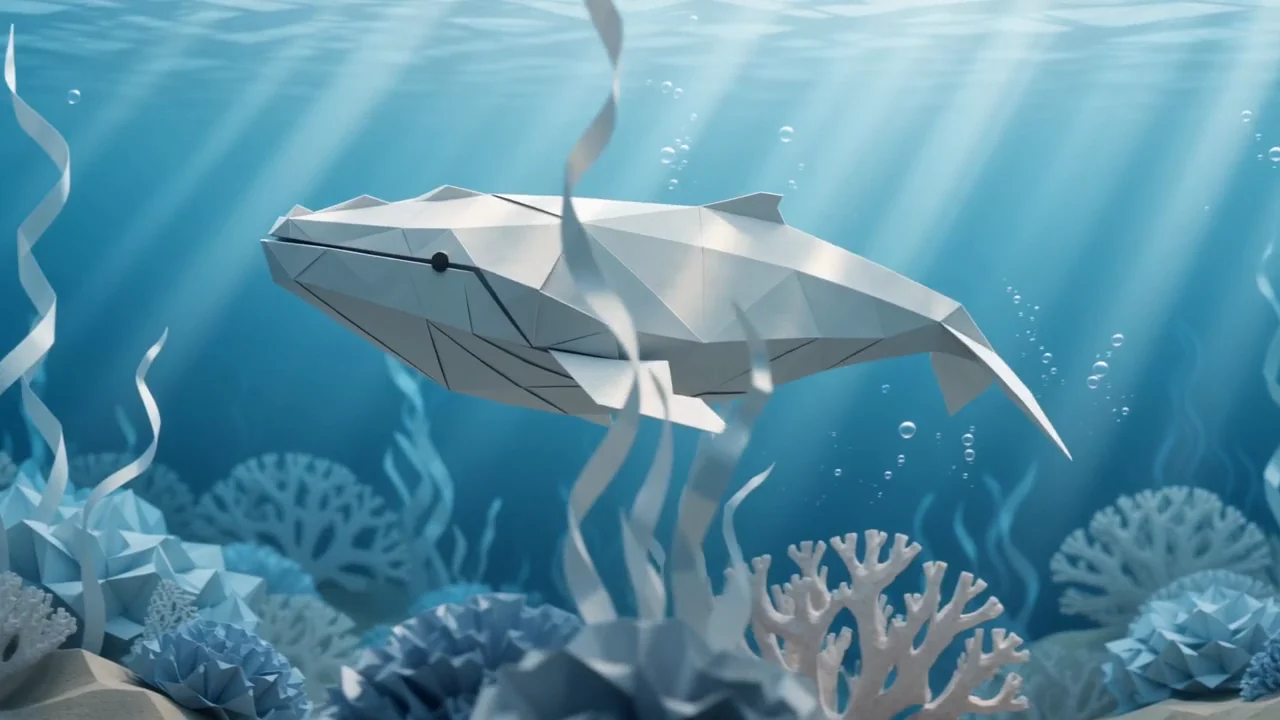
No starting image is needed. Describe a character, a material and one movement, then make a scene of your own.
Open Paper Ocean recipePaint a scene in motion
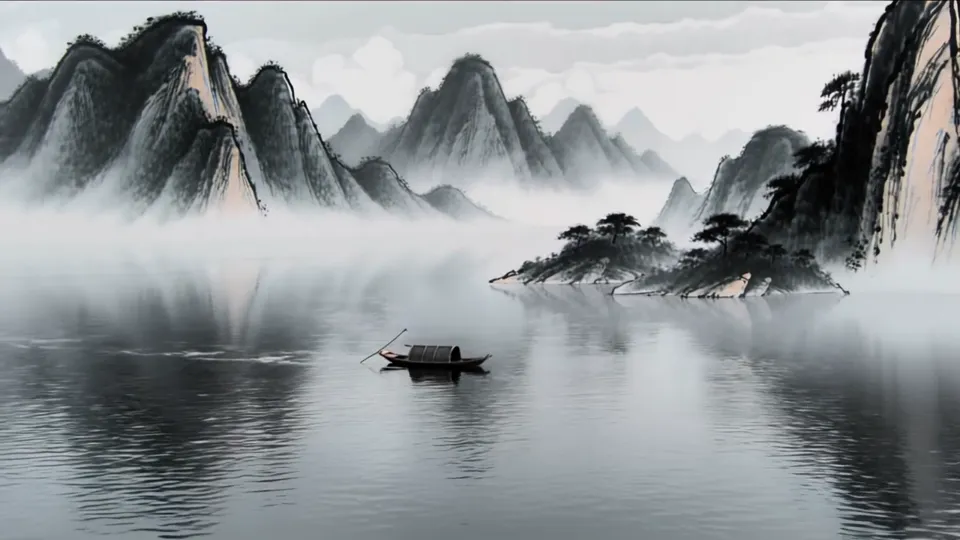
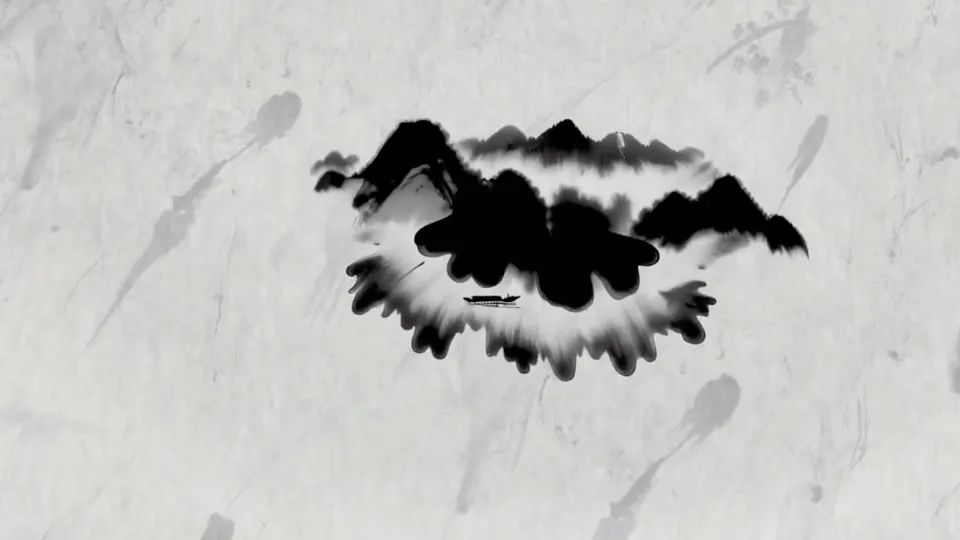
Watch ink become a mountain landscape.
Black ink spreads across pale paper and forms layered peaks. Use this reference to explore a painting that changes over time, then adapt the starting prompt with your own subject.
- Describe the material and how it transforms.
- Keep the camera steady while the scene takes shape.
- The starting prompt has not been verified against this reference.
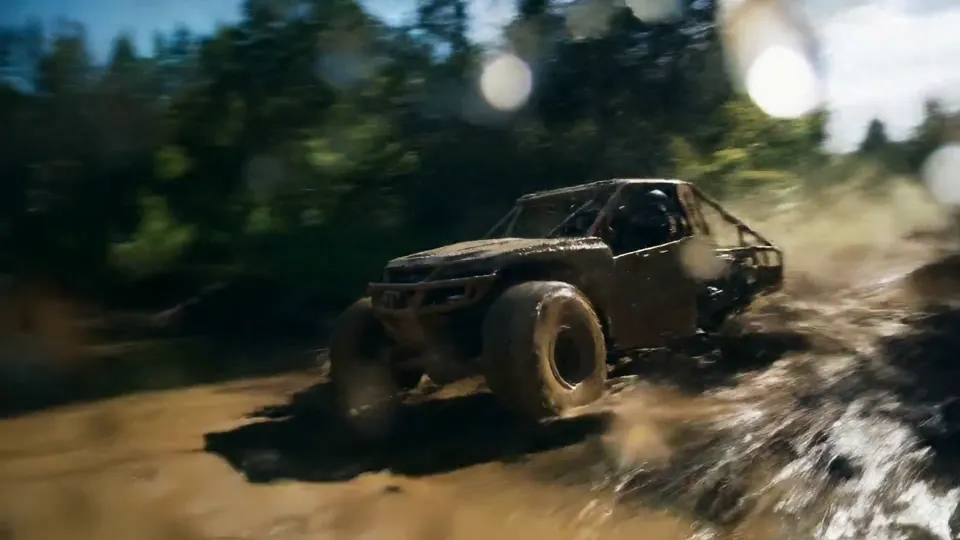
Action at water level
Bring speed, spray and camera movement into one shot.
An off-road truck charges through a muddy stream. Explore the low camera angle, moving vehicle and spreading water, then use the starting prompt to plan an action scene of your own.
- Name the vehicle, terrain and main action.
- Describe the camera angle and movement.
- The starting prompt has not been verified against this reference.
Build an imagined world
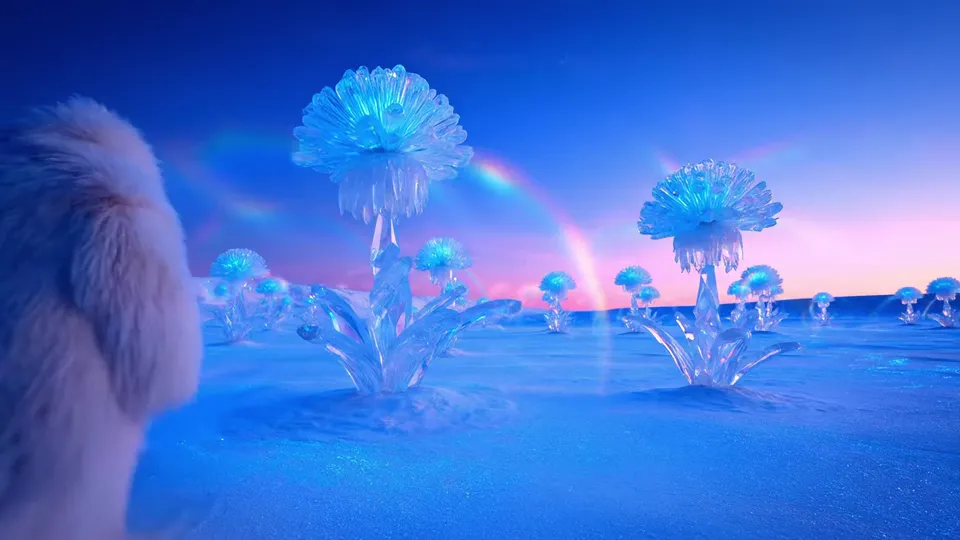
Grow crystal flowers from moon dust.
Glowing crystal forms rise from a dusty alien landscape. Use this reference to explore gradual growth, translucent materials and drifting particles, then change the starting prompt to imagine another world.
- Choose a material, a landscape and one transformation.
- Use light and camera movement to reveal the details.
- The starting prompt has not been verified against this reference.
From an AI video effect you love to a video that's yours
Spot an effect, add your photo or idea, and keep the video. The model and settings are prepared for you.
1. Discover an effect
Play an example to see the gesture, motion or scene. Choose a template for a prepared effect, or an idea for a custom clip.
2. Add your starting point
A template prepares the model and motion: add the photo it needs. For a custom idea, add your own photo or describe the scene. Review the credit quote.
3. Keep the moment you like
Preview the finished video and check the face, hands and movement. Download it for a post, greeting or edit, and find it again in My Assets.
Three ways to make an AI video effect yours
Start from a prepared effect for the least setup, a photo for a specific look, or words for a scene that doesn't exist yet.

SceneWish example input
Animate a photo you already have
Use a portrait, pet photo or illustration as your starting frame, then describe its movement.
Open Image to VideoSceneWish text-to-video example
Imagine a scene from scratch
Describe a character, place and action when you want to invent the whole shot.
Open Text to VideoSceneWish template example
Start with a prepared effect
Watch a demonstrated template and use its preset with your own photo.
Browse templatesCredits for your AI video effects
Choose credits for the AI video effects you want to try. Compare a plan or one-time pack with the current quote shown before you generate.
Starter
$9.99/mo
500 credits
For occasional short videos
- 500 credits
- Text and image video creation
- Private video playback and downloads
- Credits returned for failed generations
- Credits arrive after payment and expire at the end of the monthly billing period.
Pro
$19.99/mo
1,000 credits
For regular video creation
- 1,000 credits
- Text and image video creation
- Private video playback and downloads
- Credits returned for failed generations
- Credits arrive after payment and expire at the end of the monthly billing period.
Max
$39.99/mo
2,000 credits
For higher video volume
- 2,000 credits
- Text and image video creation
- Private video playback and downloads
- Credits returned for failed generations
- Credits arrive after payment and expire at the end of the monthly billing period.
Starter
$7.99/mo
4,800 credits
For occasional short videos
- 4,800 credits
- Text and image video creation
- Private video playback and downloads
- Credits returned for failed generations
- All annual credits arrive after payment and expire at the end of the annual billing period.
Pro
$15.99/mo
9,600 credits
For regular video creation
- 9,600 credits
- Text and image video creation
- Private video playback and downloads
- Credits returned for failed generations
- All annual credits arrive after payment and expire at the end of the annual billing period.
Max
$32.49/mo
20,000 credits
For higher video volume
- 20,000 credits
- Text and image video creation
- Private video playback and downloads
- Credits returned for failed generations
- All annual credits arrive after payment and expire at the end of the annual billing period.
500 credit pack
$9.99
500 credits
One-time payment. No subscription required.
- 500 credits
- Text and image video creation
- Private video playback and downloads
- Credits returned for failed generations
- Valid for 365 days. No auto-renewal.
1,000 credit pack
$19.99
1,000 credits
One-time payment. No subscription required.
- 1,000 credits
- Text and image video creation
- Private video playback and downloads
- Credits returned for failed generations
- Valid for 365 days. No auto-renewal.
2,500 credit pack
$49.99
2,500 credits
One-time payment. No subscription required.
- 2,500 credits
- Text and image video creation
- Private video playback and downloads
- Credits returned for failed generations
- Valid for 365 days. No auto-renewal.
About SceneWish and AI video effects
What SceneWish is, how effects are chosen, and how to make your own version.
SceneWish is an AI video platform built around effects, not prompts. You find an effect you like, add your own photo or idea, and generate your version. Models, motion and settings are prepared in advance, so you can make your first video without learning prompt writing.
SceneWish follows new AI video styles and keeps the ones that look striking, feel fun to try, work with everyday photos and can be repeated reliably. Not every trend becomes an effect. Each effect keeps its recipe and a recorded example, so you can see what to expect.
Choose AI video effects for the moment you want to make: a finger-heart thank-you, a tearful reaction, a pet pilot daydream or a portrait reveal. Templates include a prepared recipe and a recorded example; the External inspiration group contains external clips.
Open a template and follow its photo guidance; the motion and model are prepared for you. Open a SceneWish example to use its recorded recipe, or open external inspiration for a starting idea you can edit. Check your inputs and the quote before generating.
SceneWish examples show recorded outputs from particular inputs and recipes. Your photo and another generation can produce different details. The External inspiration group uses external clips and untested starting prompts, rather than verified reproductions.
Your uploaded photos and generated videos stay in your private asset library. SceneWish does not automatically publish them to the homepage. When you generate, the required inputs are sent to the selected model provider.
Upload JPG, PNG or WebP images up to 10 MB. Image dimensions, transparency, duration, format, resolution and audio options depend on the selected model. Each generation creates one video; some models determine the format from your image.
Yes. The generator folds into a bar at the bottom as you scroll. Open it to continue editing without losing your draft. Applying another idea asks before replacing existing input, and never starts a generation automatically.
Use AI video effects for a short reaction, a character moment or an opening shot. SceneWish helps you make a clip worth sharing, but cannot promise views or followers. Download it and add captions or combine it with other footage in your preferred editing app. SceneWish does not post to social accounts for you.
AI video effects describe the look or action you see. SceneWish templates prepare the model, motion instructions and supported settings for a demonstrated effect. Choose one when you want less setup; use the generator for a scene you want to direct yourself.
Discover what comes next
Found an effect you want to be in? Make it yours.
New AI video effects keep appearing. Watch one, open its recipe and make a short video with your own photo or idea.
Explore AI video effectsSceneWish-generated video example.