

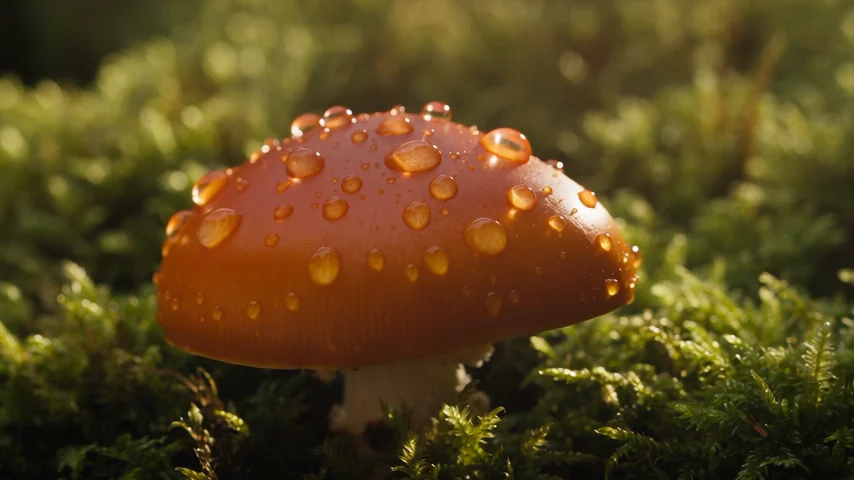
Seedance draft to 1080p render
A real 480p mushroom draft is rendered to 1920 × 1080 using its provider task.
Render a draft you made on SceneWish in final quality, or regenerate a 768p MiniMax H3 video at 2K. Refine continues your original task, so uploaded files cannot be refined.
Refine continues a task you already made on SceneWish, using that task's ID. It cannot refine an uploaded file or a video from another model. Prompt, length and ratio come from that task.
Choose the finished task you want to refine.
Compare two recorded SceneWish draft/final pairs, then explore separately labeled external workflow demonstrations.
A real 480p mushroom draft is rendered to 1920 × 1080 using its provider task.
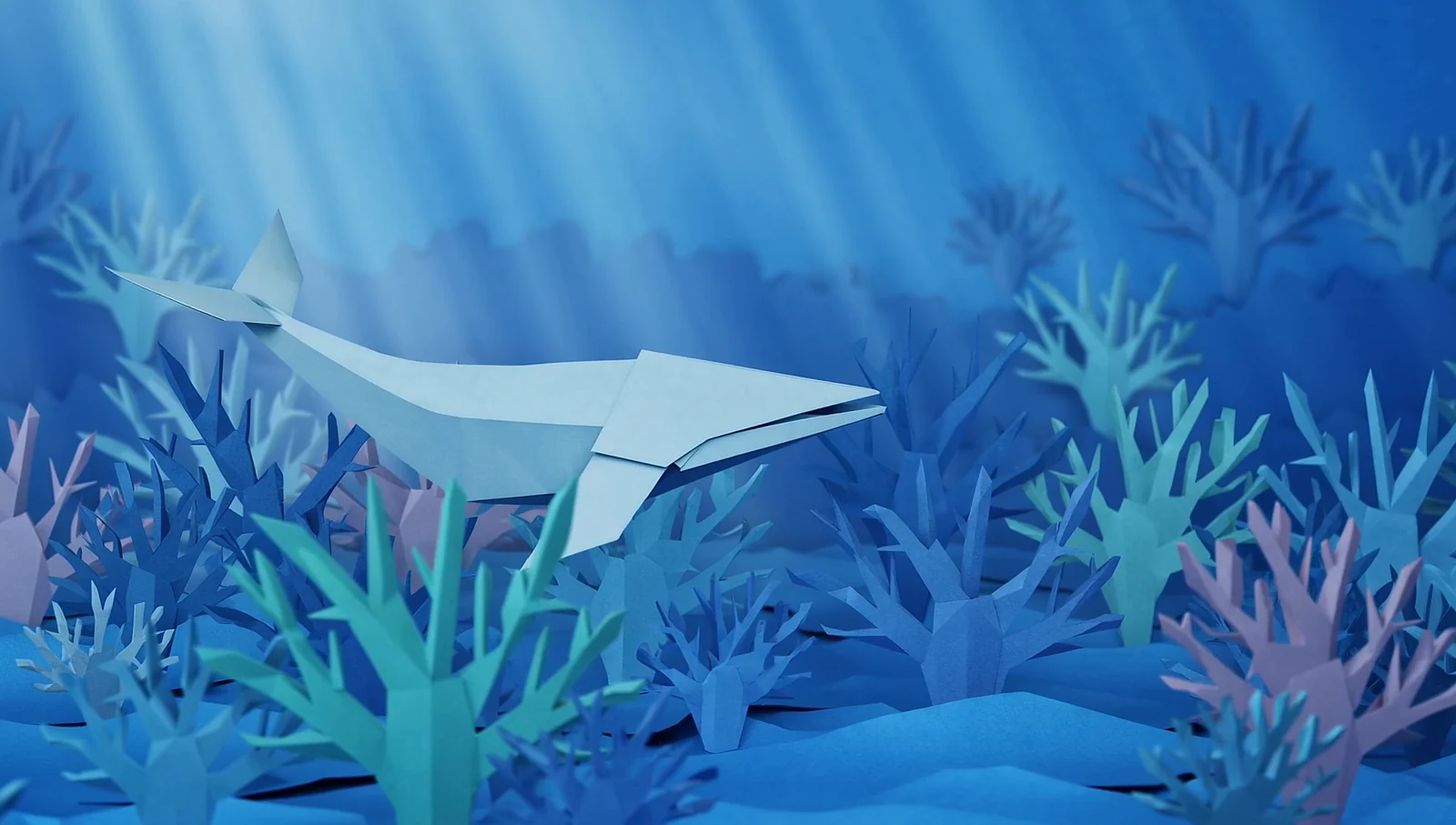
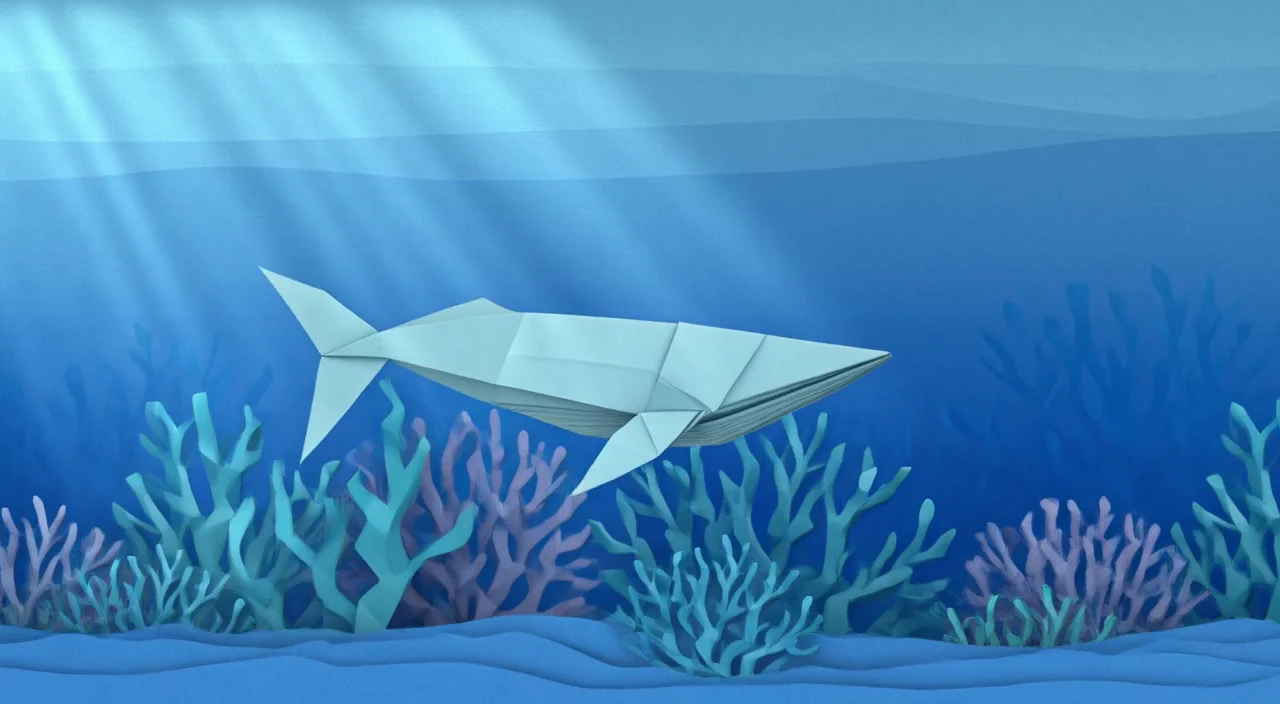
The final render continues the paper-whale idea while reinterpreting some folds and plants.
An official workflow demo shows draft exploration and Hi-Fi options. This is a process demonstration, not a standalone draft/final pair.
A clip from Luma’s official Hi-Fi showcase. A separate draft was not published alongside it; this is not a before-and-after comparison.
To refine video, start from a task you already finished on SceneWish. Refine reuses that task by its ID, so the first step happens on another page.
Three steps
On Text to Video or Image to Video, pick Seedance 2.5 or FLUX 3 Video and turn on Draft preview in More settings. For MiniMax H3 Regeneration, make a MiniMax H3 video at 768p.
Open the task from Recent videos or Assets and press Refine, or press Choose on this page. Only tasks the model can refine are listed, with the days left when a draft expires.
The credit cost shows beside Generate. The refined video appears under the generator, and your draft stays in your recent videos.
Each model refines only its own tasks, and each has its own rules for what counts as a valid source.
ByteDance
Black Forest Labs
MiniMax
Make the draft first, or continue and edit other clips.
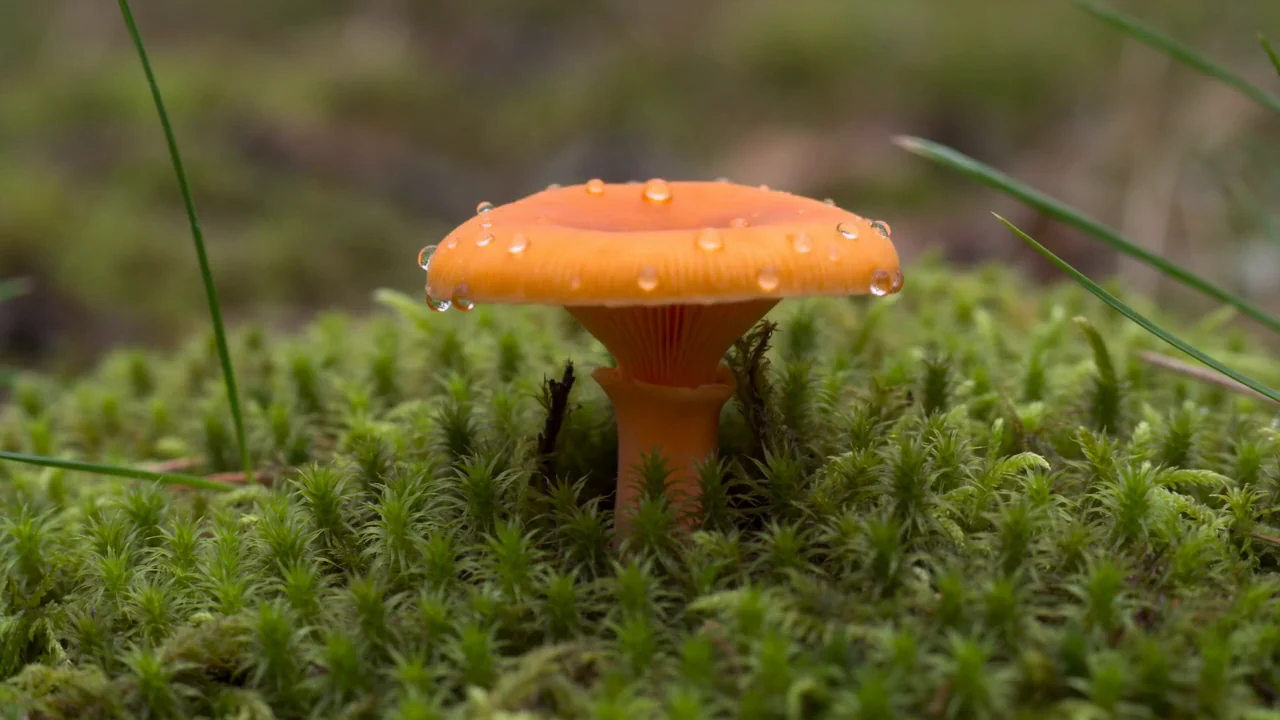
Example from the linked tool page.
Create the clip you will refine.
Open Text to Video
Example from the linked tool page.
Start from a photo and turn on Draft preview.
Open Image to Video
Example from the linked tool page.
Add more seconds after a clip.
Open Extend VideoThe cost depends on the model, final resolution and source video length, and is shown before you generate. A draft costs less than a final render.
Starter
500 credits
For occasional short videos
Pro
1,000 credits
For regular video creation
Max
2,000 credits
For higher video volume
Starter
4,800 credits
For occasional short videos
Pro
9,600 credits
For regular video creation
Max
20,000 credits
For higher video volume
500 credit pack
500 credits
One-time payment. No subscription required.
1,000 credit pack
1,000 credits
One-time payment. No subscription required.
2,500 credit pack
2,500 credits
One-time payment. No subscription required.
What refine does, which drafts qualify and what changes between draft and final.
Draft first, final second
Choose the task that worked and render it at final quality when you are ready.
Refine a videoSelected examples from this tool page. External clips retain their original source; results vary with model and input.