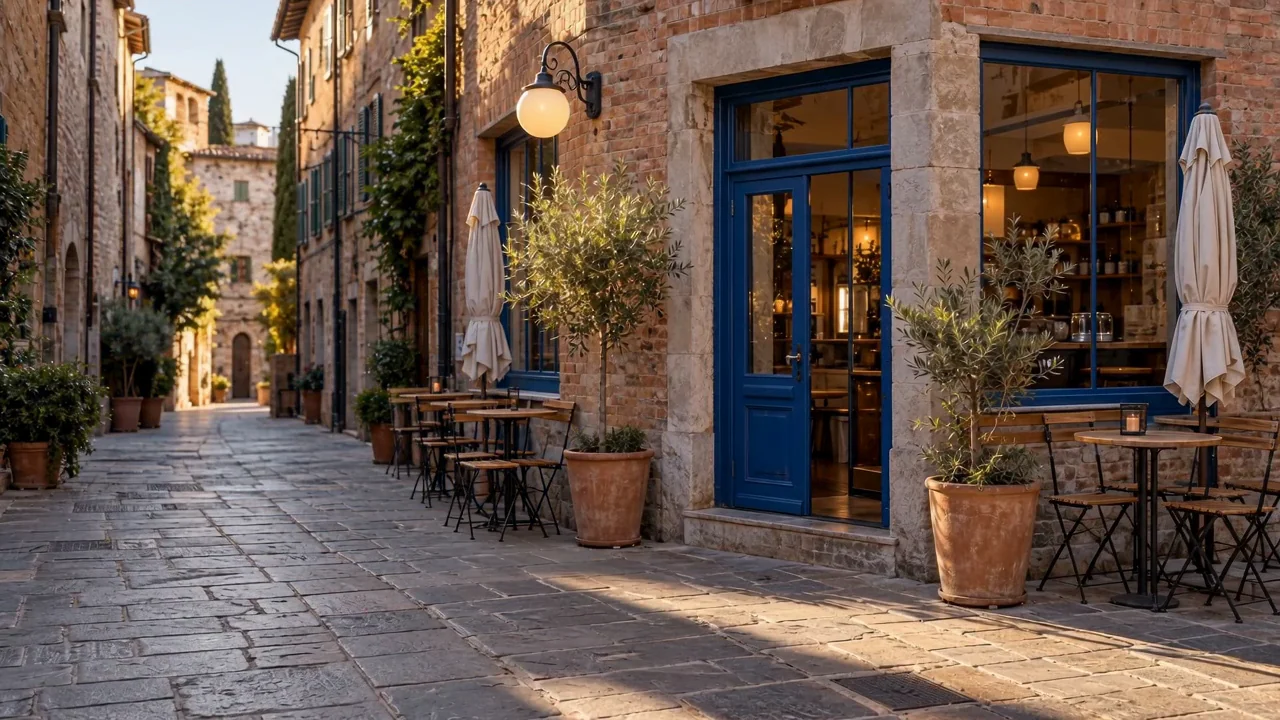
Cafe street: daylight to blue hour
Two matching views keep the street in place while daylight gives way to warm cafe lamps.
Add a first frame and a last frame, describe how the scene changes between them, and SceneWish generates the clip that connects the two images.
Add a first frame, a last frame and a description of the change.
See both endpoint images and the motion between them before preparing your own transition.
Two matching views keep the street in place while daylight gives way to warm cafe lamps.
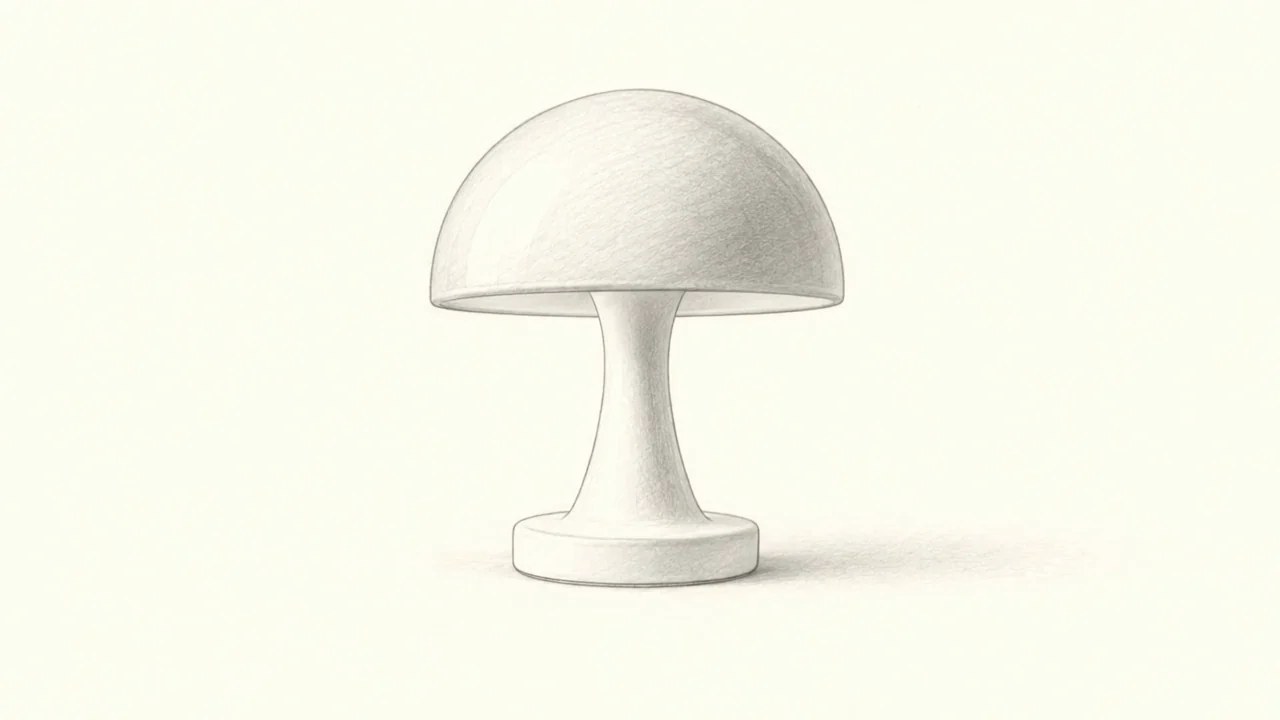
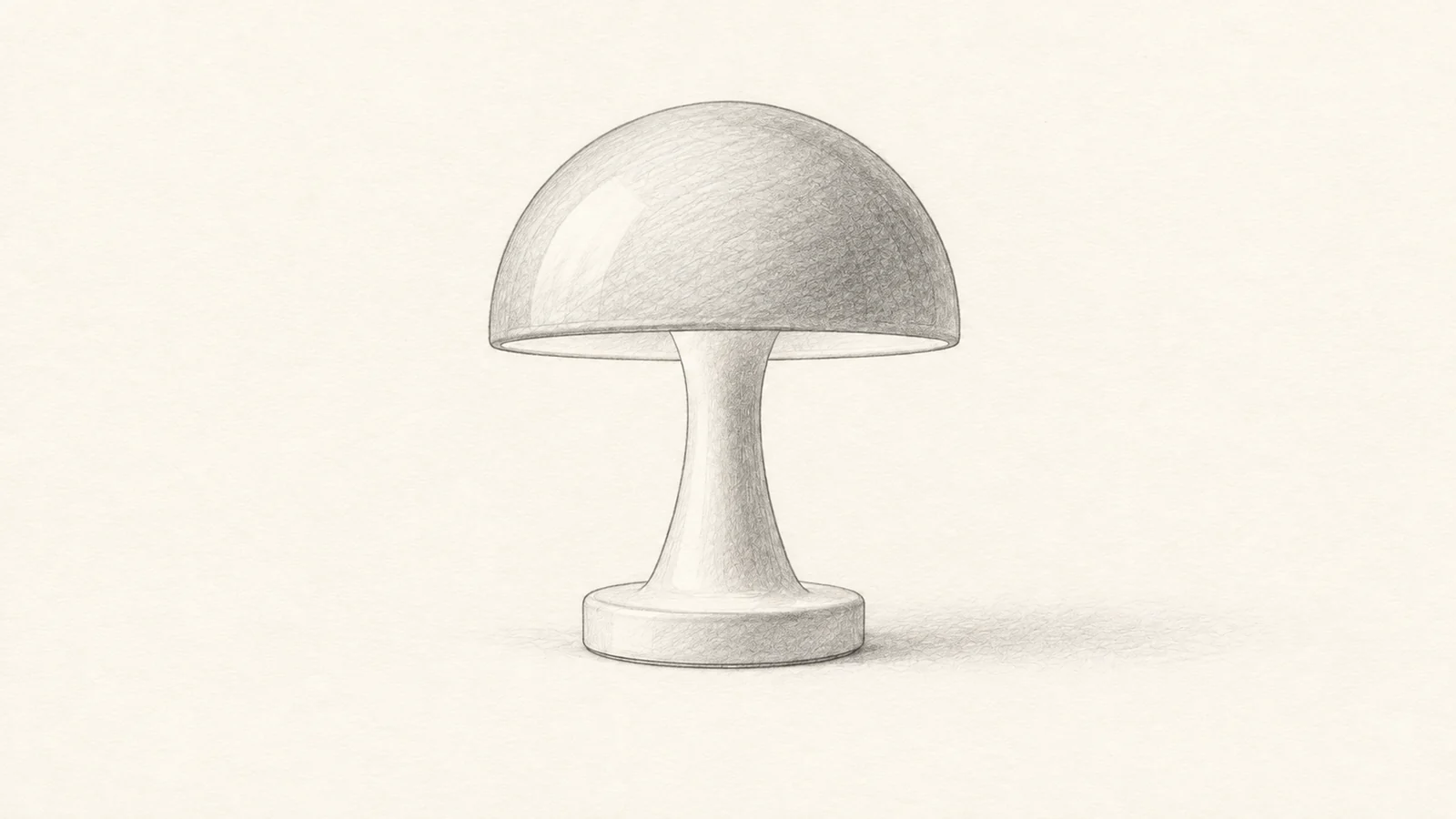
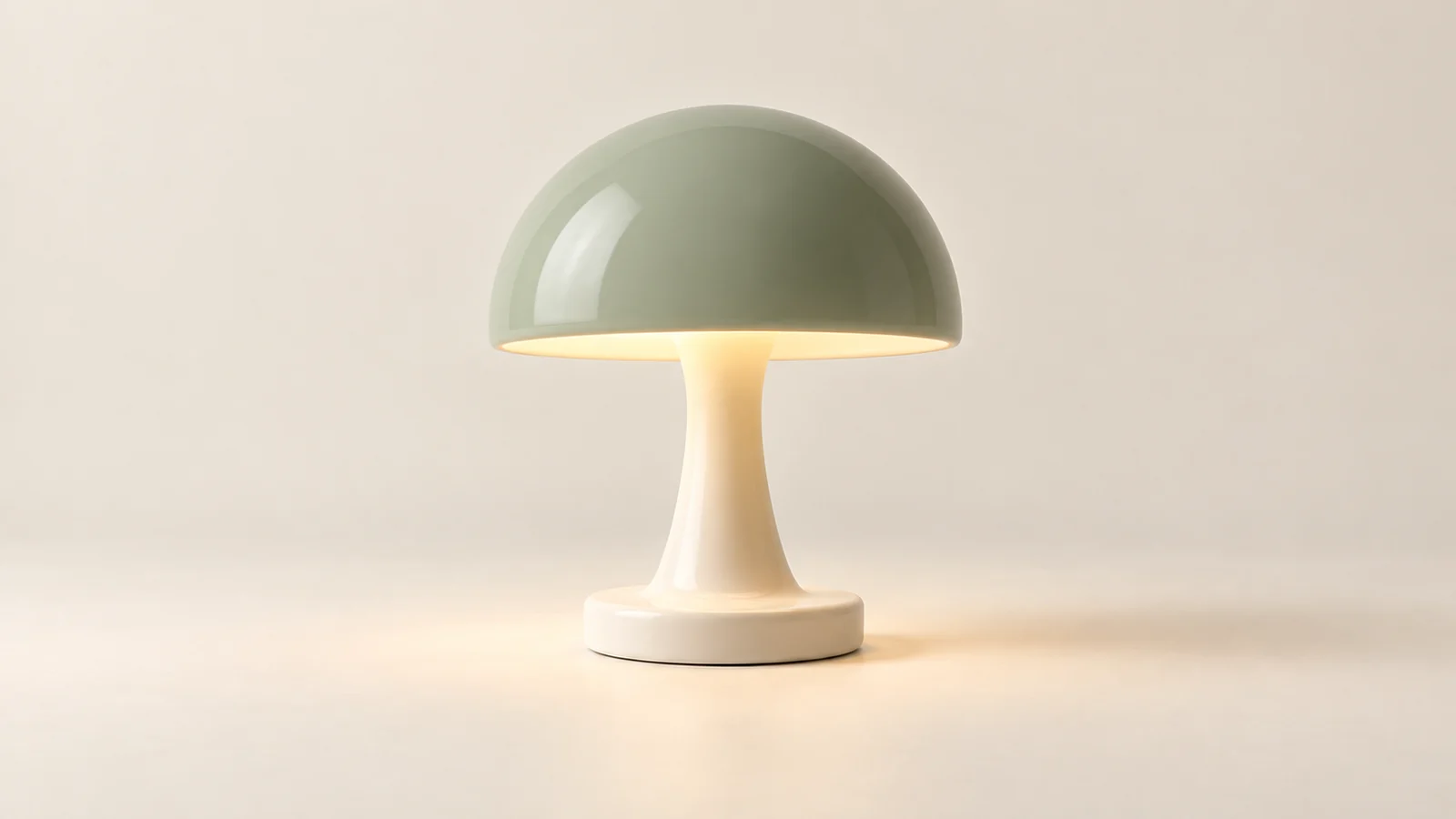
The outline gains volume and color, then the finished lamp lights up.

Connect two poses of a kitten in the snow.
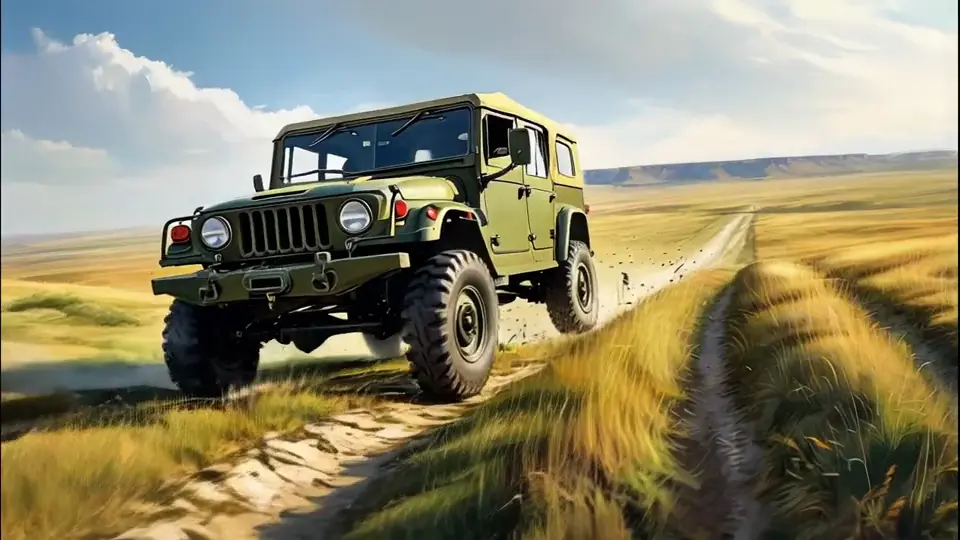
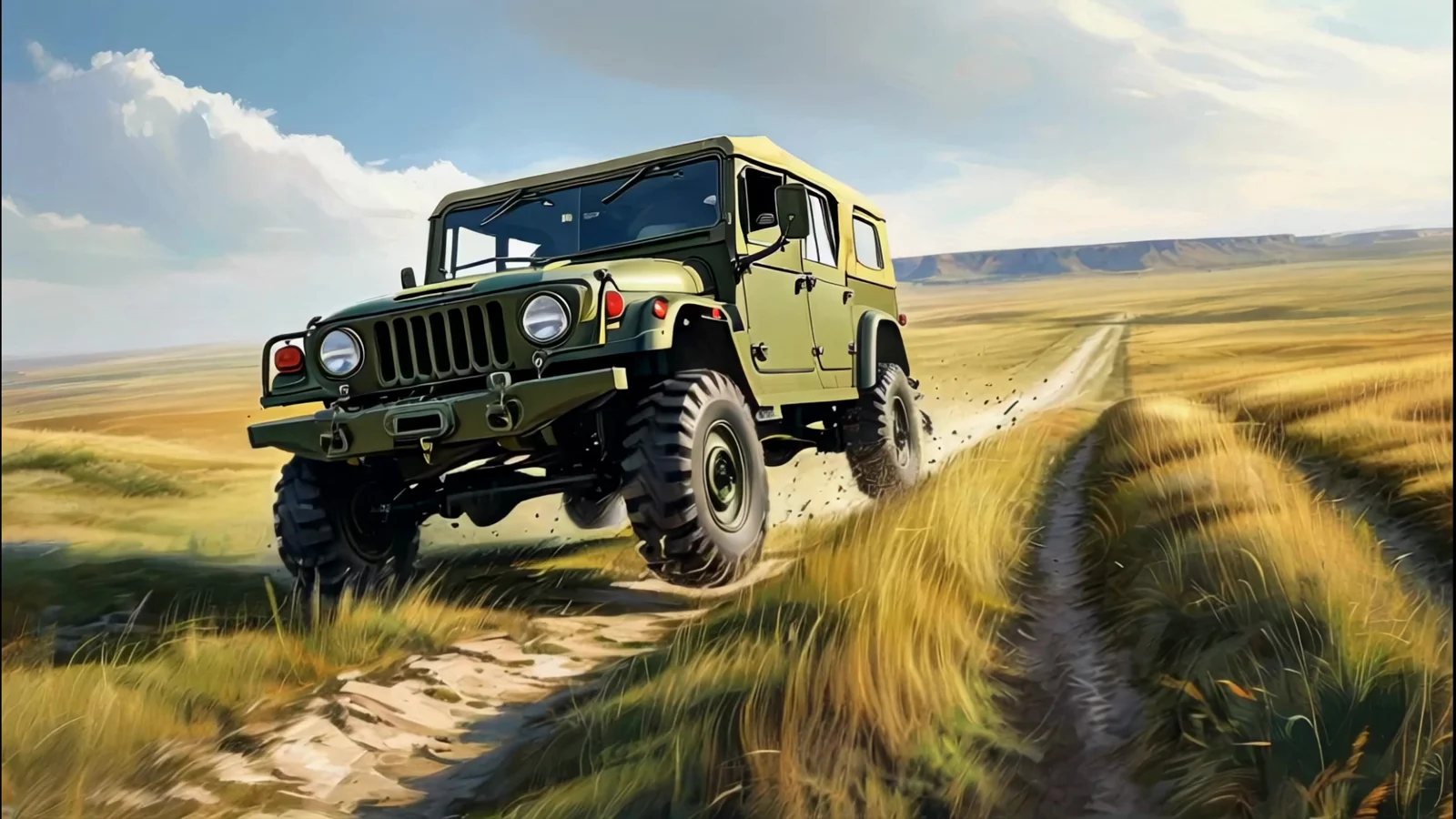
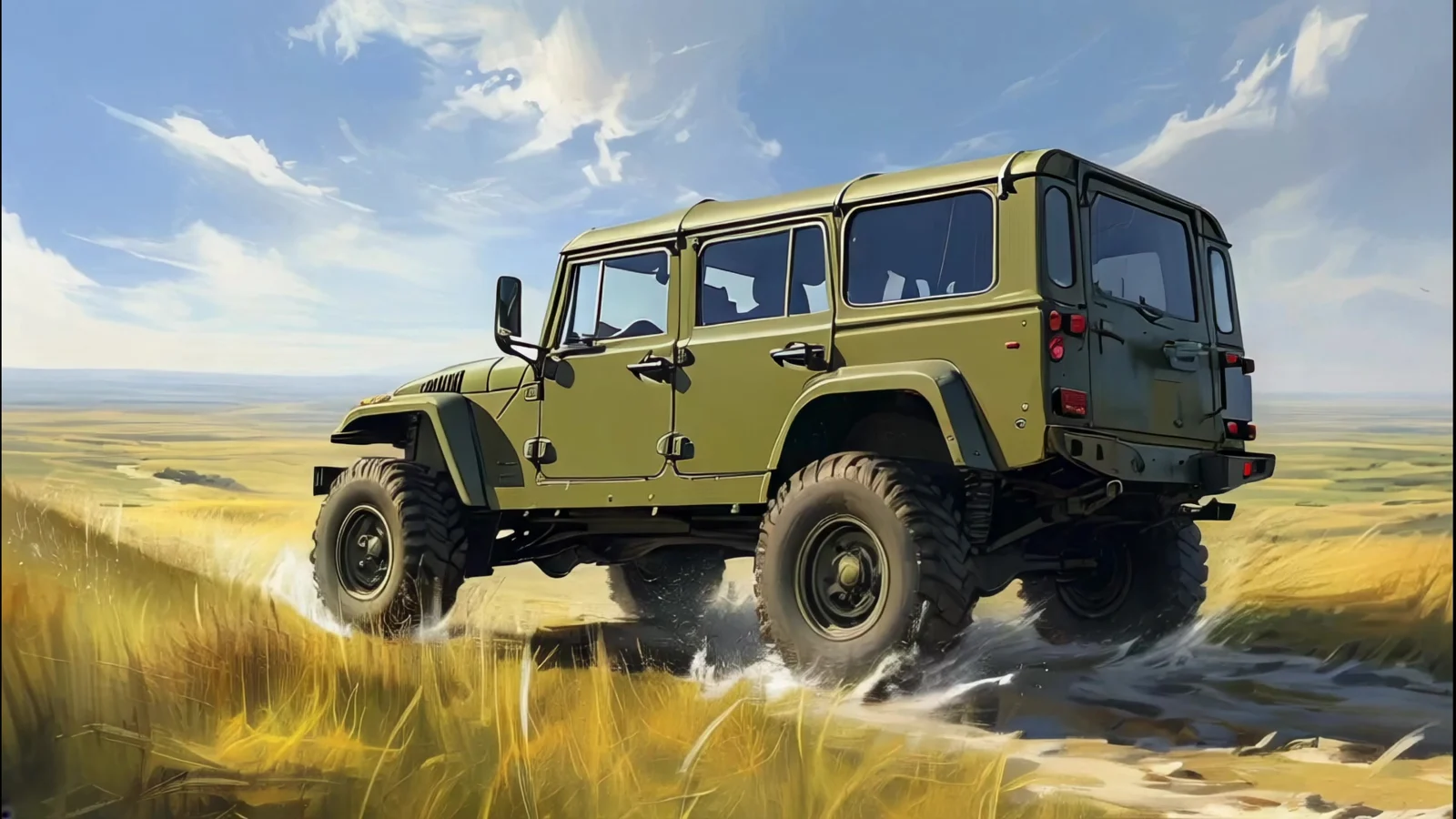
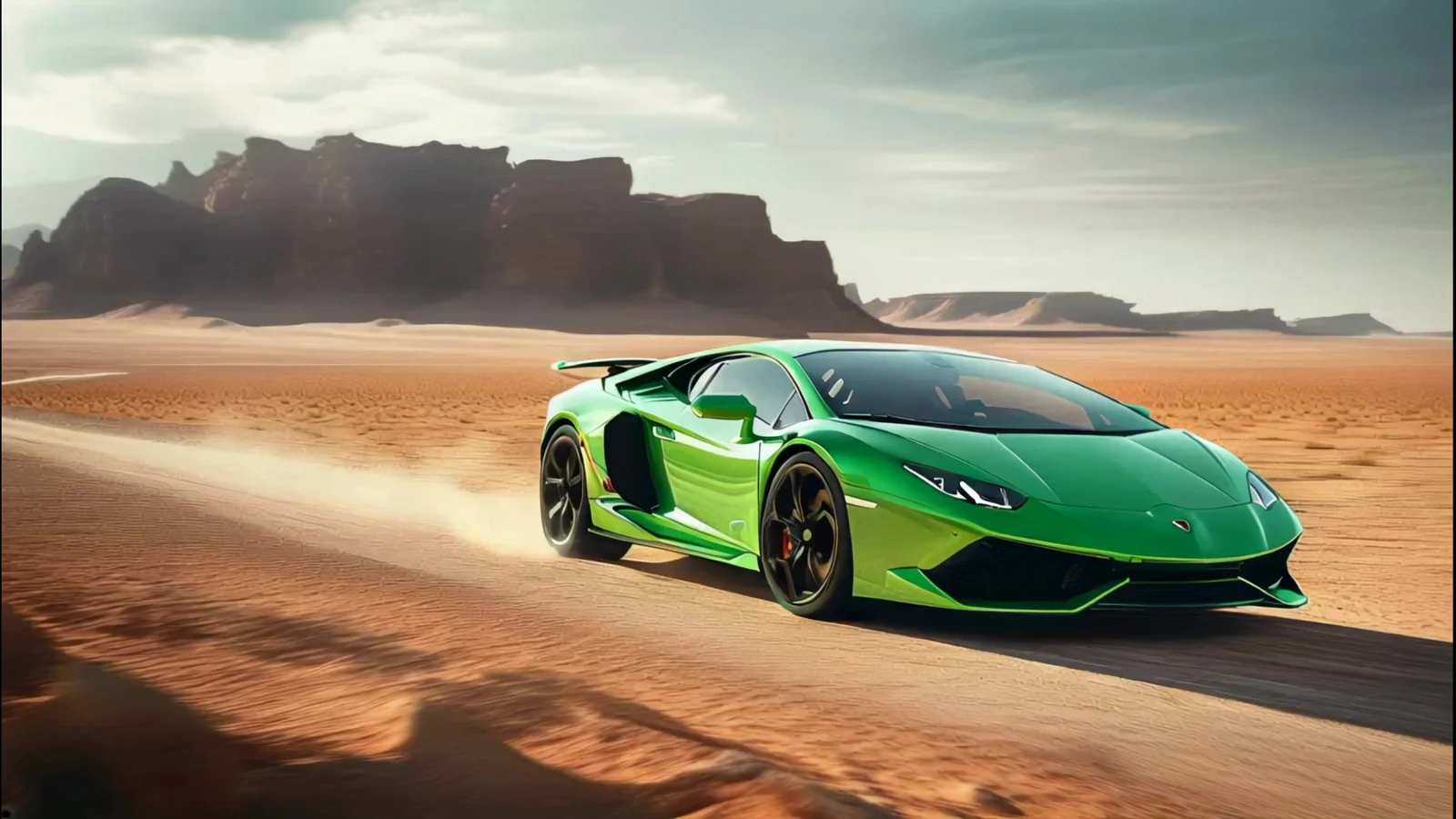
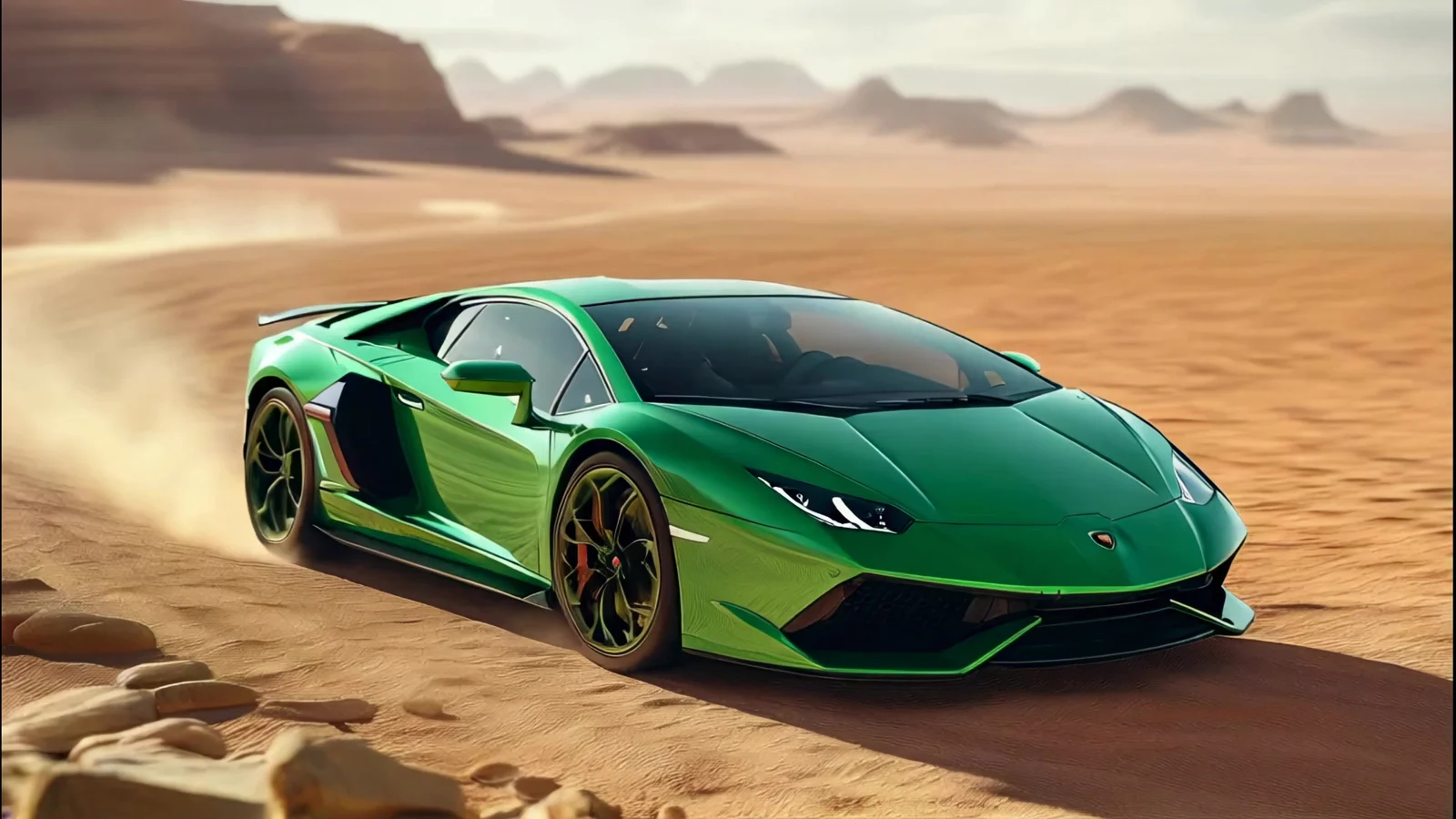
Follow an off-road vehicle between two supplied views.
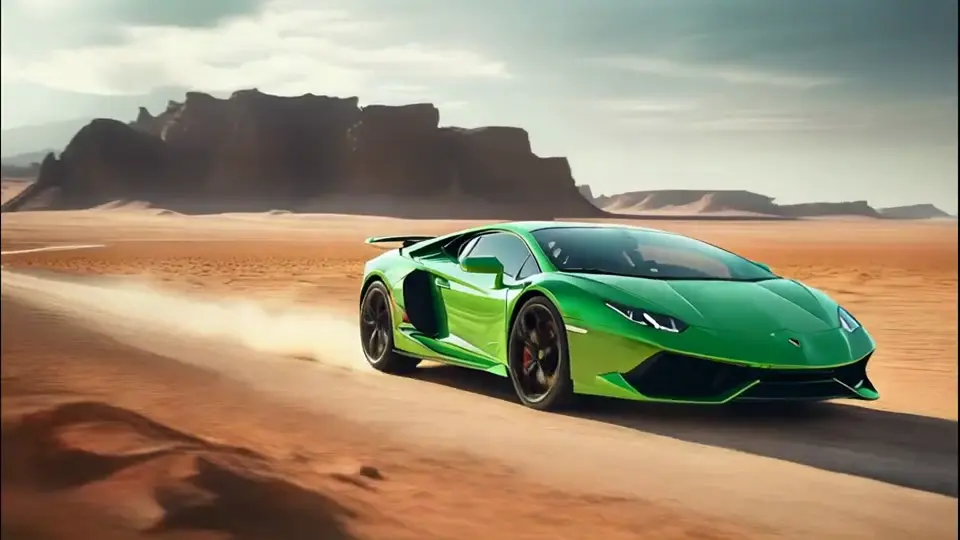
A green sports car moves through a dusty landscape.
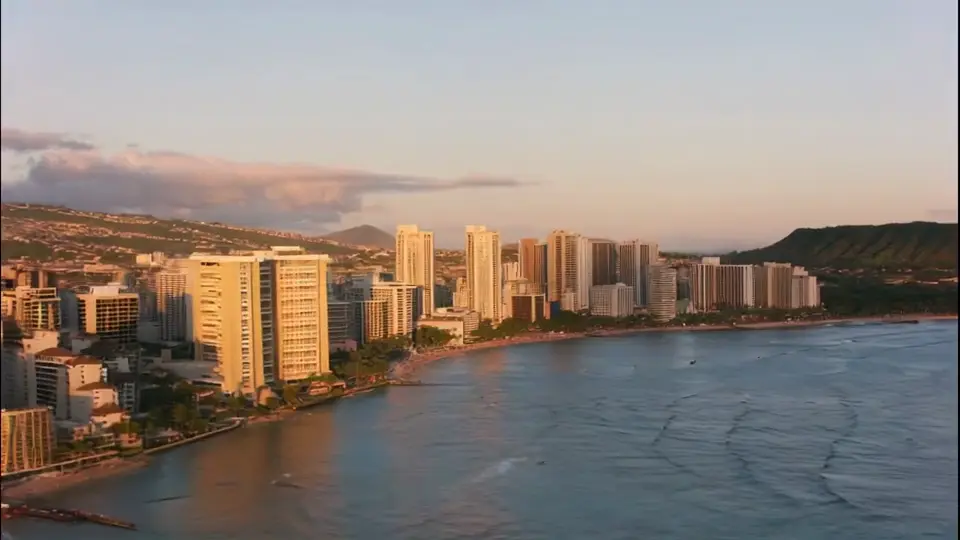
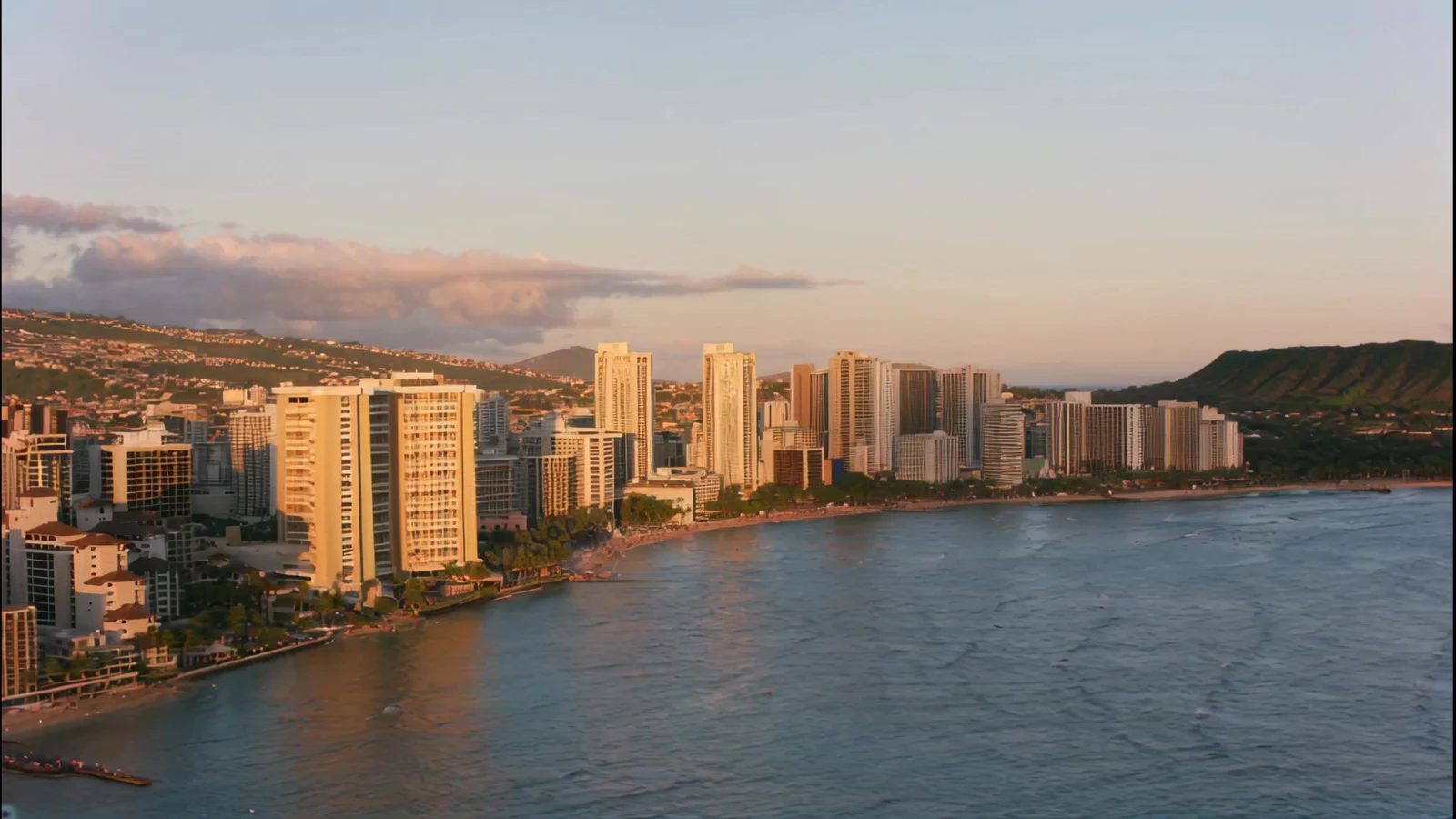
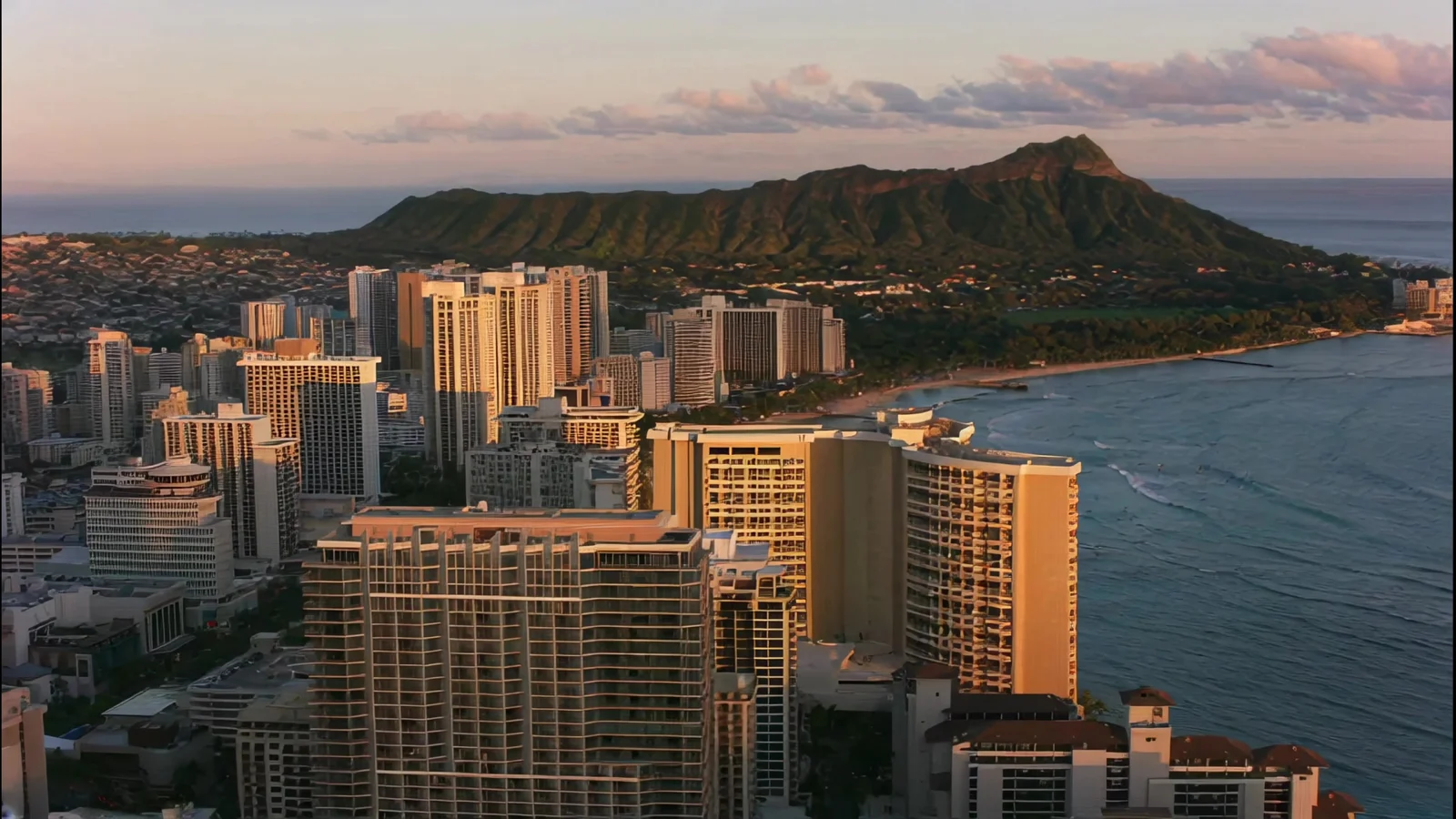
Connect two aerial views over the coast at sunset.
Compare the same day/night images and prompt. Durations differ by model: 5 seconds for Seedance and Kling, 8 seconds for Veo.
Shared input and prompt
Keep the camera and street fixed as daylight fades into blue-hour night.
SceneWish-recorded comparison. Seedance and Veo reach blue hour; this Kling attempt keeps warm daylight and was not selected as a transition example. View source
Use this setupPick two images that belong to the same shot, then describe the move that joins them.
Three steps
Upload a first and a last image, or choose them from My images. Use the swap button if you added them in the wrong order. Keep subject and framing similar for the smoothest result.
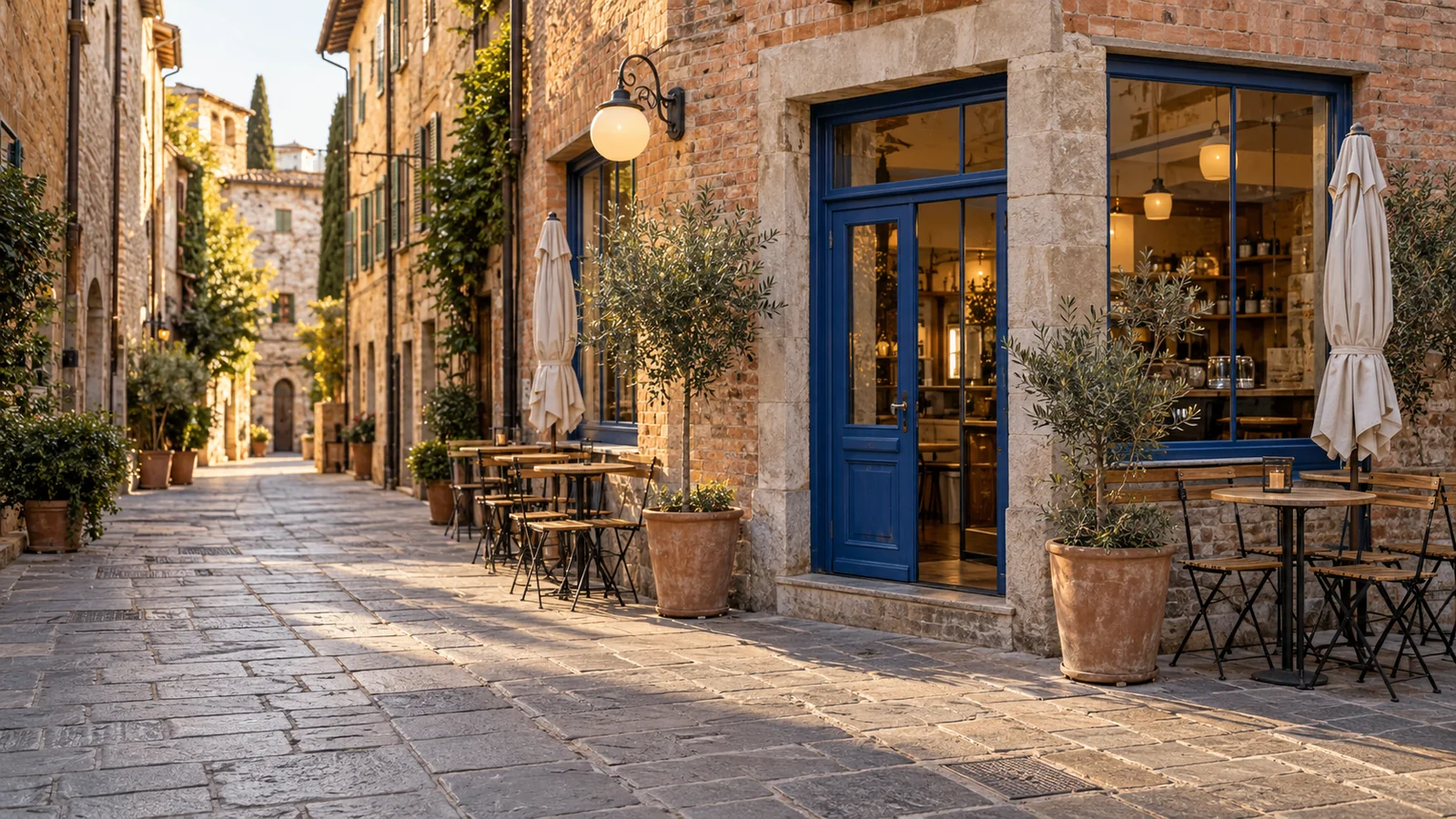
Say what moves, what changes and how the camera behaves. One clear transition works better than several.
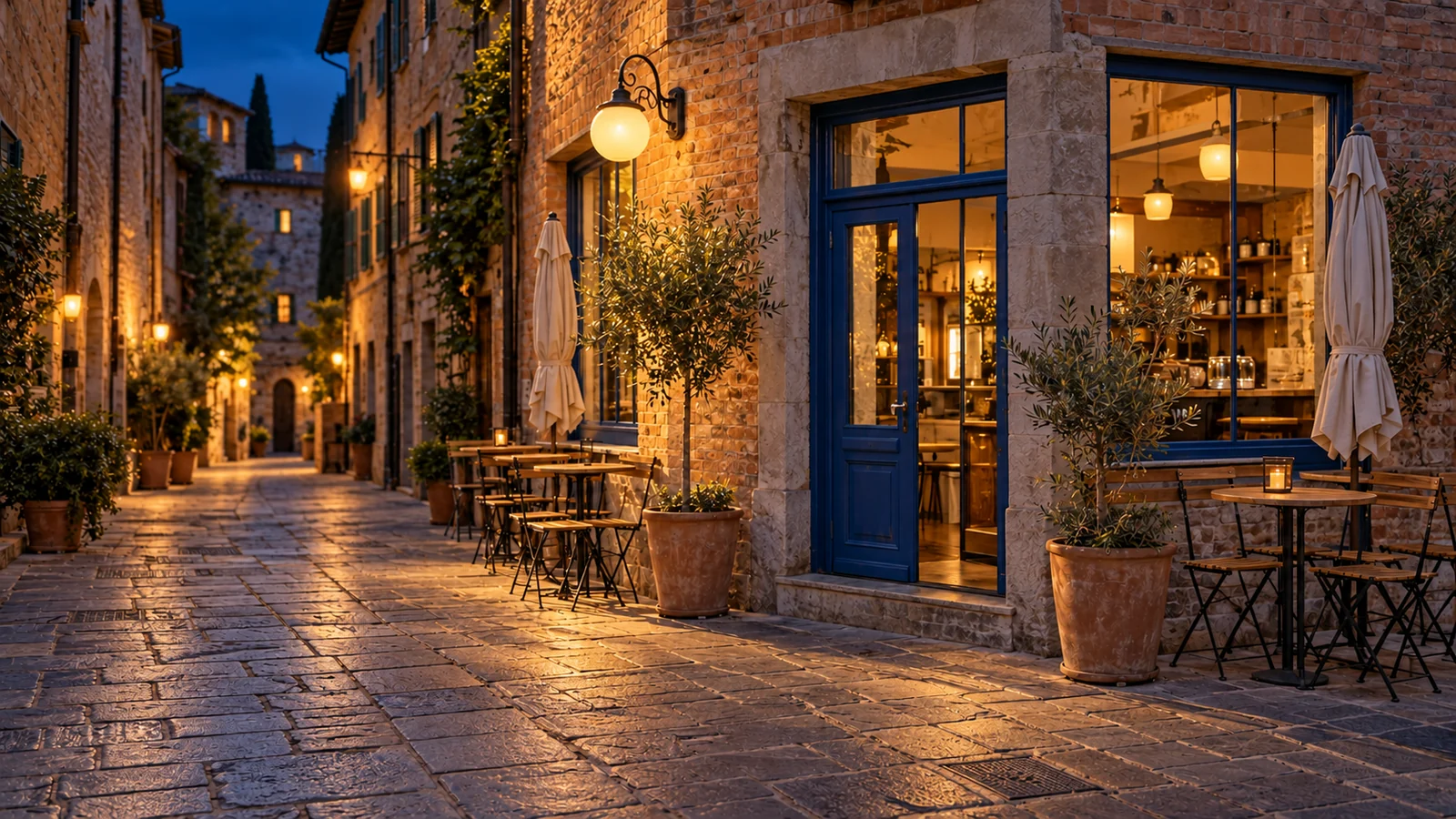
Pick a model, length and resolution. The credit cost shows beside Generate before you submit, and the finished video plays right under the generator.
Every model below takes exactly two images. They differ in clip length, resolution and whether the video follows your image ratio. The full list is in the model picker.
ByteDance
ByteDance
Kuaishou
MiniMax
Alibaba
If you only have one image, or a prompt and a few references, one of these may fit better.
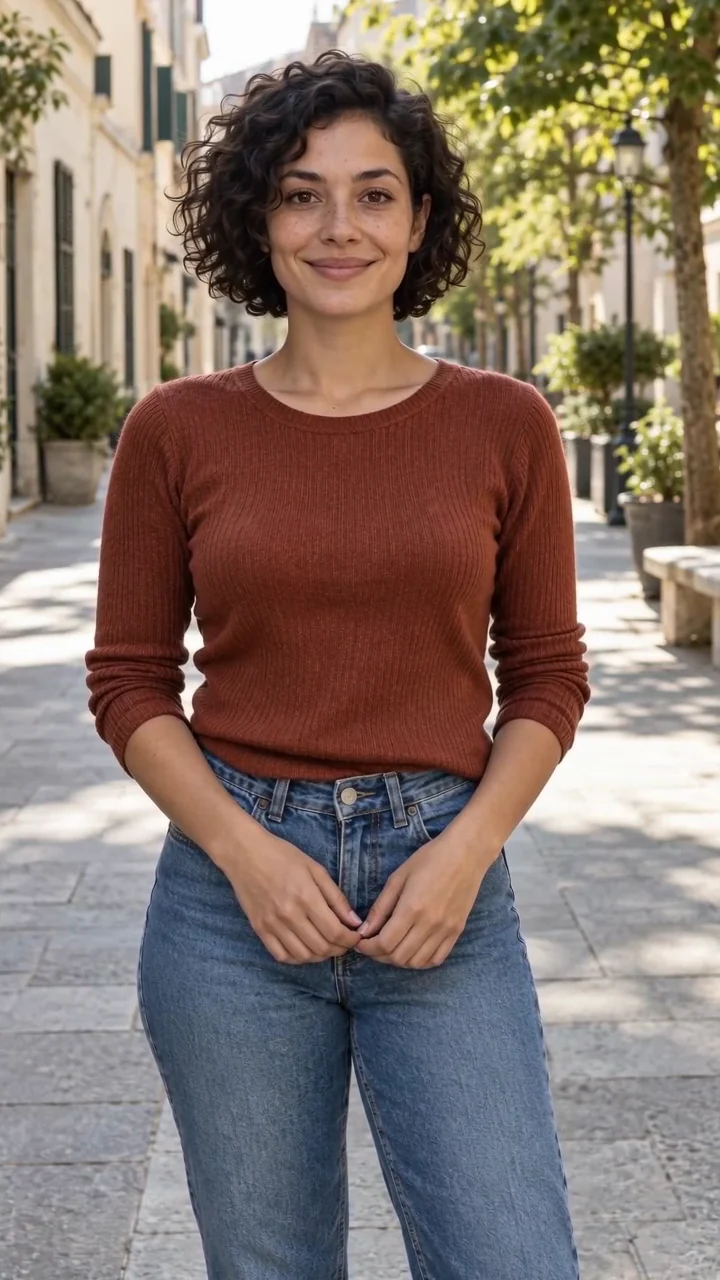
Example from the linked tool page.
Use one photo as the opening frame and describe where it goes.
Open Image to Video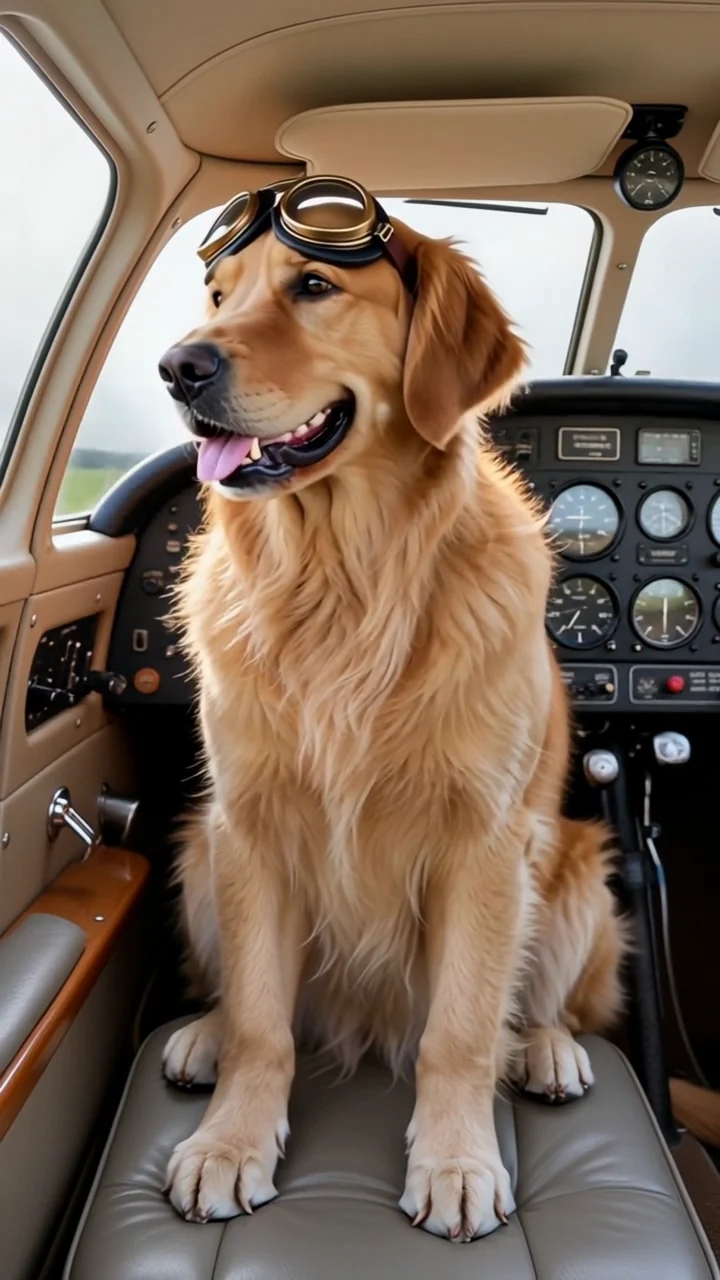
Example from the linked tool page.
Add reference images of a person, pet or product and describe a new setting.
Open Reference to Video
Example from the linked tool page.
Describe the whole shot when you have no images yet.
Open Text to VideoCost follows the model, the clip length and the resolution. Moving from a short 480p test to a longer or sharper clip changes the quote, and the new number shows before you submit.
Starter
500 credits
For occasional short videos
Pro
1,000 credits
For regular video creation
Max
2,000 credits
For higher video volume
Starter
4,800 credits
For occasional short videos
Pro
9,600 credits
For regular video creation
Max
20,000 credits
For higher video volume
500 credit pack
500 credits
One-time payment. No subscription required.
1,000 credit pack
1,000 credits
One-time payment. No subscription required.
2,500 credit pack
2,500 credits
One-time payment. No subscription required.
What the two images do, which models support them and what to expect.
Two images, one clip
Pick a start and an end, describe the change between them and see the clip before you download it.
Make a first and last frame videoSelected examples from this tool page. External clips retain their original source; results vary with model and input.