
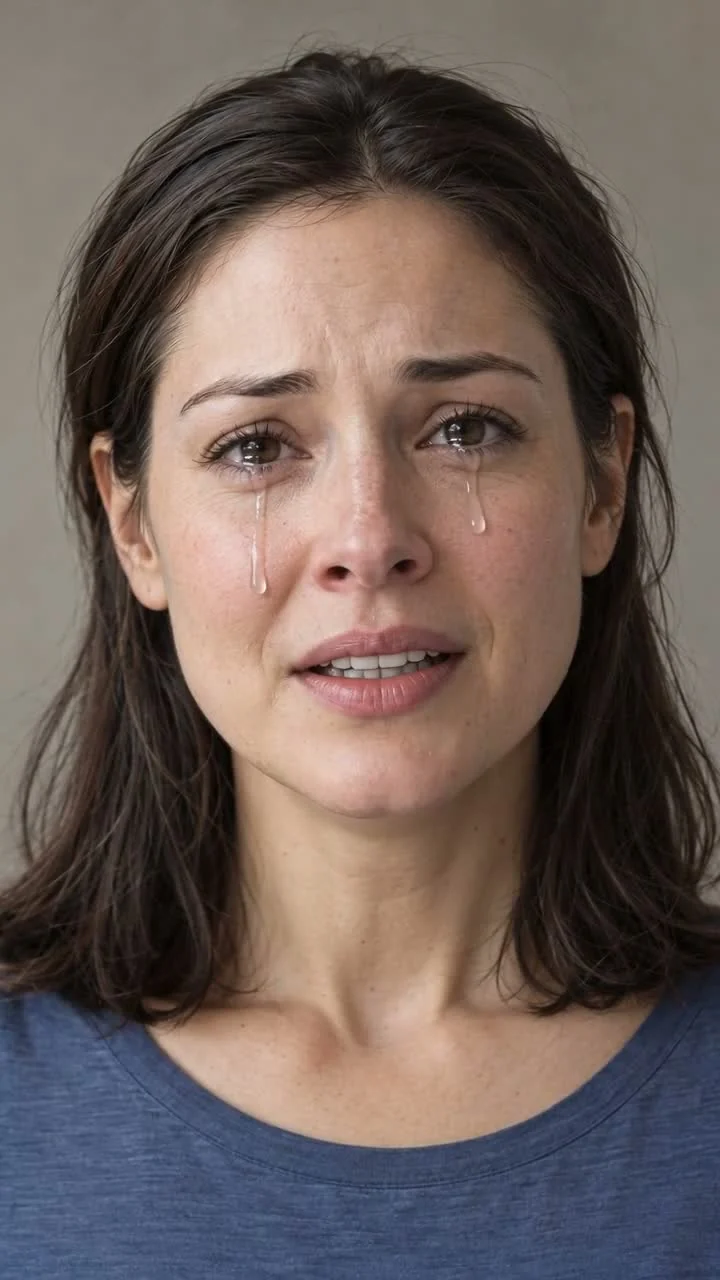
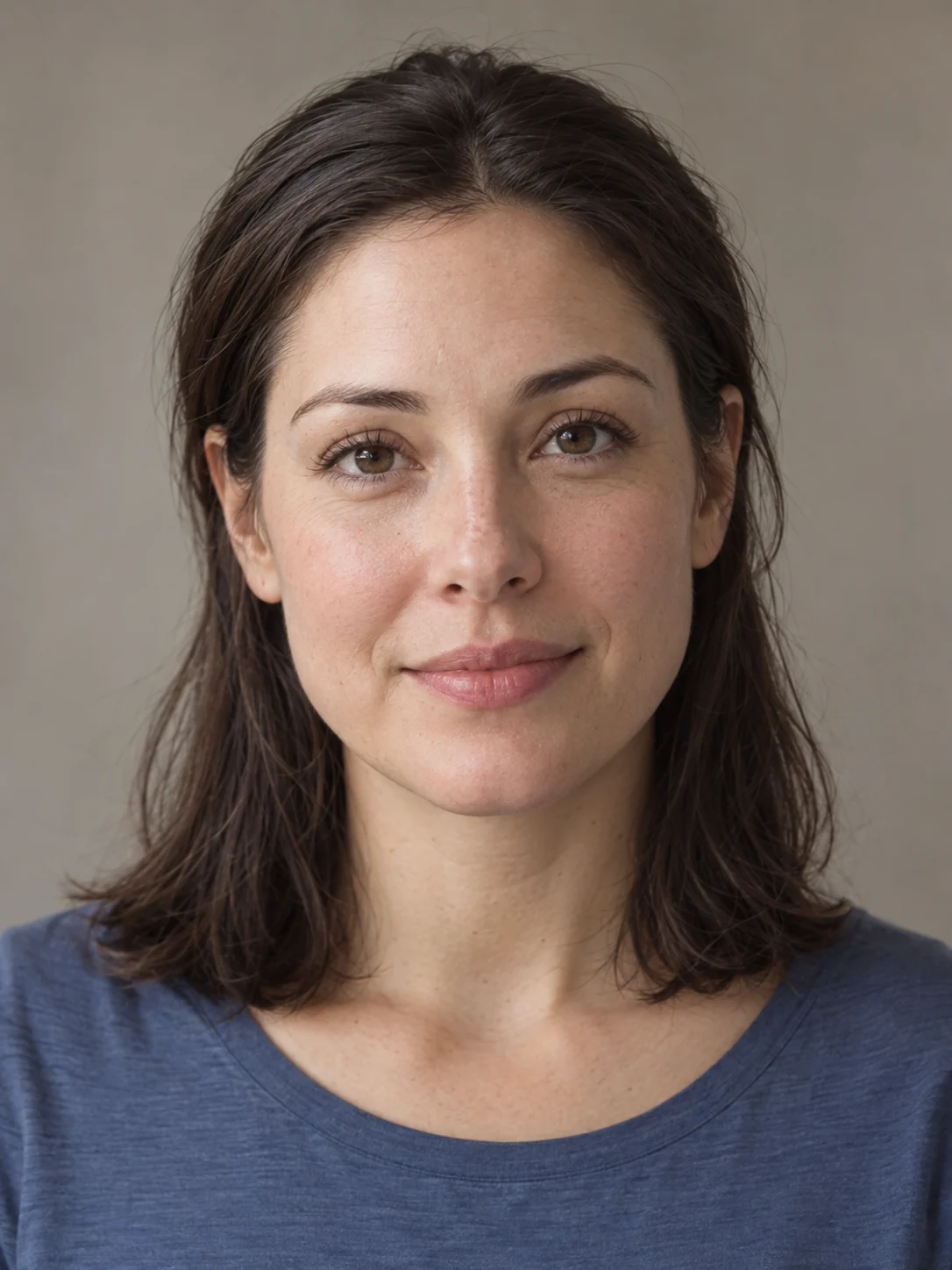
AI Crying Effect
Turn a portrait into a quiet, tearful moment. Add one photo and make a short emotional clip of your own.
SceneWish AI video templates prepare the motion, model and settings. Watch an effect, add the photo it needs and make your own version.
Add your idea and any required inputs.
Watch a SceneWish example and use its recorded recipe. External inspiration is listed separately with its source and an unverified starting prompt.
Turn a portrait into a quiet, tearful moment. Add one photo and make a short emotional clip of your own.

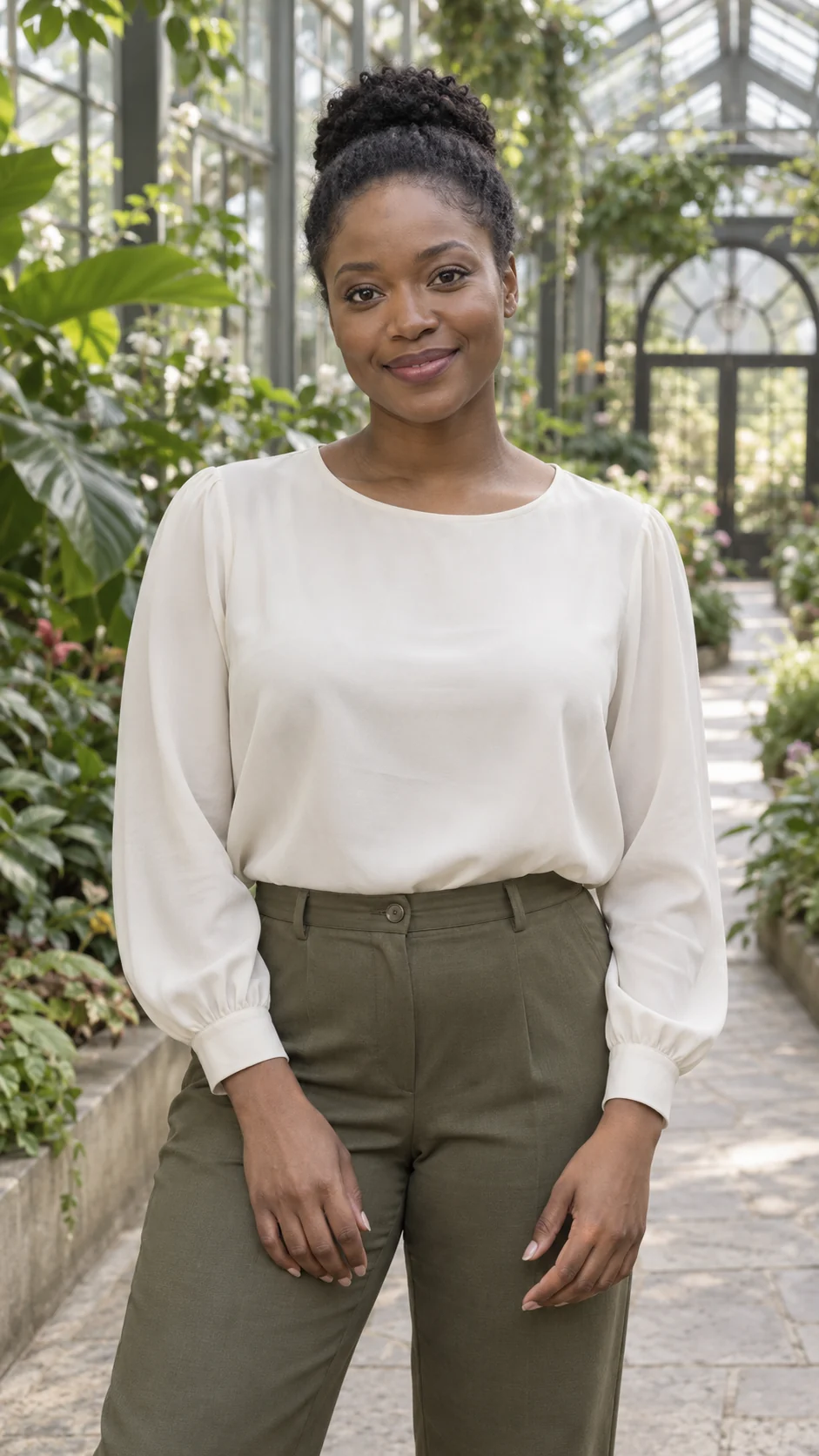
Turn a portrait into a small finger-heart greeting. Add one clear adult photo.
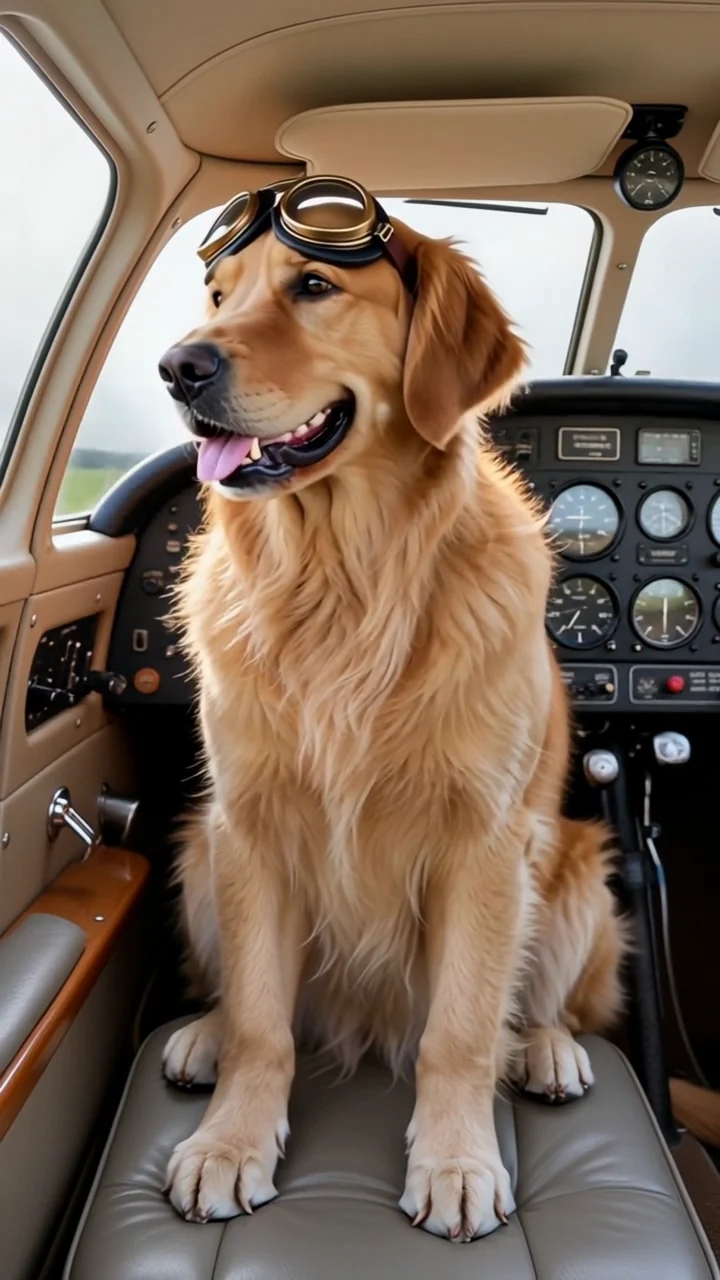

Put your dog in a cockpit scene. Start with one clear photo of your dog.
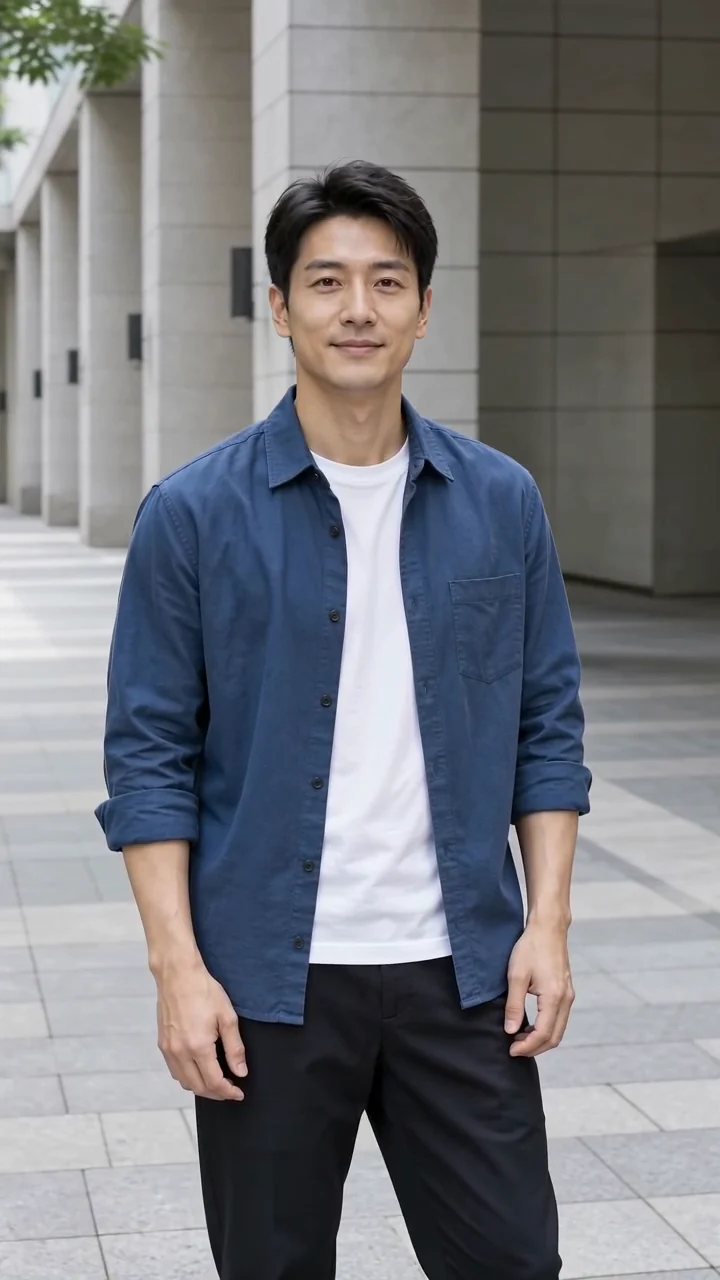
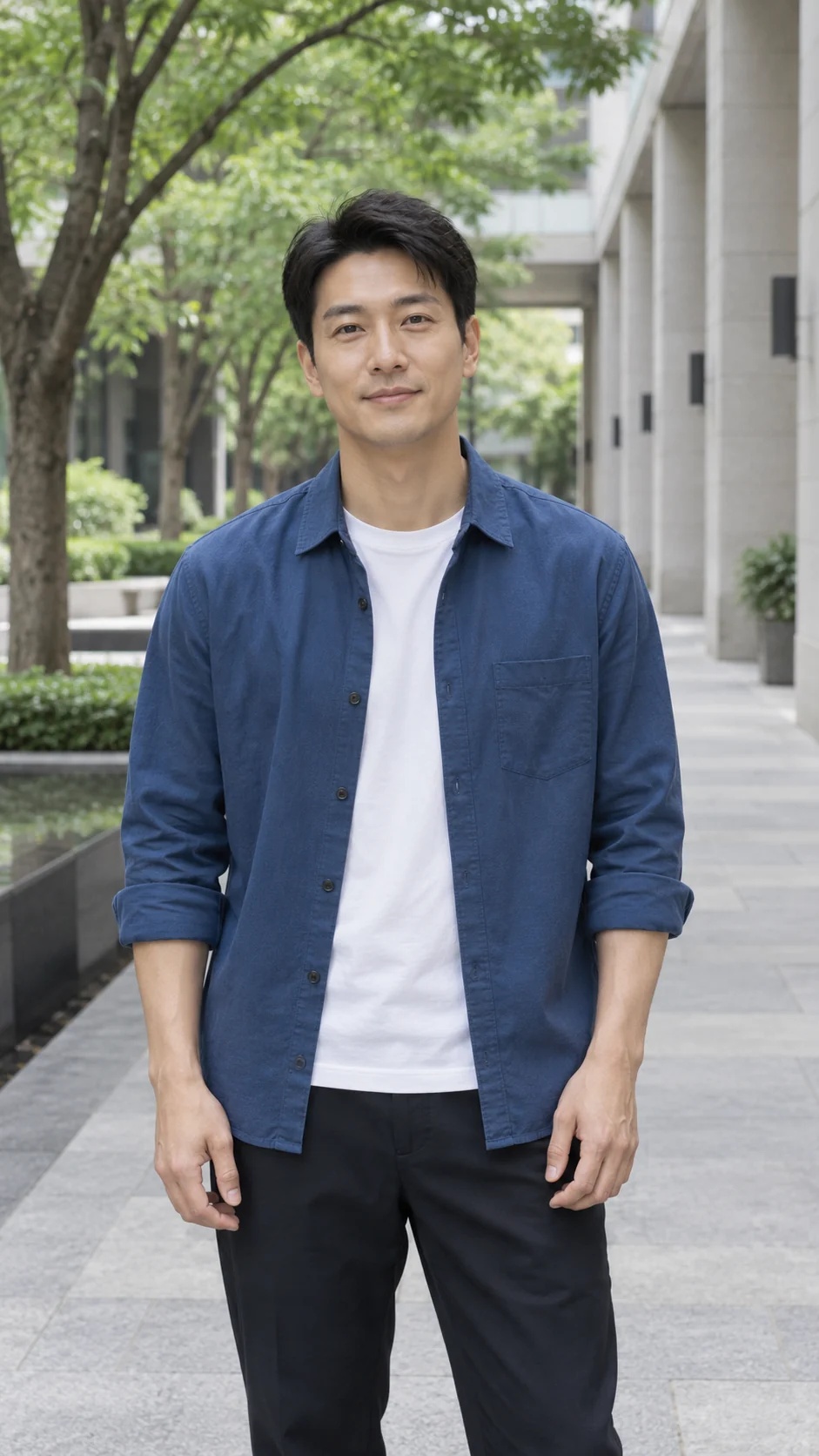
Keep your pose as a gentle camera arc reveals the scene around you.
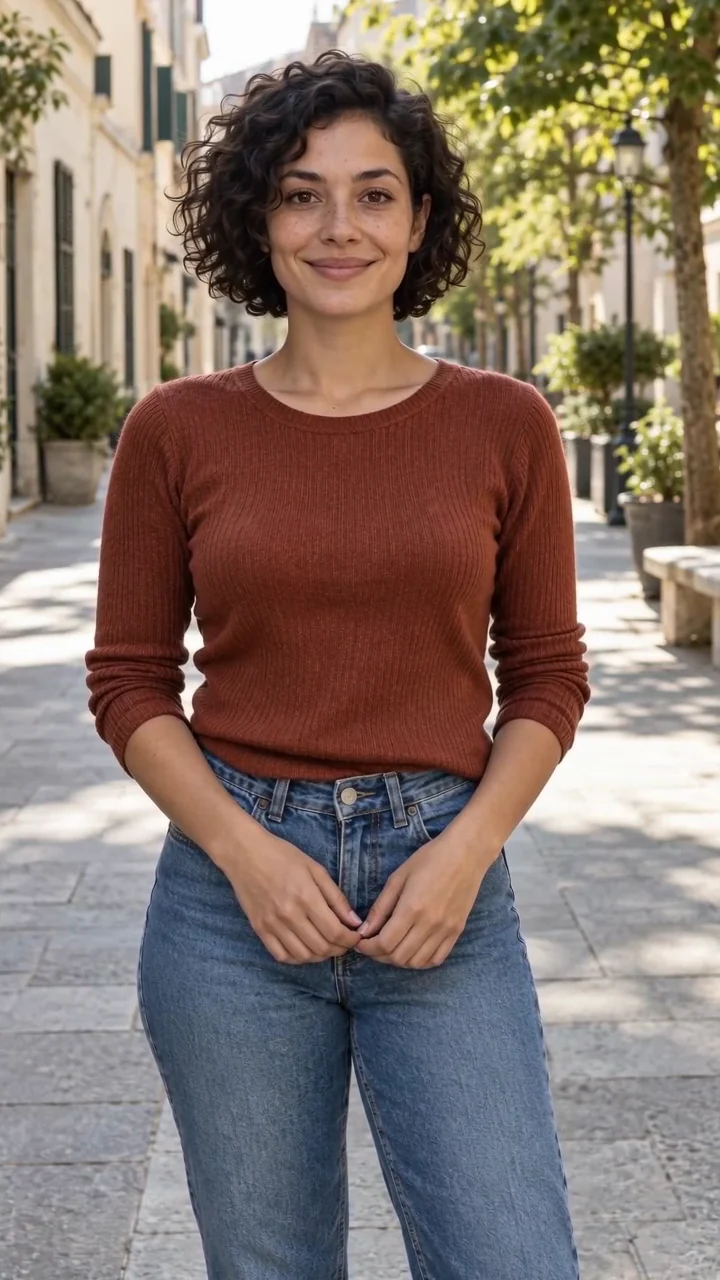
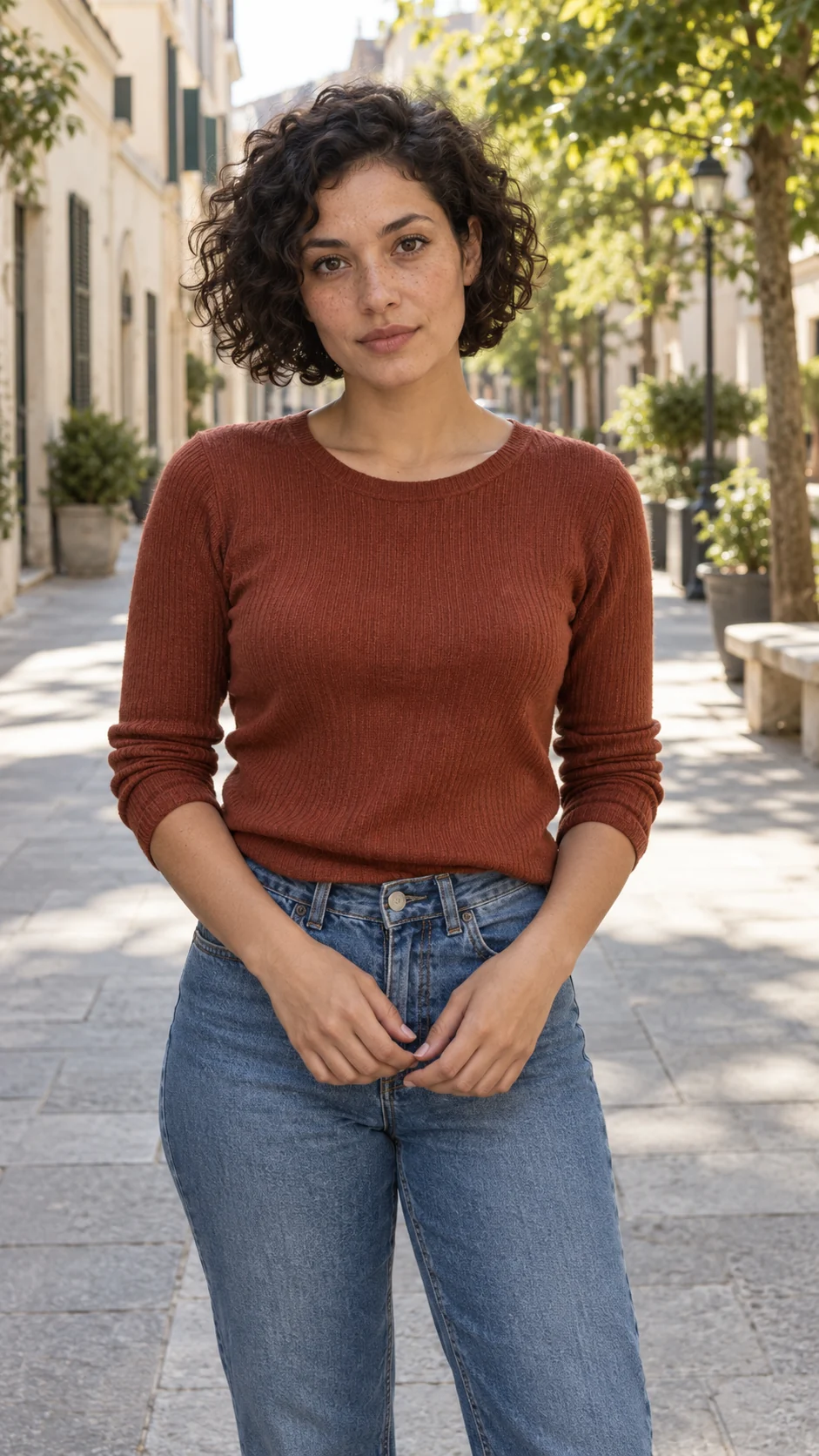
Give a still portrait one small expressive moment.
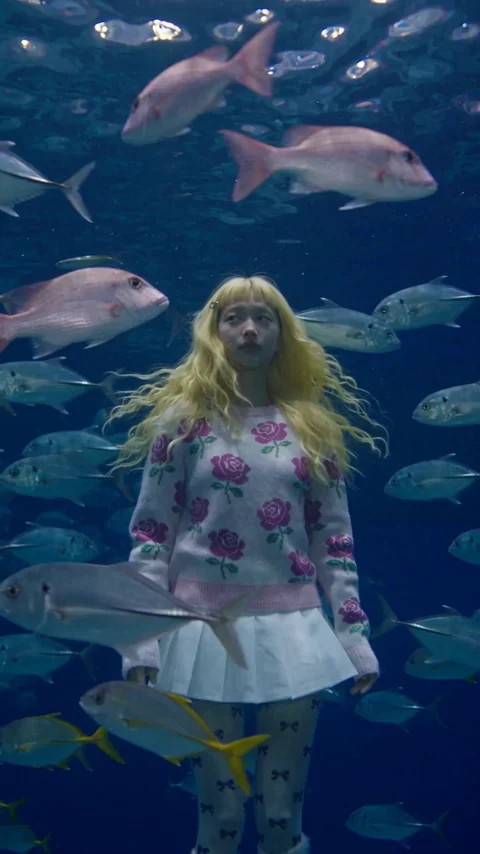
Step into a glowing underwater world.
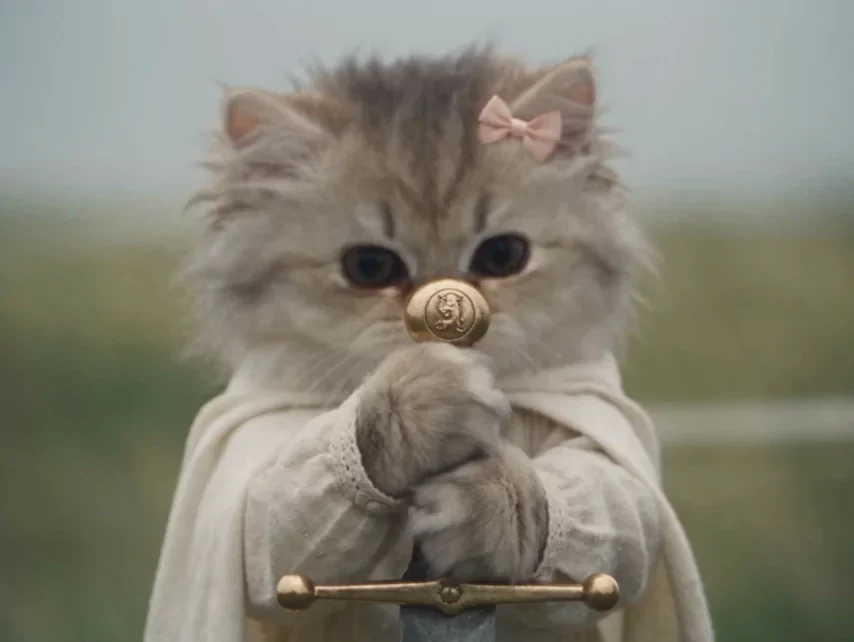
Give your pet a tiny heroic role.
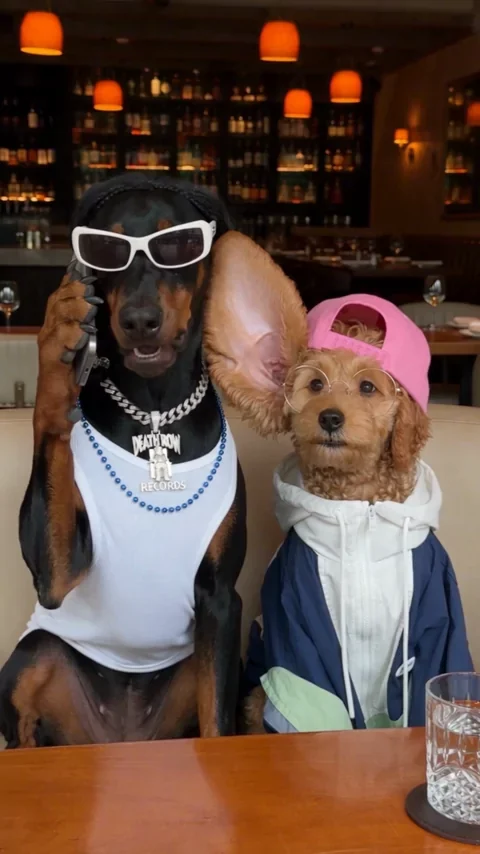
A playful little scene for your pet.
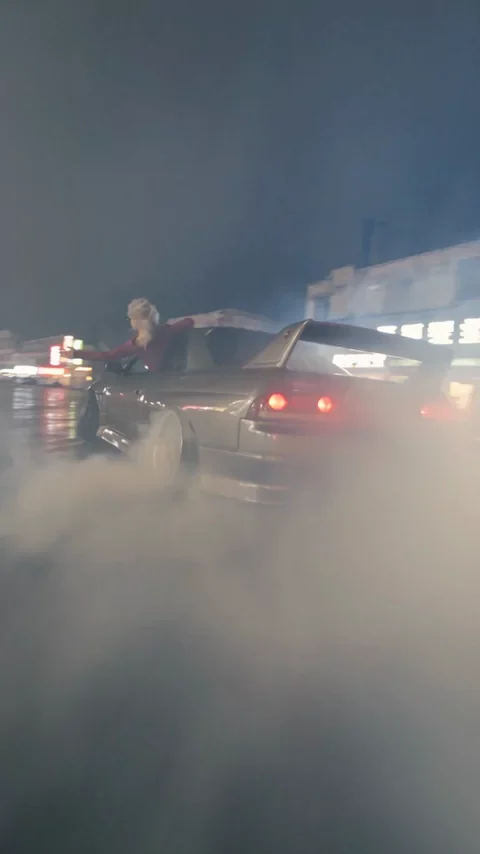
Put yourself in a cinematic night scene.
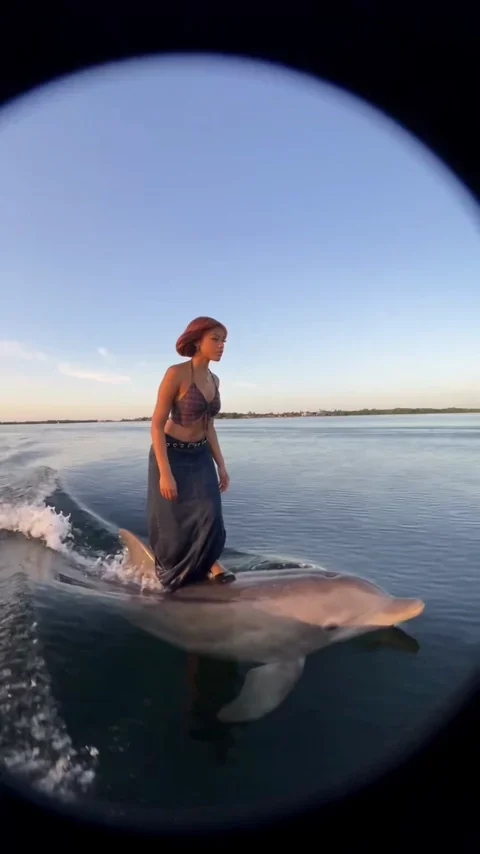
Swap an ordinary scene for a surreal escape.
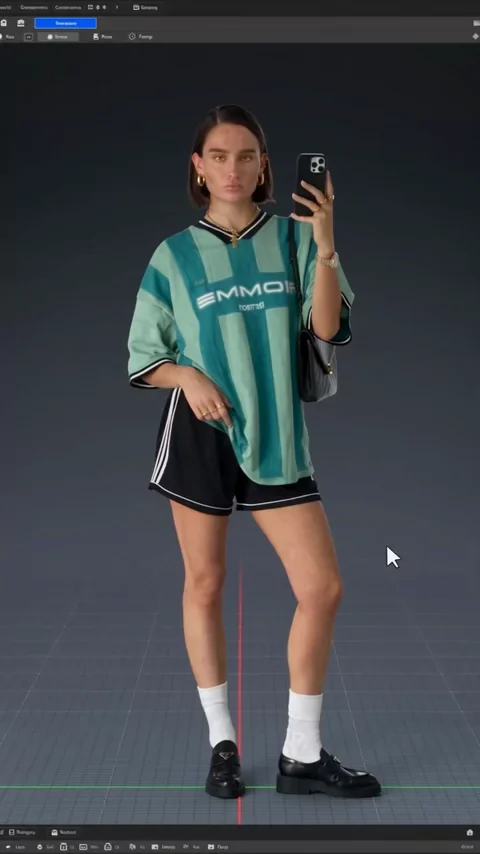
Turn a portrait into a rotating character reveal.
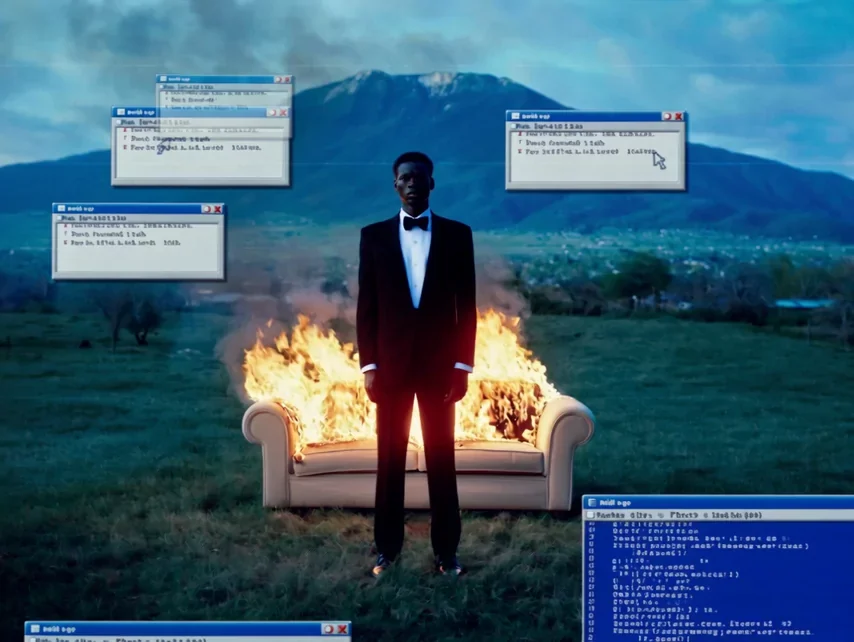
Add a surreal retro-computer twist.
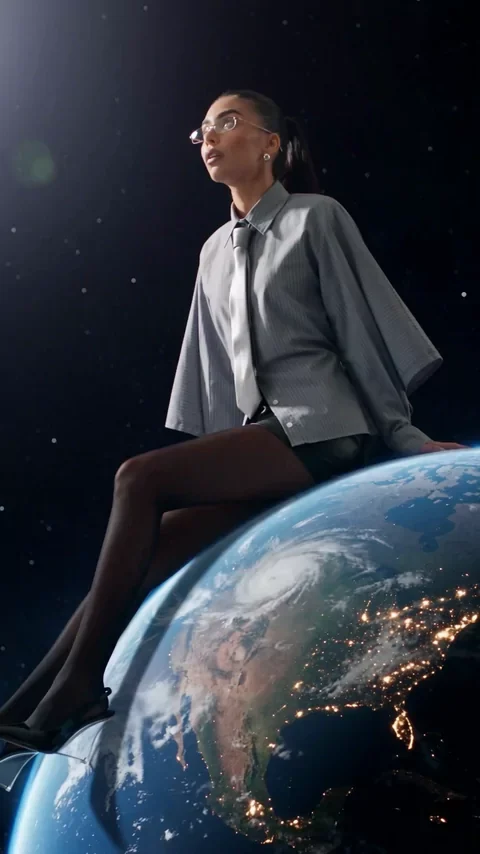
Watch the planet turn beneath your feet.
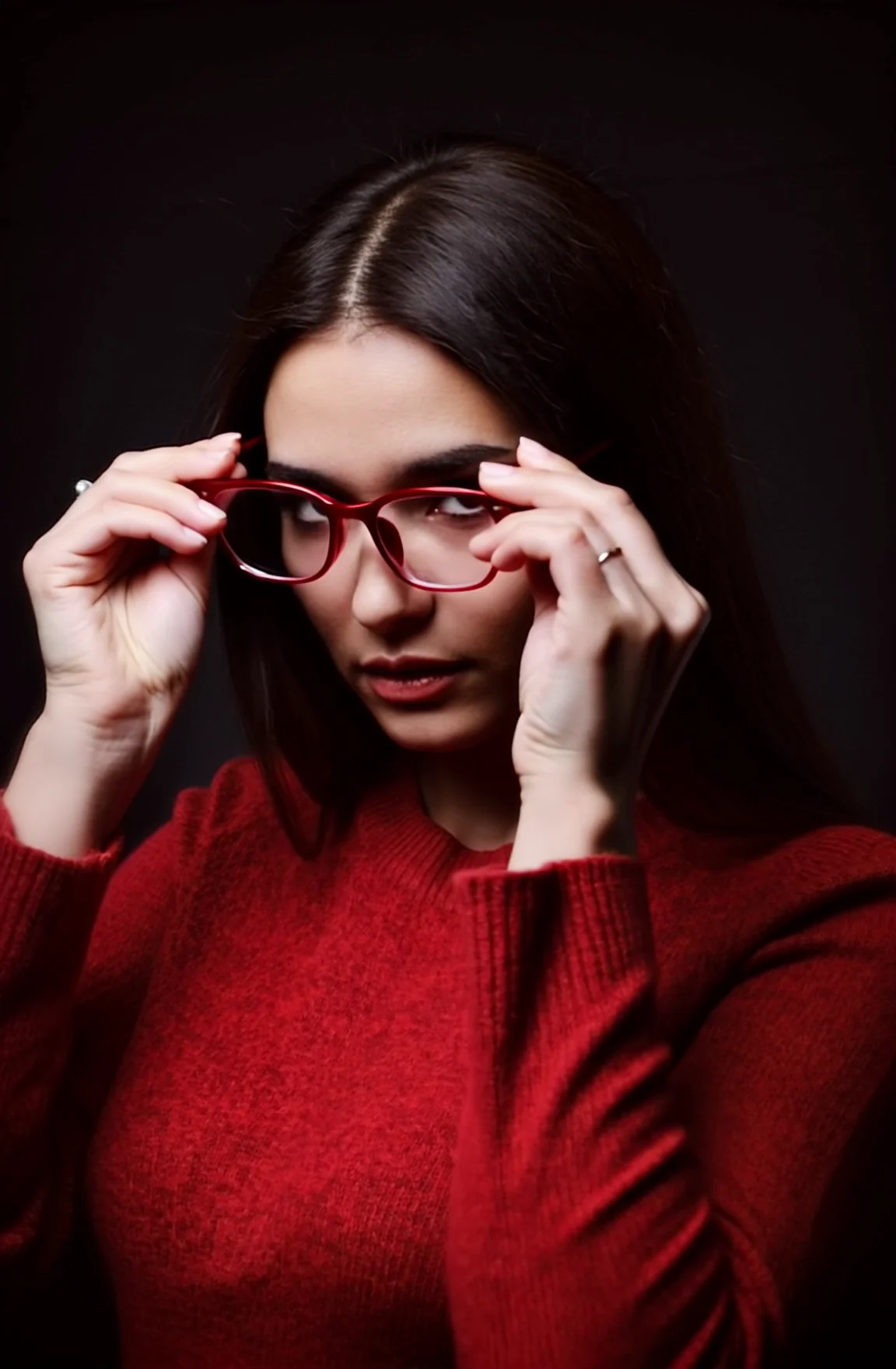
Turn a portrait into a little style moment.
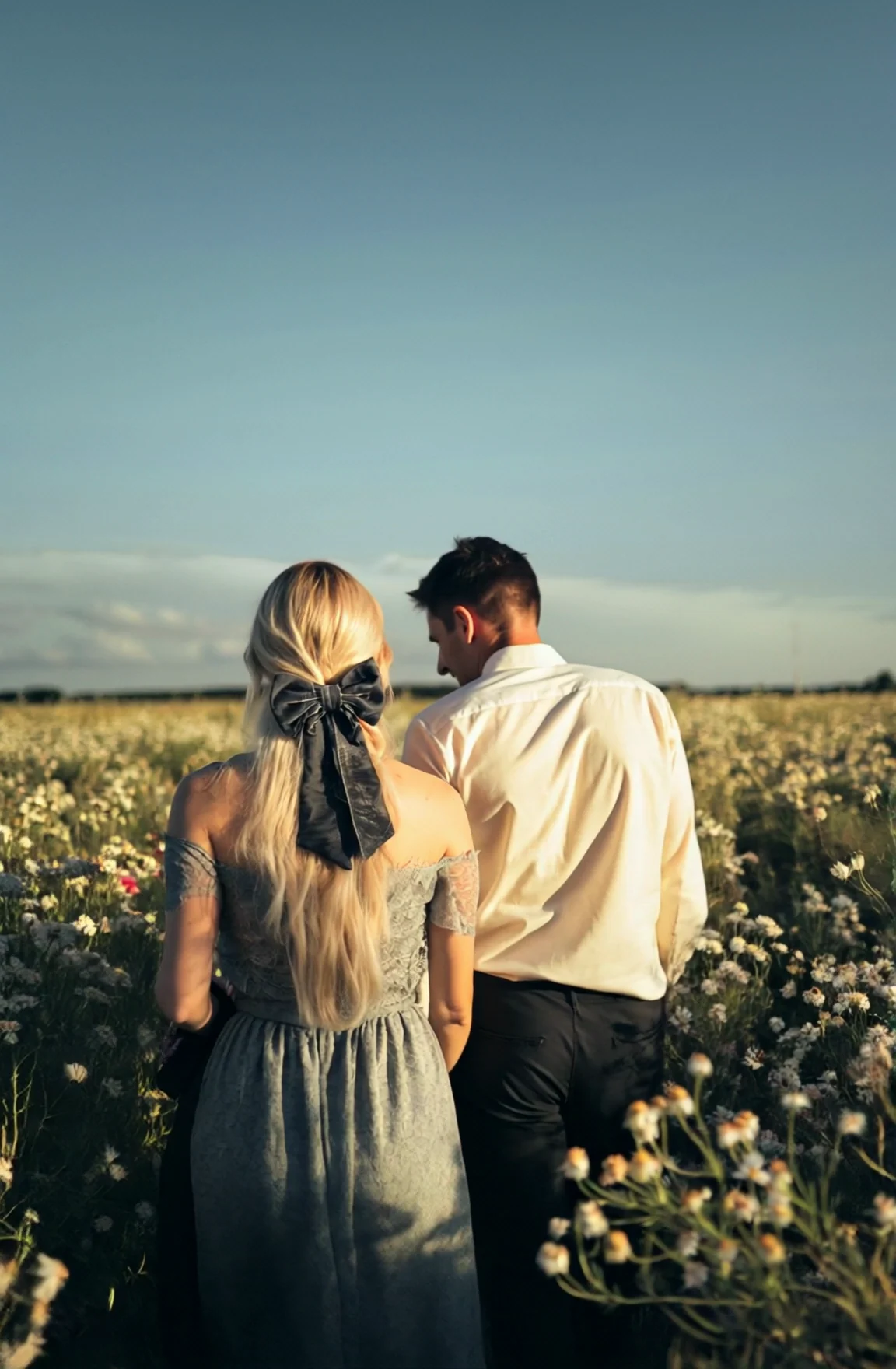
Give an everyday moment a dreamlike setting.
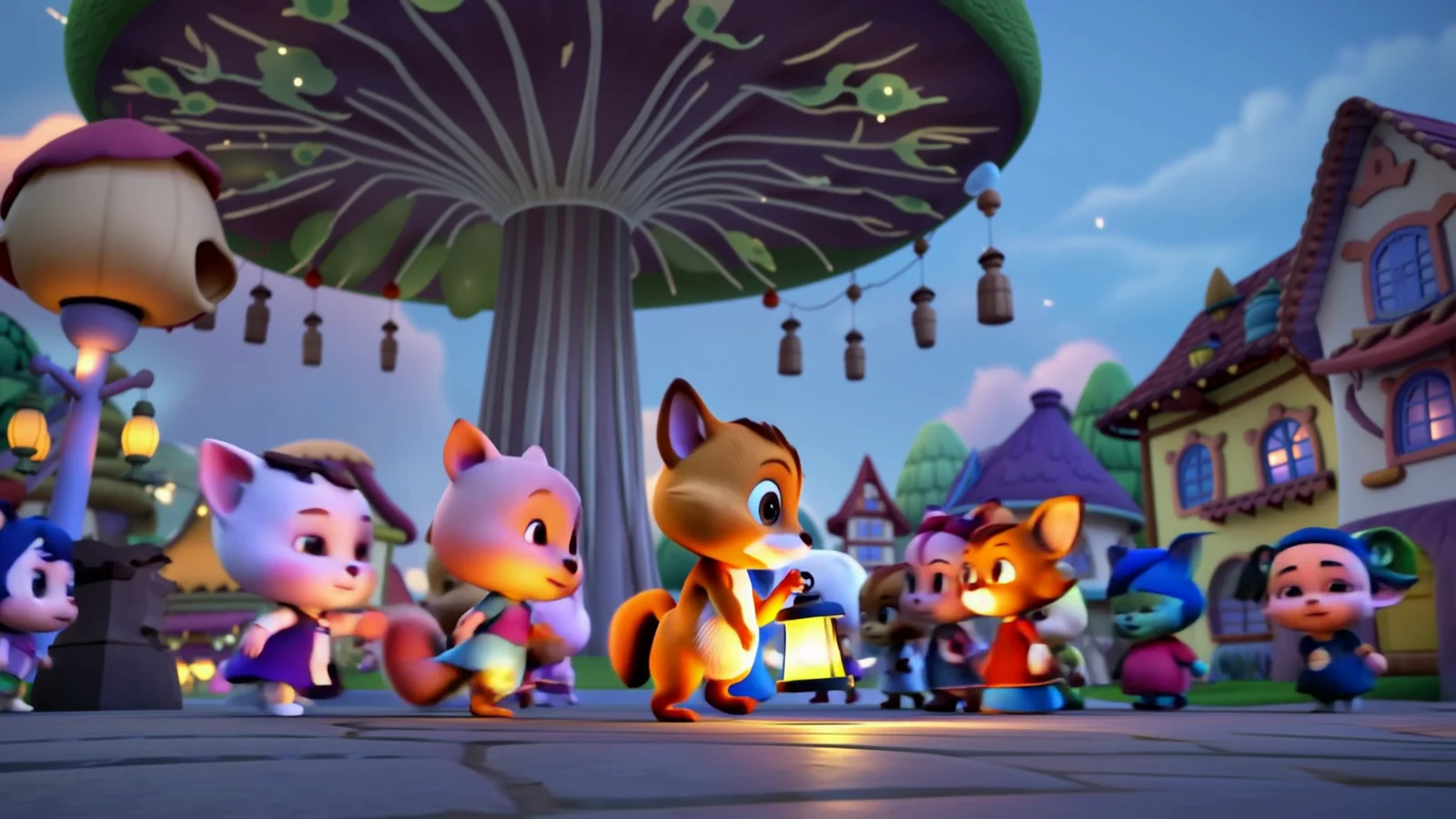
Dream up a playful world of your own.
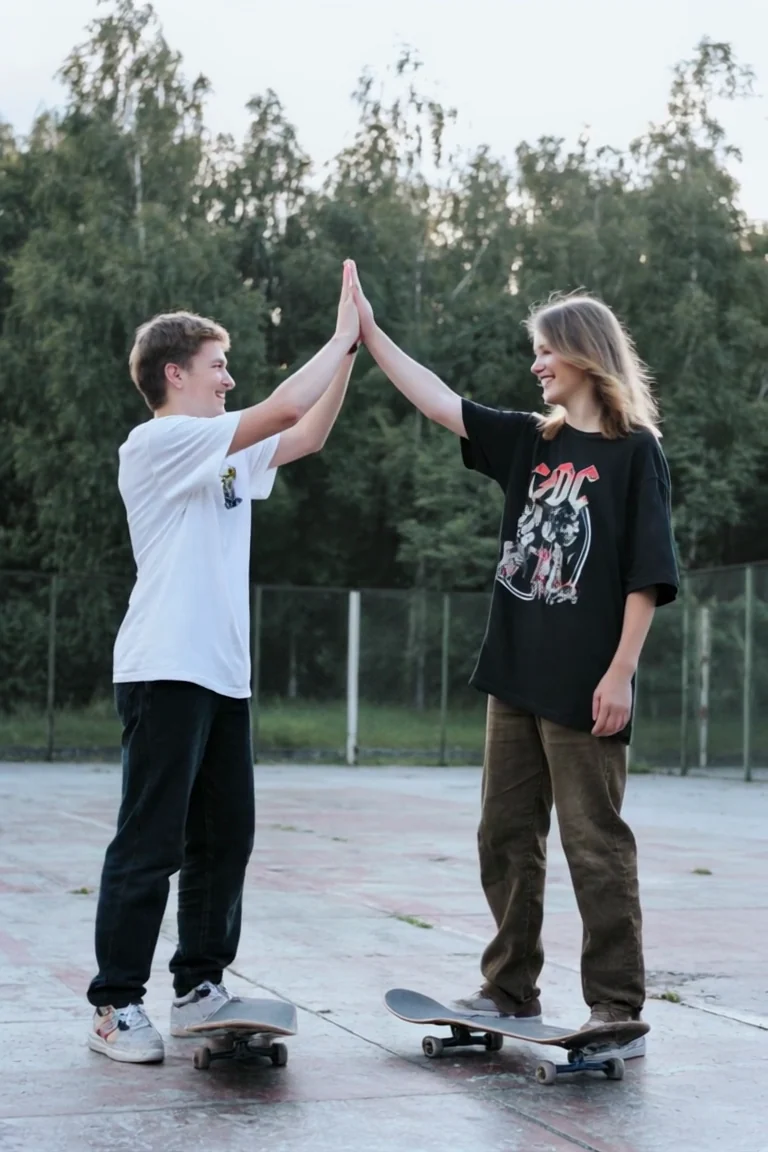
Turn a photo of friends into a high-five.
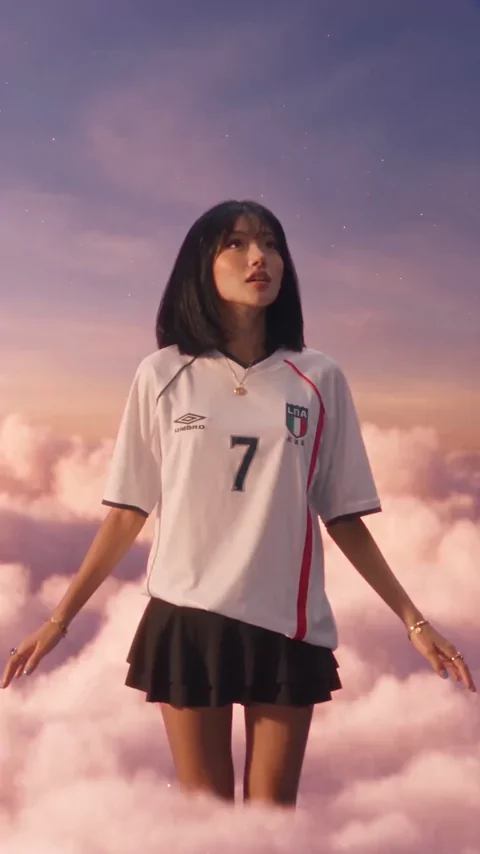
Drift through a pastel sunset dream.
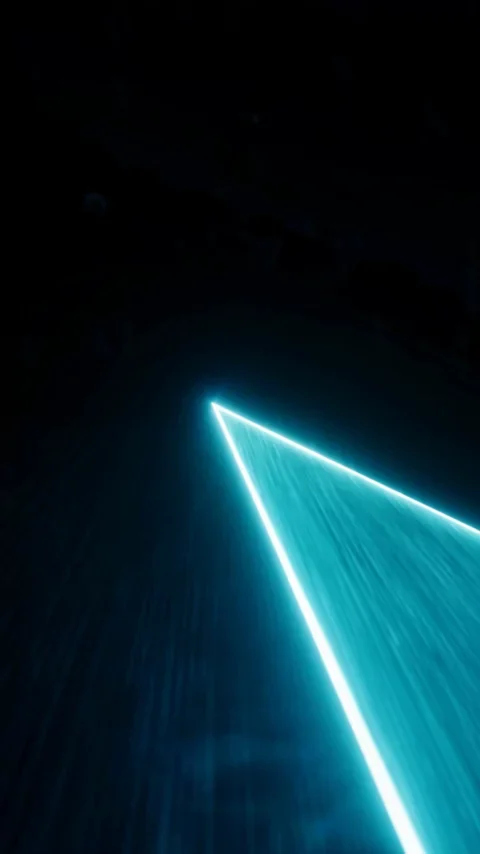
Reveal your portrait through a glowing scan.
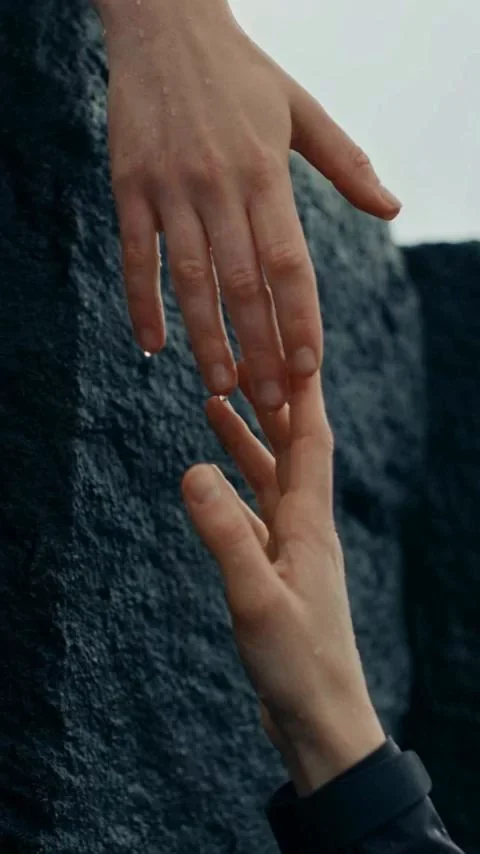
Give an action scene a surreal twist.
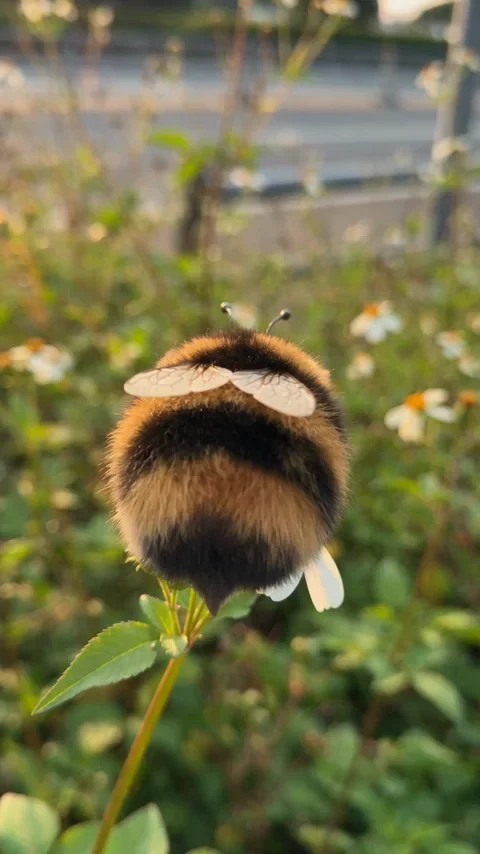
Turn a small character into a soft garden daydream.
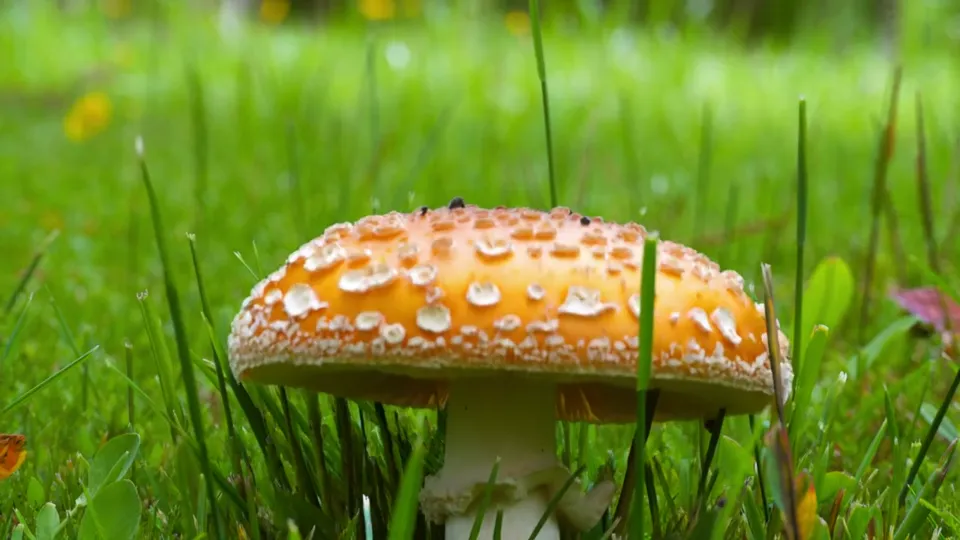
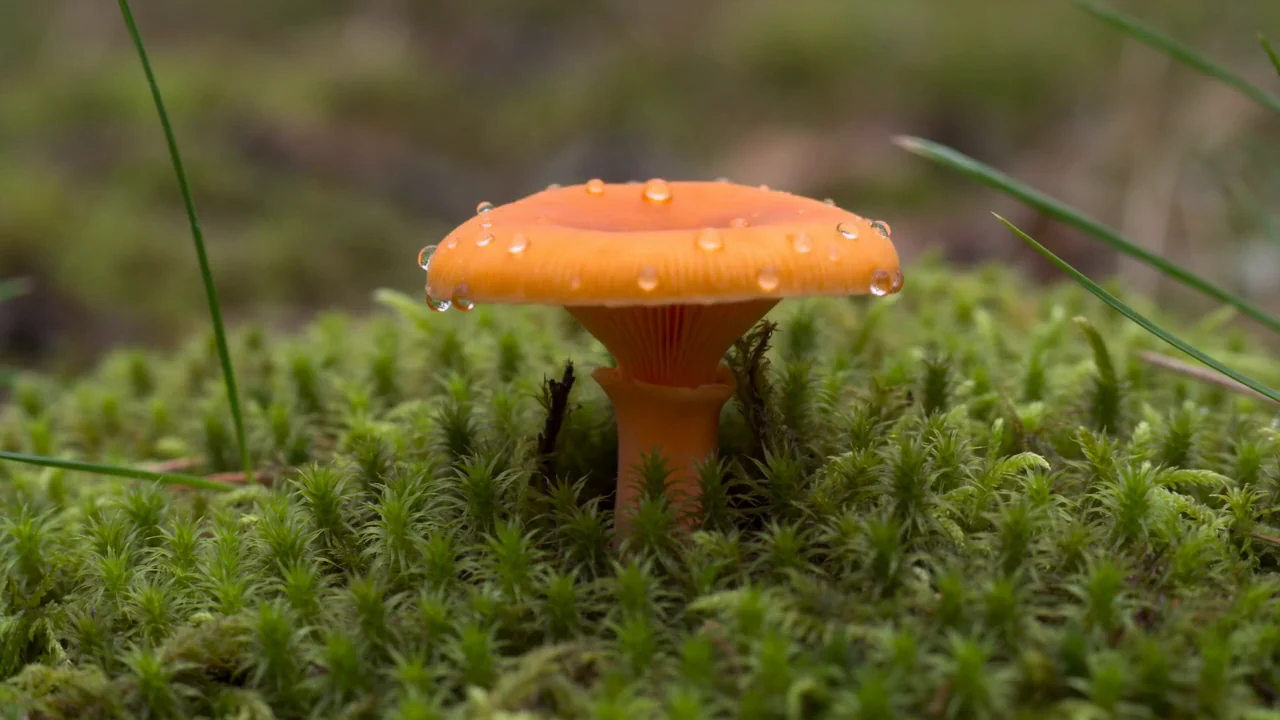
A dewy mushroom grows in spring grass.
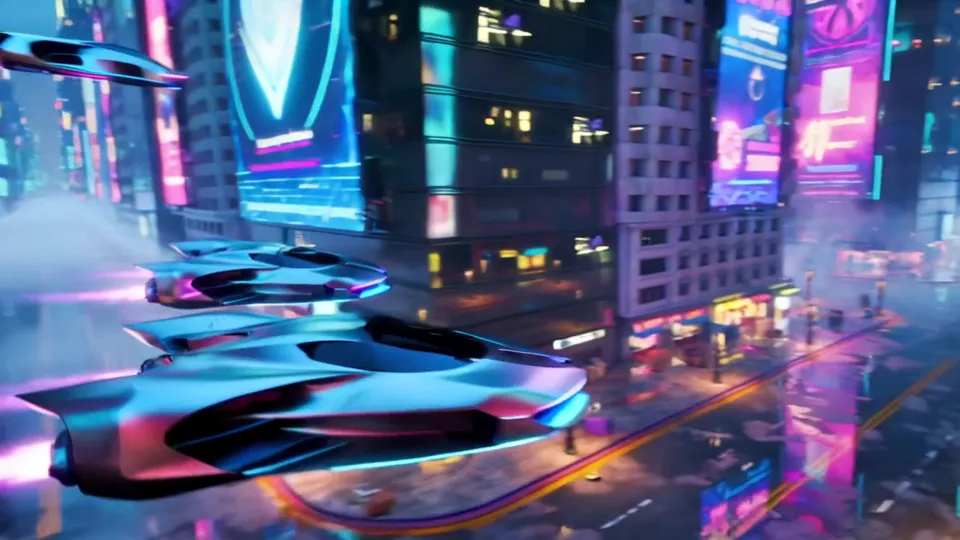
Hover cars race through a neon cityscape.
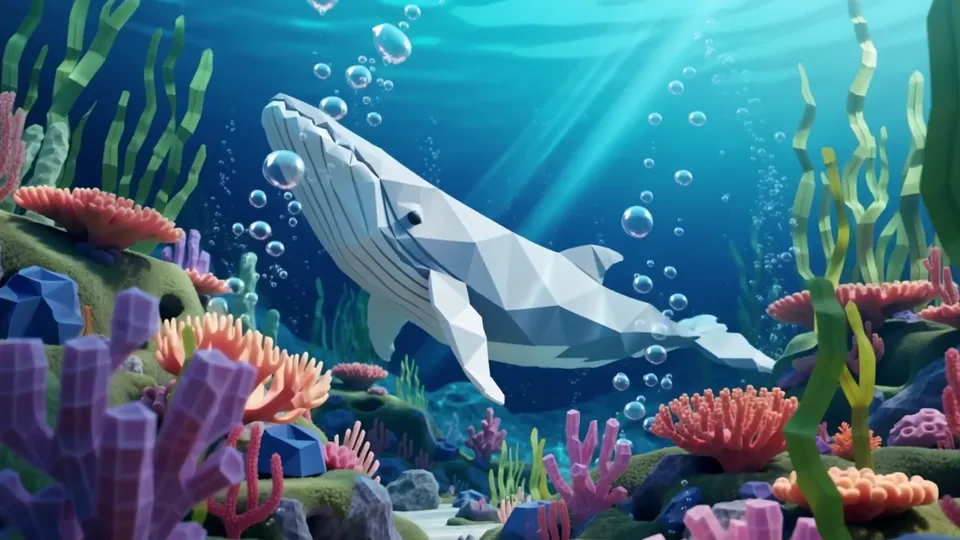
A faceted whale glides over a coral reef.
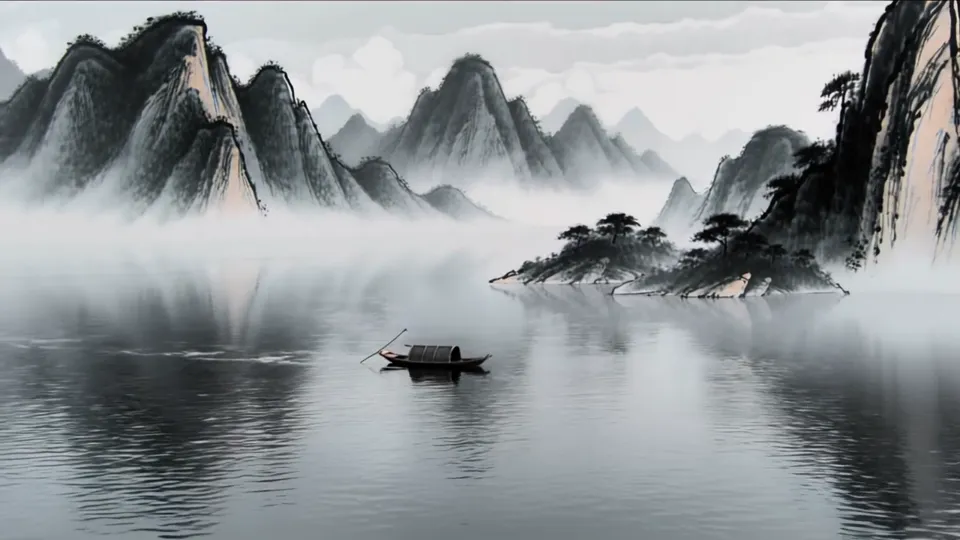
A tiny boat crosses a misty ink-wash lake.
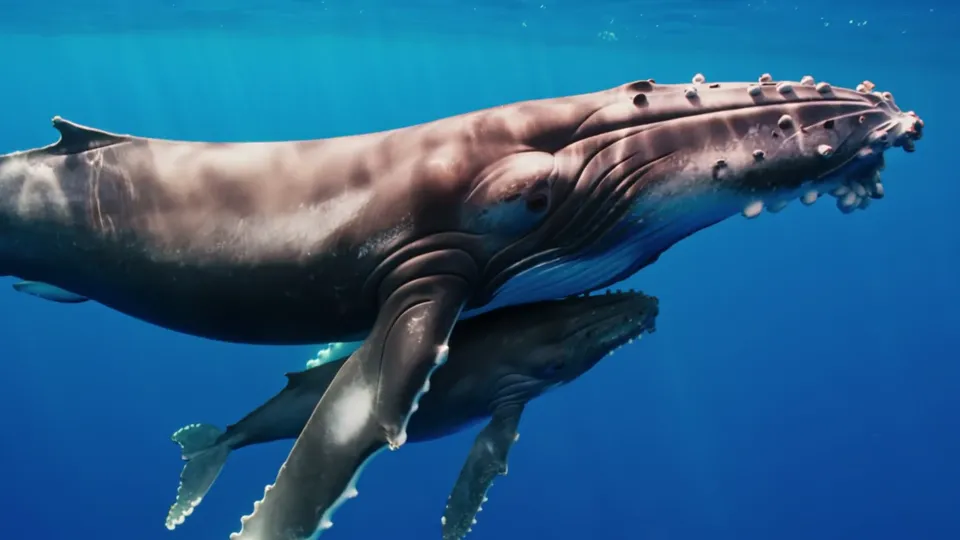
A whale mother swims with her calf.
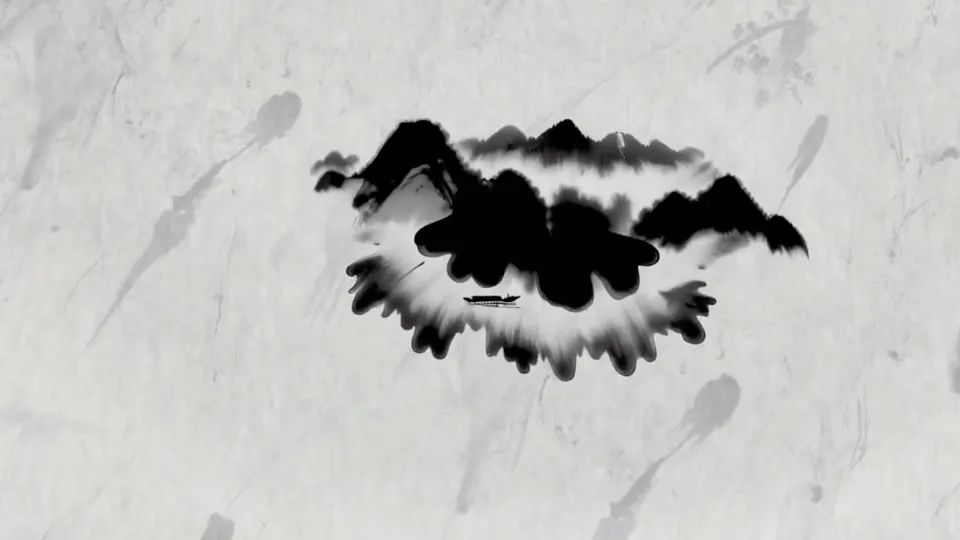
Ink drops bloom into a mountain scene.
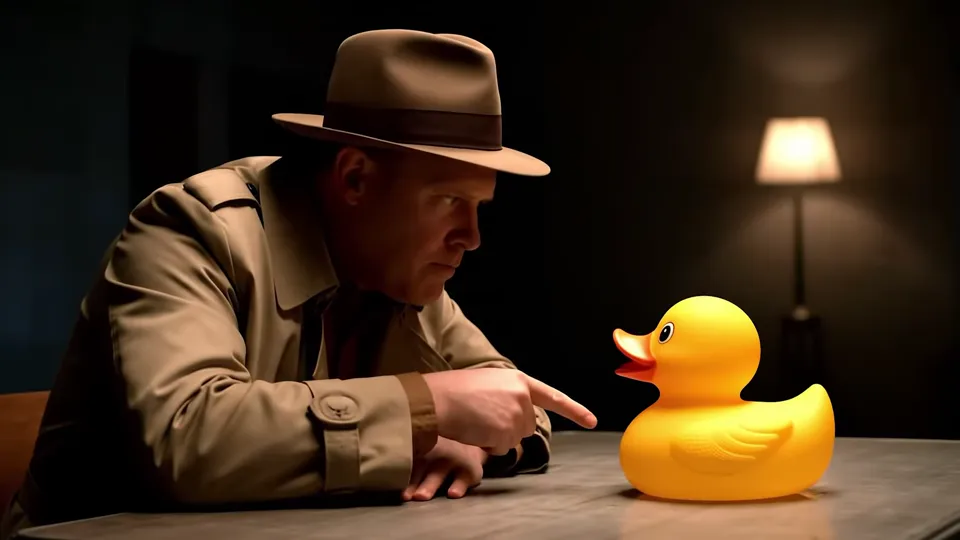
A trench-coated detective questions a rubber duck.
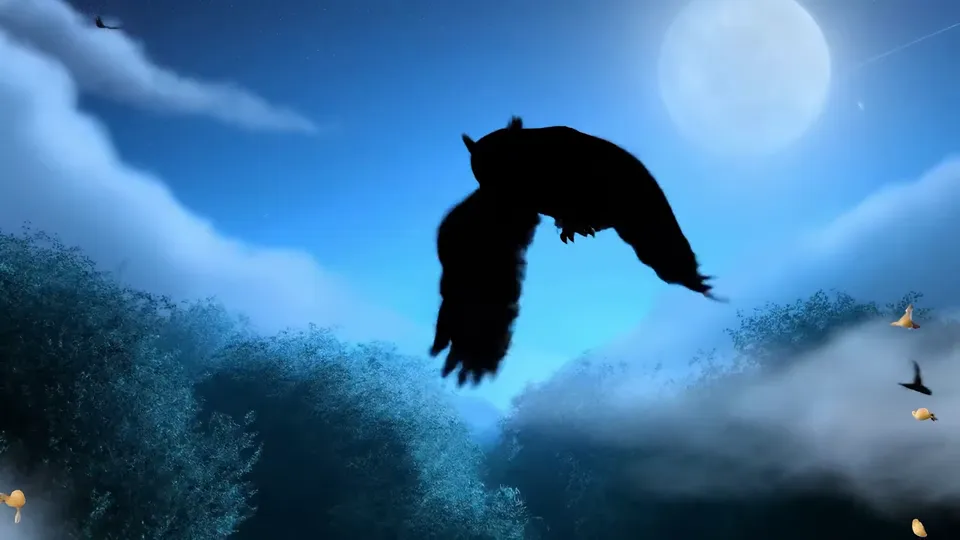
An owl glides over a blue night forest.
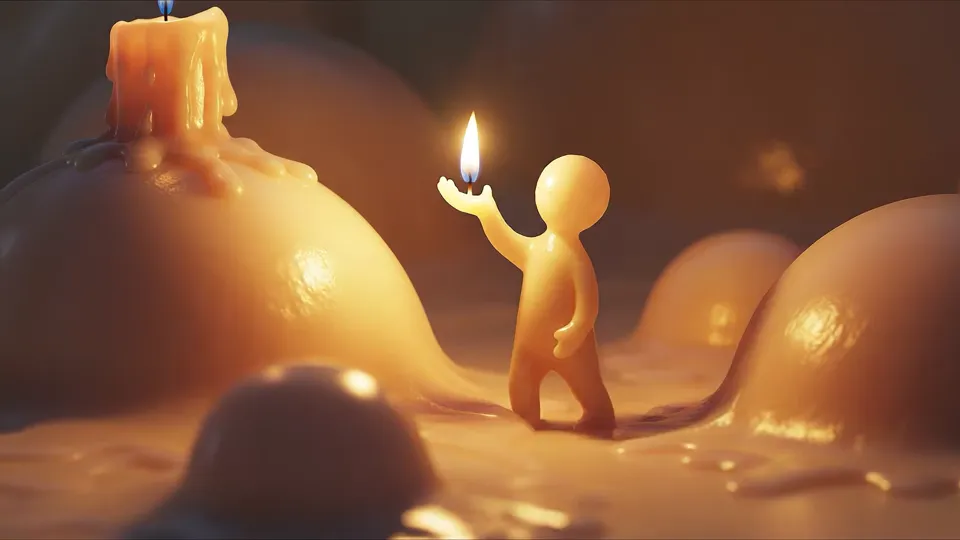
A small wax figure warms itself by a flame.
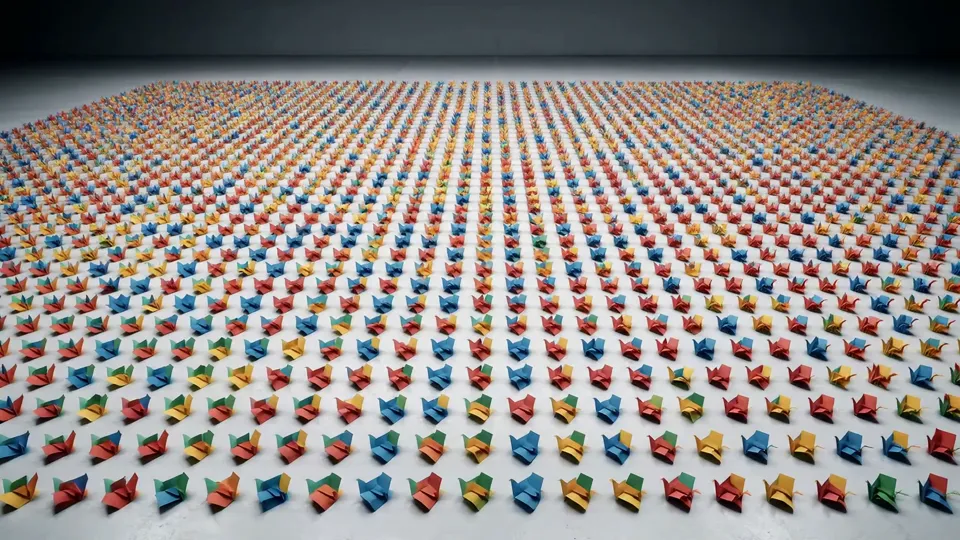
Thousands of paper squares ripple across a white floor.
A polar bear steps out of an ice cave into daylight.
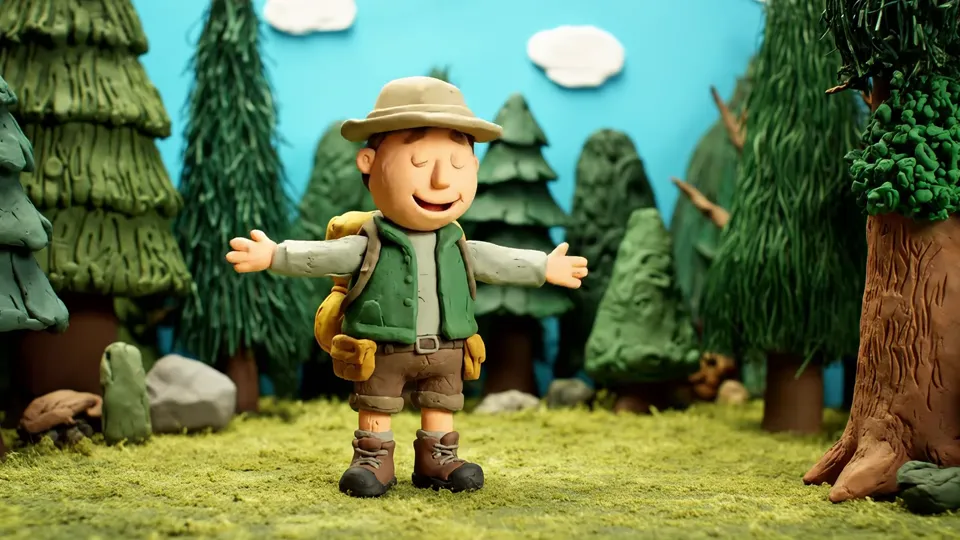
A clay explorer greets a friendly bear in the woods.
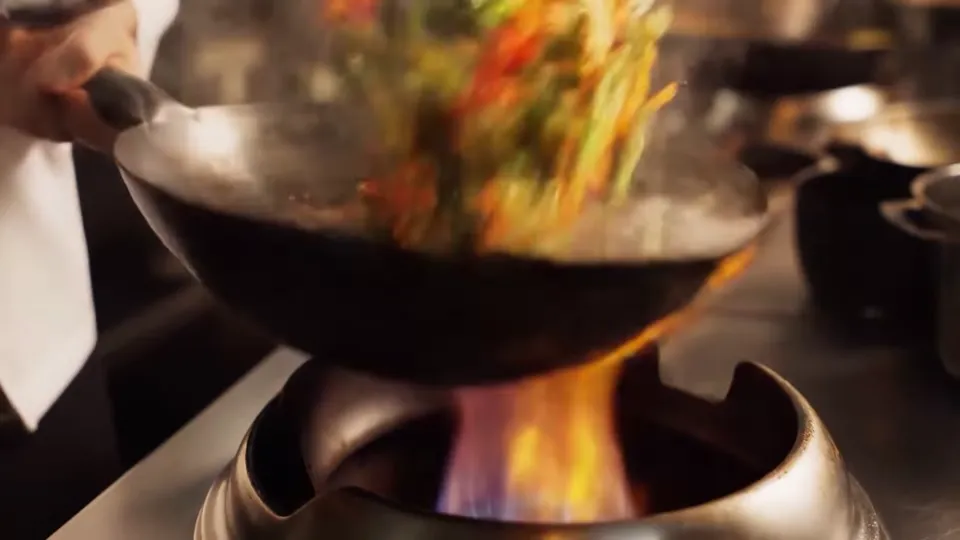
Flames lick a wok of tossed vegetables.
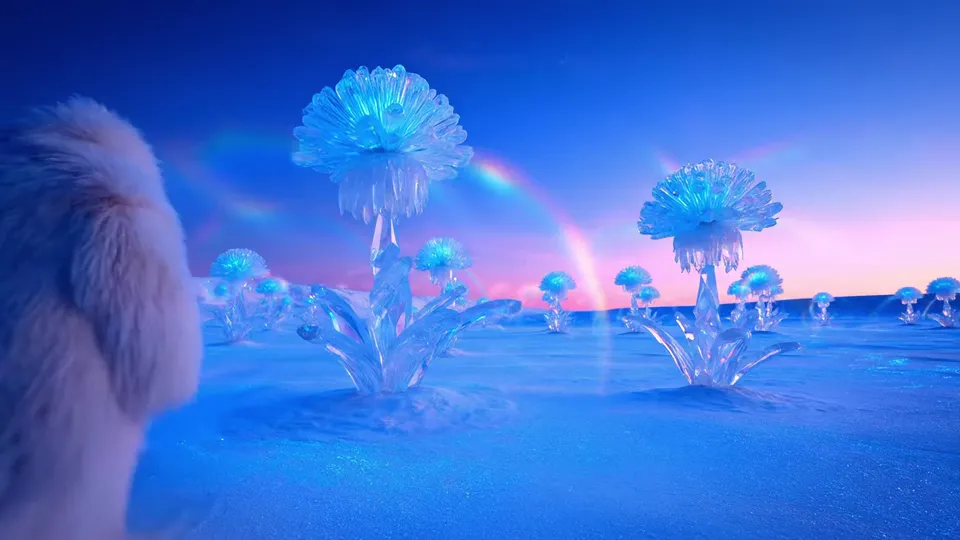
Glowing crystal flowers rise from lunar dust.
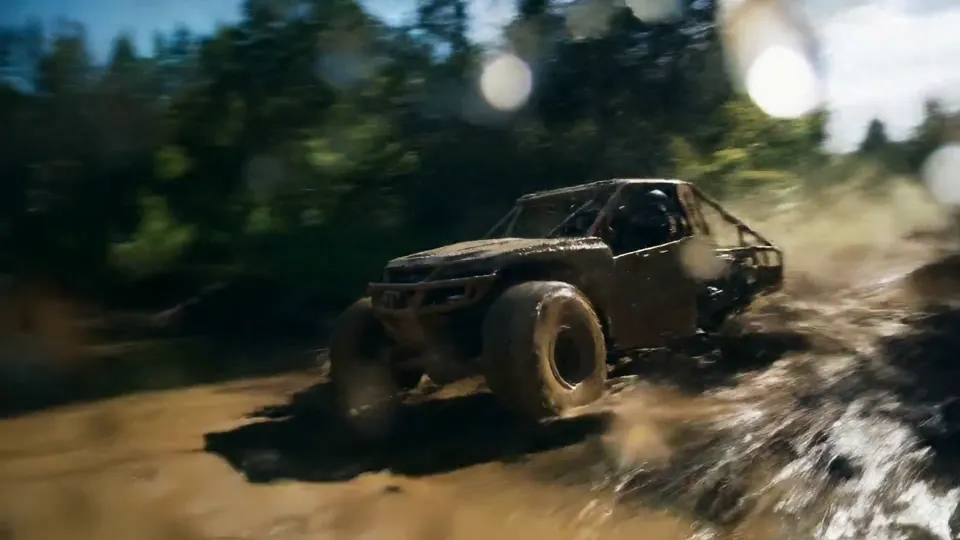
An off-road truck bursts through a muddy stream.
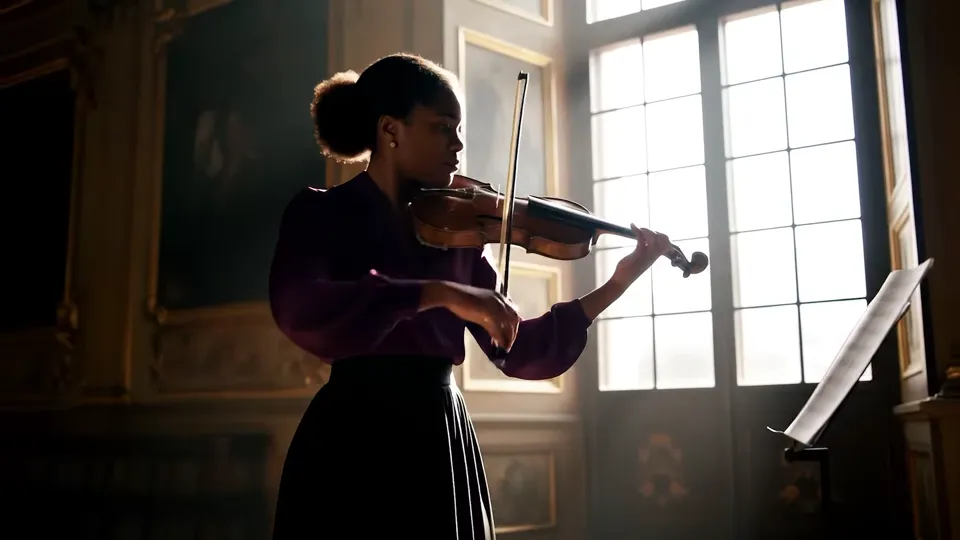
A violinist plays beside a sunlit window.
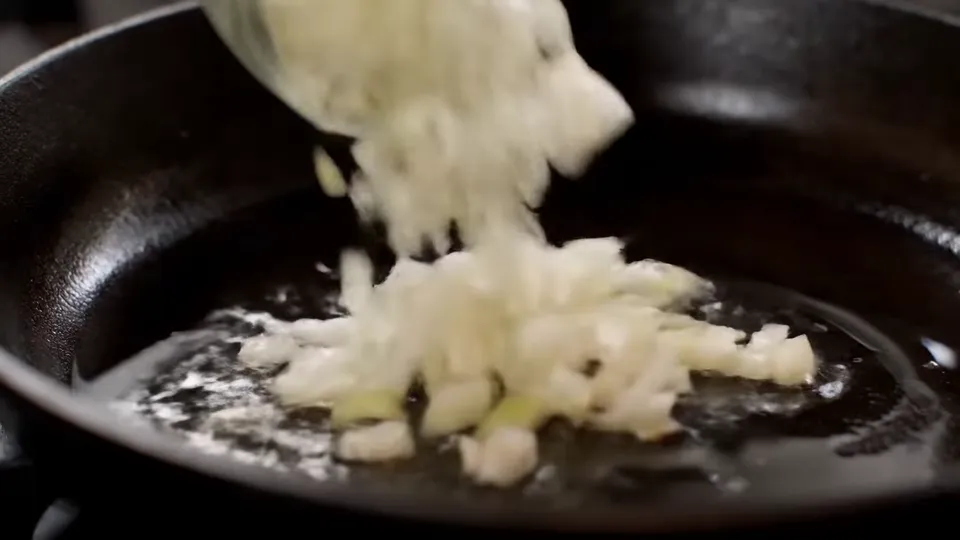
Chopped onions turn golden in a hot pan.

A cartoon puppy bursts out of its picture.
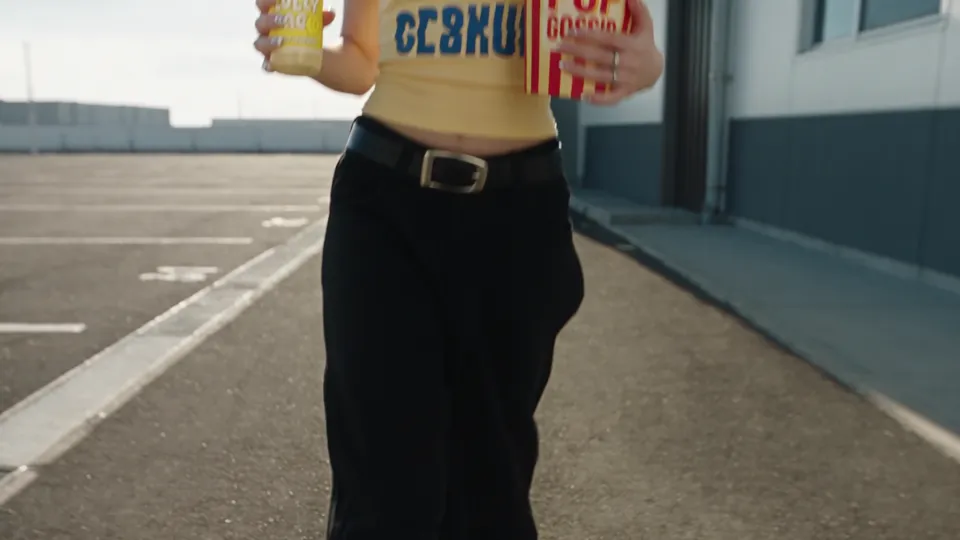
A person leans back and floats with their snack.
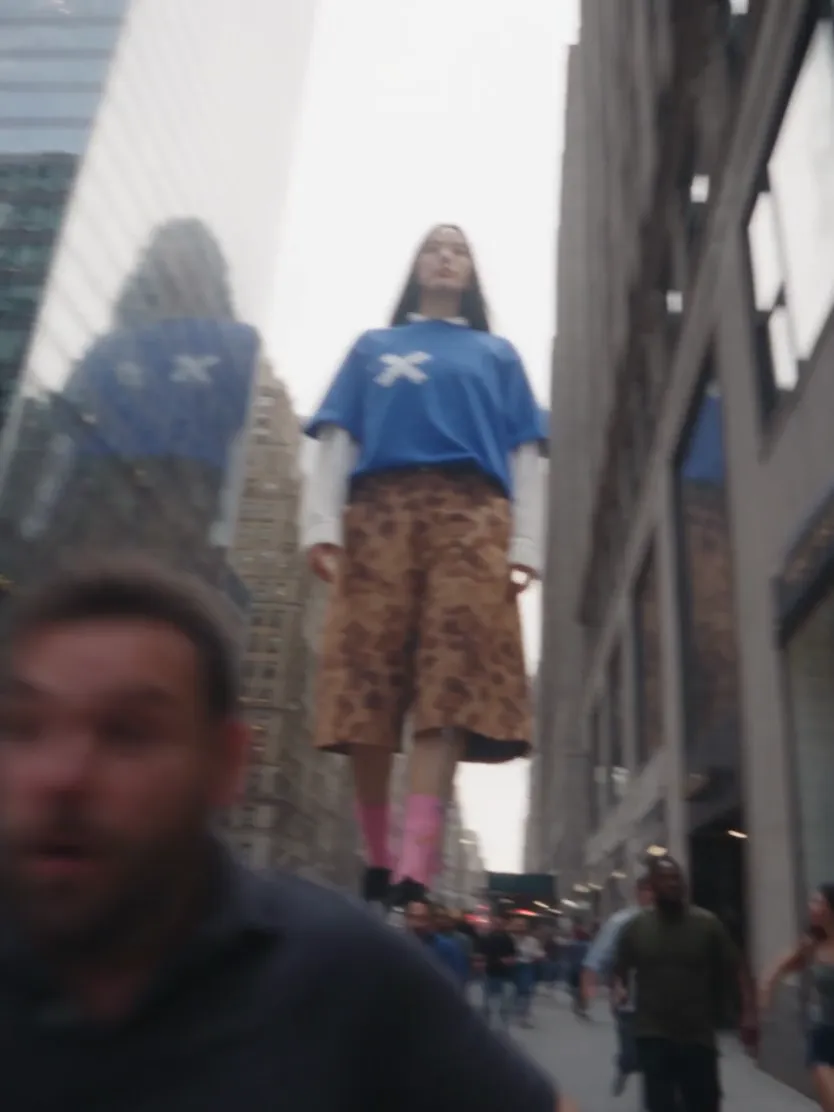
A giant towers over a busy city street.
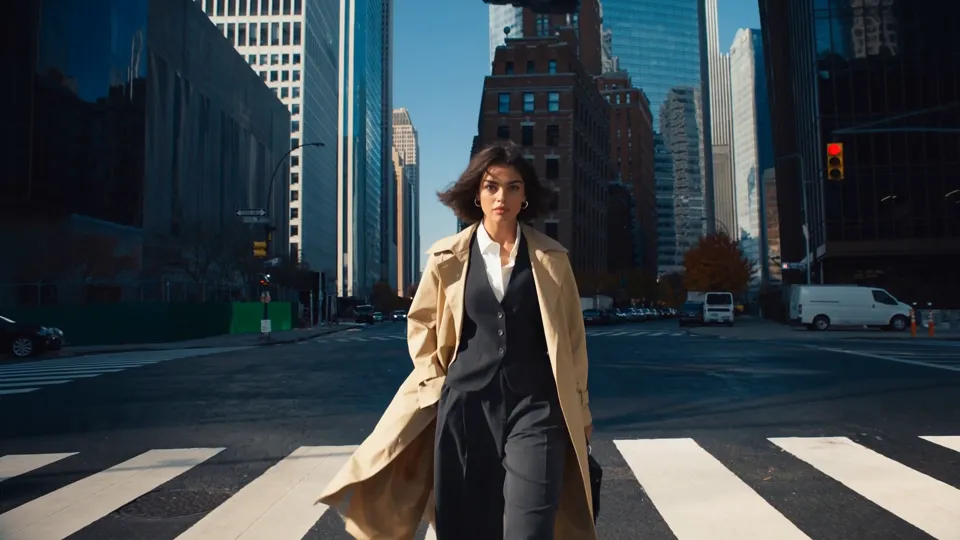
The street folds into a new world around a walker.
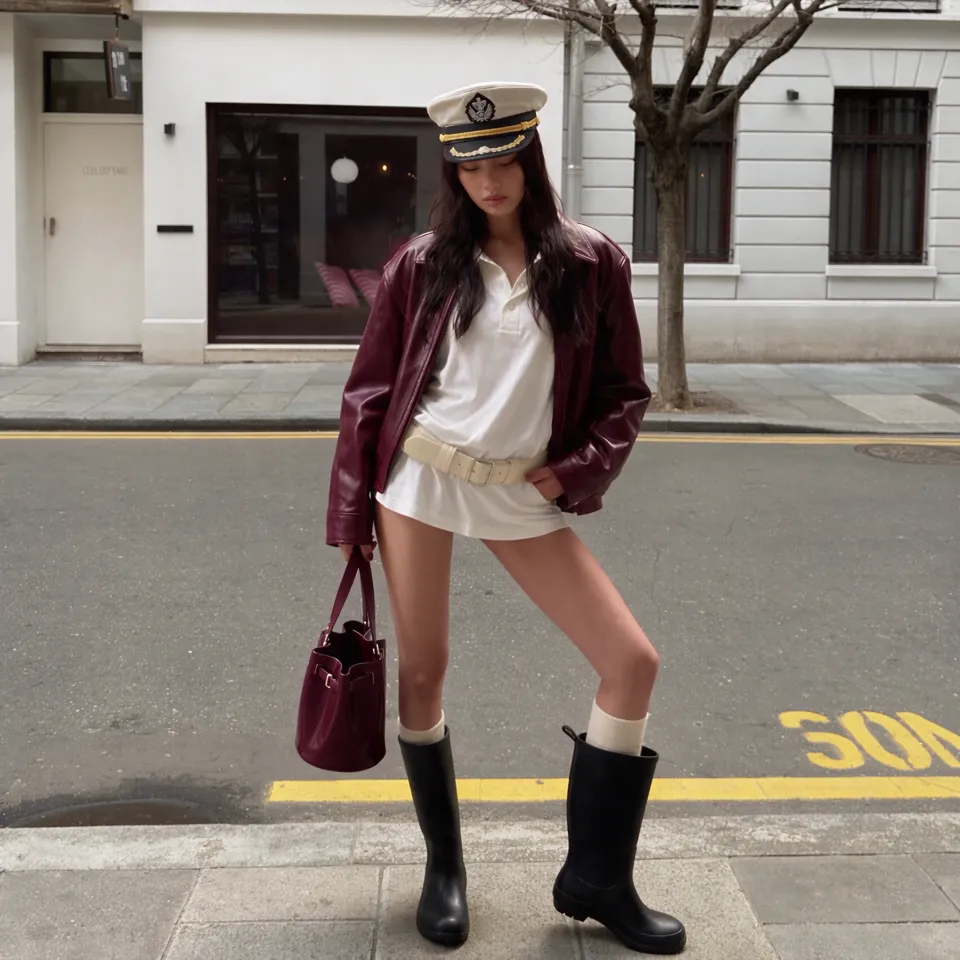
A portrait melts into liquid and vanishes.
Browse by the moment you want
Every SceneWish AI video template starts from one photo and one clear effect. Open a template to see the example, the photo it needs and your credit quote.
Frame from the SceneWish Finger Heart example.
Chosen, not collected
Not every trend deserves a template. SceneWish keeps the effects that look striking, feel fun to try and work with everyday photos, then tests them until the result can be repeated. Each template ships with its recipe and a recorded example.
Start with the effect
A portrait gesture, a pet role and a camera move need different starting images. Open a template to see the demonstrated result and its input guidance before you generate.
Everything is prepared
A template bundles what usually takes trial and error: the motion instructions, a model that suits the effect and the settings it supports. You add the photo, check the credit quote and press Generate.
Start with a demonstrated action and the photo it needs. SceneWish handles the rest of the setup.
Play an example and open the template that fits your idea.
Follow the template's input guidance. It prepares its model and motion recipe; review the current quote before generating.
Review the subject and movement in the completed clip, then download the version you want to share.
Use an AI video template for a prepared effect. Open a workspace when you want to choose the motion yourself.
SceneWish example input
Use a portrait, pet photo or illustration as your starting frame, then describe its movement.
Open Image to Video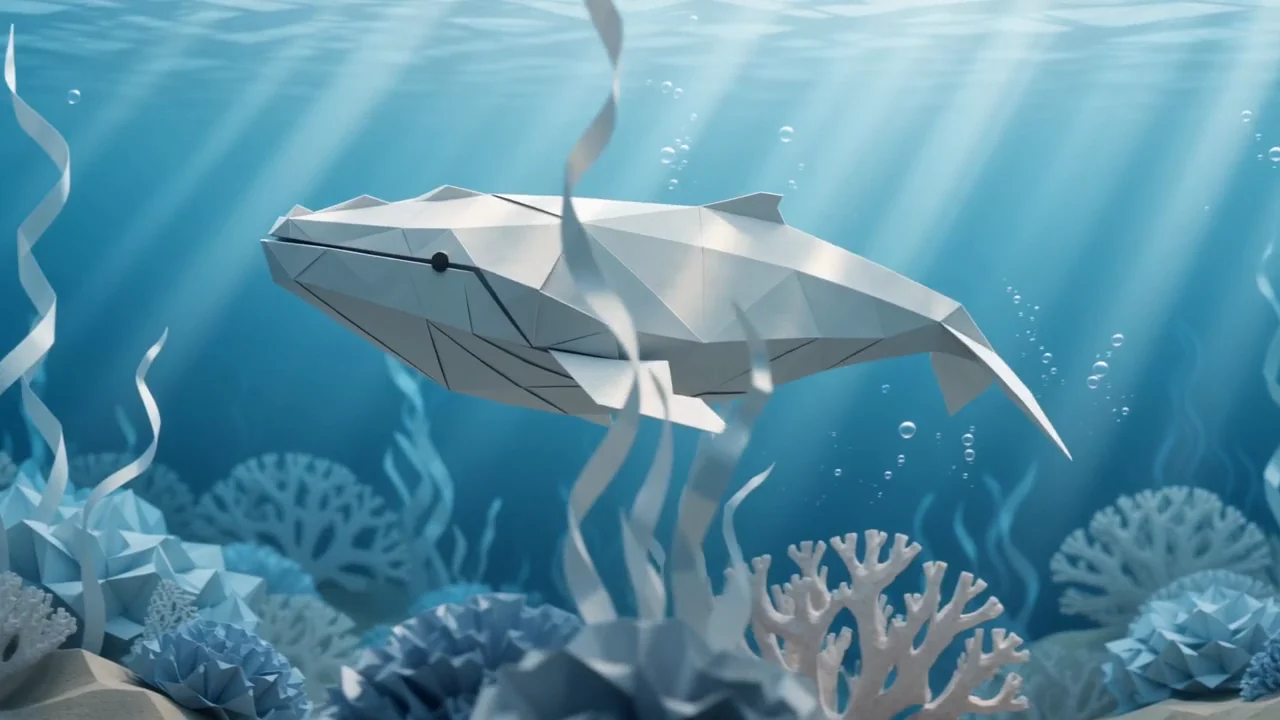
SceneWish text-to-video example
Describe a character, place and action when you want to invent the whole shot.
Open Text to VideoBrowsing templates is free. Check the credit quote before generating, then choose a plan or one-time pack based on how often you create.
Starter
500 credits
For occasional short videos
Pro
1,000 credits
For regular video creation
Max
2,000 credits
For higher video volume
Starter
4,800 credits
For occasional short videos
Pro
9,600 credits
For regular video creation
Max
20,000 credits
For higher video volume
500 credit pack
500 credits
One-time payment. No subscription required.
1,000 credit pack
1,000 credits
One-time payment. No subscription required.
2,500 credit pack
2,500 credits
One-time payment. No subscription required.
What is prepared for you, what you bring and how to choose a useful result.
Start with the effect
Watch an example, check the photo requirements and add your own photo.
Browse AI video templatesSceneWish-generated video example.