
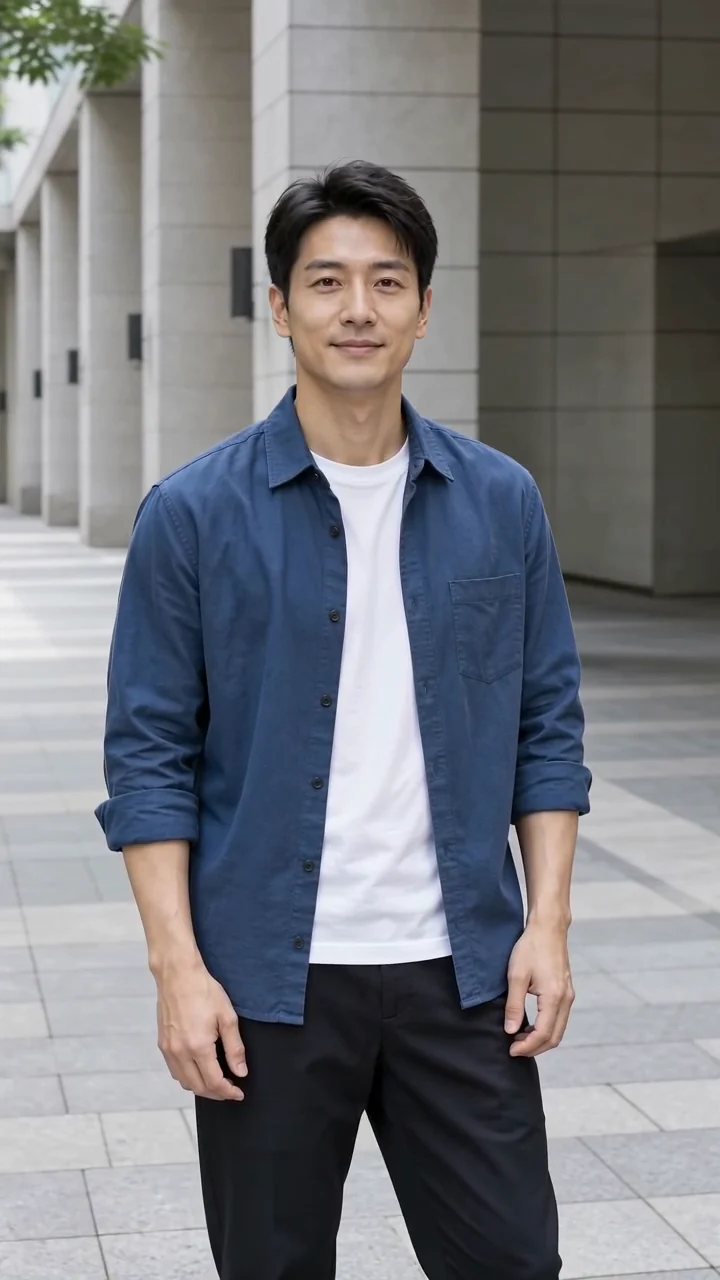

Turn a portrait into a quiet, tearful moment. Add one photo and make a short emotional clip of your own.
 Example video
Choose one clear, front-facing adult portrait with both eyes visible.
JPG, PNG or WebP · up to 10 MB · at least 128 × 128 px
5 seconds · 720p · Silent video
Example made with this template from a fictional adult portrait. Your expression and motion may vary.

Effect
AI Crying Effect
Example made with this template from a fictional adult portrait. Your expression and motion may vary.
Give a reaction clip or a character moment a softer ending. The AI crying effect lets a still portrait well up and a tear roll down each cheek, without asking you to write a prompt.
Short, emotional moments work best when the portrait is clear and the purpose is playful or expressive.
Use a portrait of yourself to make a quiet, tearful reaction for a story, a skit intro or a mood post.
Give a fictional or consenting adult portrait a quiet emotional beat to open or close a short story.
Use the effect as one beat in a trend-style edit or mood-post sequence, then add captions and music in your editor.
Choose the photo for this effect. The template prepares the model and motion so you can focus on your version.
Steps
Use a well-lit adult portrait with both eyes and cheeks visible. Keep one person in the frame.
The AI crying effect template prepares the motion and model. Choose a supported format, add your photo and check the current credit quote before generating.
Check the expression, eyes and tears before sharing. This AI crying effect asks for a quiet emotional moment; results can vary. Download the finished clip for your greeting, post or edit.
Play a related effect, then open it to use your own photo.
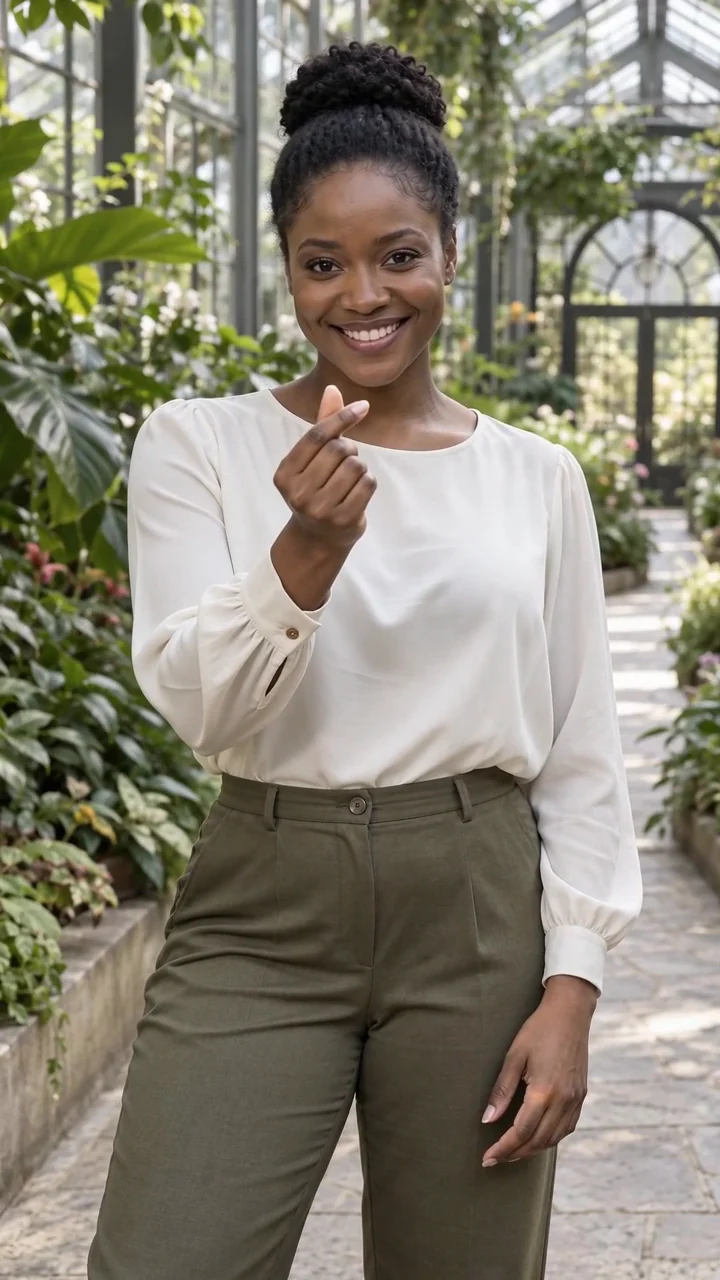
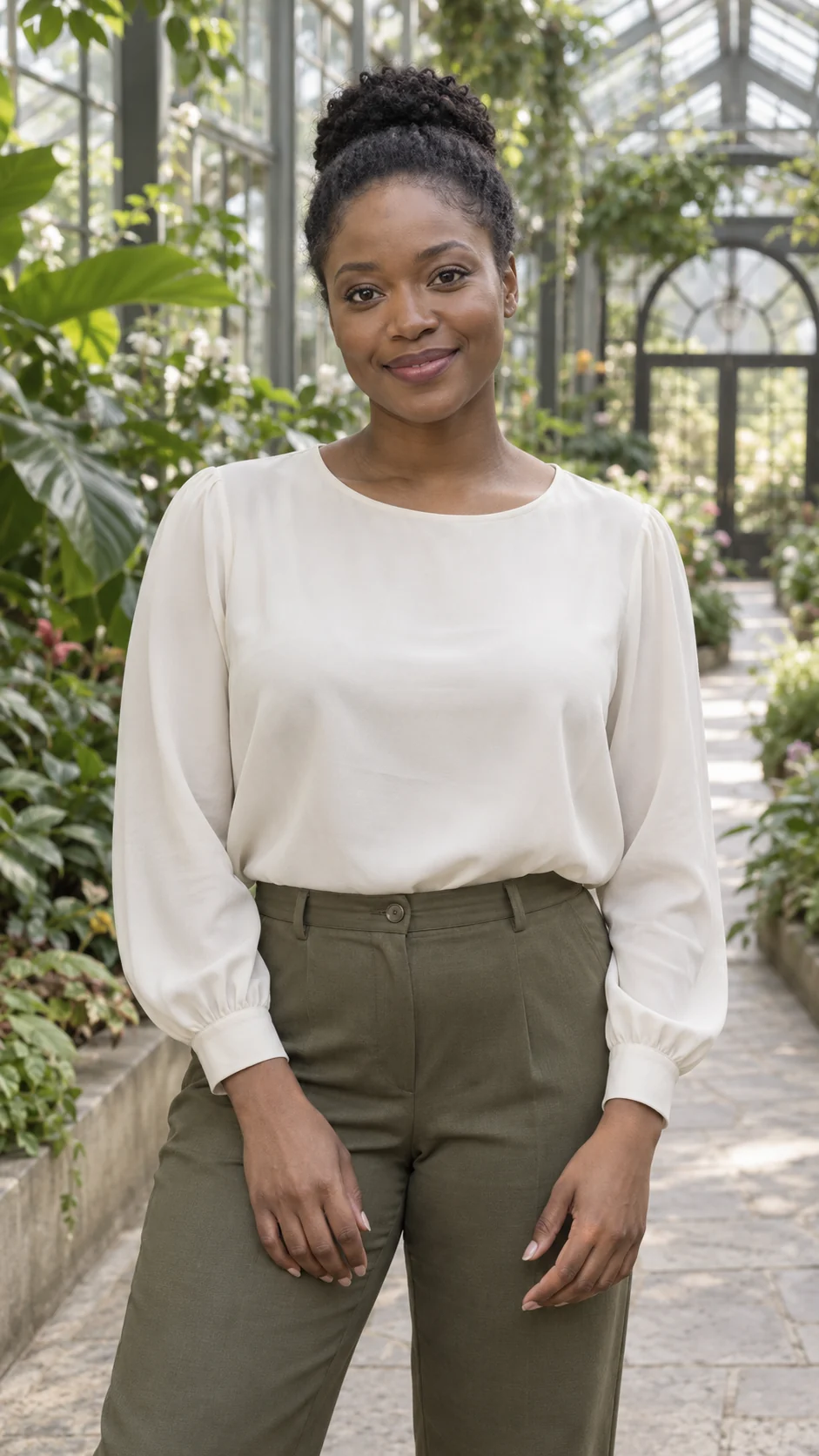
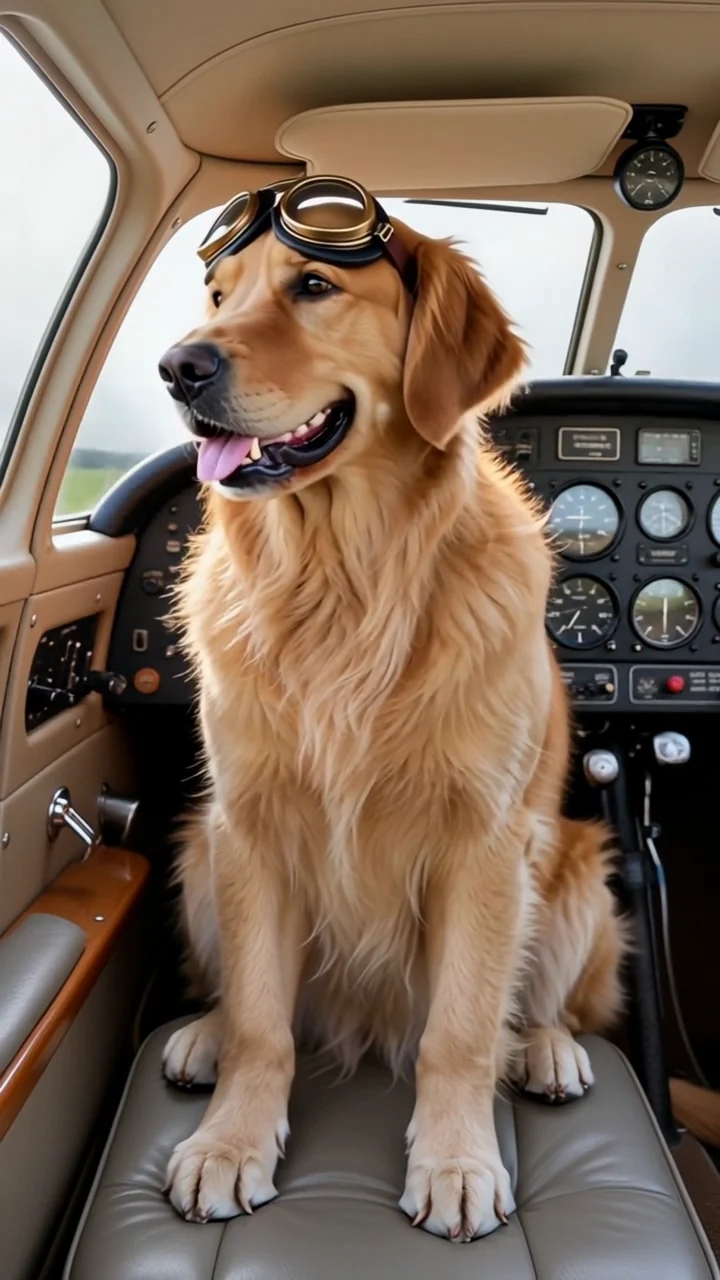

Choose a suitable photo and know what to expect from your clip.
The credit quote for your own version appears before you generate. Choose a monthly plan, annual credits or a one-time pack that fits how often you create.
Starter
500 credits
For occasional short videos
Pro
1,000 credits
For regular video creation
Max
2,000 credits
For higher video volume
Starter
4,800 credits
For occasional short videos
Pro
9,600 credits
For regular video creation
Max
20,000 credits
For higher video volume
500 credit pack
500 credits
One-time payment. No subscription required.
1,000 credit pack
1,000 credits
One-time payment. No subscription required.
2,500 credit pack
2,500 credits
One-time payment. No subscription required.
Your version is next
Add a clear photo, check the credit quote and create a short video you can preview and download.
Add your photo